
February 4, 2026
- AI Technology
- Interior Design
- Design Tools
The Future of Interior Design Visualization: How AI Technology is Transforming 2D Concepts Into 3D Reality
Hemanth Velury
CEO & Co-FounderThe Future of Interior Design Visualization: How AI Technology is Transforming 2D Concepts Into 3D Reality
A Complete Guide for Modern Interior Designers in 2026
The interior design world is experiencing a quiet revolution, and it's happening right now in real-time. The tool that's driving this change isn't a fancy new software suite or an expensive hardware investment. It's artificial intelligence, specifically, AI-powered visualization technology that transforms simple 2D floor plans and blueprints into stunning, photorealistic 3D renders in seconds.
If you're an interior designer still sketching out concepts by hand, waiting days for renderings, or spending hours going back and forth with clients over conceptual drawings, you're about to discover something that will fundamentally change how you work. The future of interior design visualization isn't something that's coming in five years. It's already here.
The Design World Has a New Problem: Too Many Good Ideas, Not Enough Time
Here's the reality: as an interior designer, you're constantly fighting against the clock. Your clients want to see multiple design directions. They want to understand how their space will feel before you start placing orders or breaking ground. They're increasingly savvy about design trends and want options, not just one vision, but three, four, maybe five different possibilities they can compare side by side.
Traditionally, this has meant investing in expensive 3D rendering software, learning complex tools that take weeks to master, or outsourcing to specialized rendering studios that charge thousands of dollars per image and take days to deliver results. The bottleneck hasn't been creativity, it's been the ability to quickly visualize your creative concepts for clients.
AI interior design visualization technology fundamentally flips this problem on its head.
What Changed: The AI Interior Design Moment
For decades, the journey from sketch to finished visualization followed a predictable, time-consuming pattern. You'd draw your floor plan. You'd create a 2D elevation. You'd either manually build a 3D model in specialized software or send it to a rendering studio and wait. Then, when clients asked for revisions, you'd start over. The cycle could take weeks from concept to approved render.
AI 3D visualization has compressed that entire timeline. Today, the same journey takes minutes.
With AI interior décor tools now available, you can upload a simple blueprint, watch it automatically recognize walls, doors, windows, and room dimensions, and get back a full three-dimensional model that's ready for styling. From there, AI virtual staging tools let you furnish that space, apply color schemes, adjust lighting, and generate photorealistic interior design renders - all without ever touching traditional 3D modeling software.
The speed advantage alone is transformative. But there's something equally important happening beneath the surface.
Speed Isn't Just About Saving Time: It's About Winning Work
Let's be direct: in the world of interior design, speed has become a competitive advantage. Here's why.
When you can generate three completely different design directions for a client in the time it used to take to create one rendering, something profound happens. You stop being constrained by the effort involved in visualization. Instead of asking yourself, "Can I afford the time to show my client this option?", you ask "What other options should I be showing my client?"
This shifts your entire positioning in the market.
Clients don't just see more options, they see a designer who is thoughtful, thorough, and client focused. They see someone who has explored multiple directions on their behalf. When you're showing five design variations to their one or two, you're demonstrating that you've invested genuine creative effort into their project.
The psychological impact shouldn't be underestimated. A homeowner comparing two designers will often choose the one who showed more concept exploration, more thoughtfulness in the visualization process. Speed in visualization translates directly into perceived value in the client's mind.
How AI Actually Works: From Floor Plan to 3D Masterpiece
Understanding the actual process helps demystify what feels like magic.
Here's what happens when you use an AI interior design platform like VirtualSpaces' Foursite to convert a floor plan to 3D: First, you upload your input. This could be a hand-drawn sketch, a scanned blueprint, a professional floor plan in PDF format, or even just a photo of your 2D floor plans. The AI doesn't care about format perfection: it's designed to work with the messy reality of actual design practice.
Next, the artificial intelligence system analyzes the image using what's called computer vision technology. It's looking for specific architectural elements: walls, doorways, windows, stairs, fixtures, and spatial relationships. The AI has been trained on thousands of floor plans, so it understands architectural conventions, symbols, and spatial logic at a level that would take a human weeks to replicate.
Within seconds, the AI converts that 2D floor plan into 3D visualization with accurate spatial relationships, correct wall heights, proper room proportions, and realistic depth perception. This is where the blueprint to 3D conversion happens. The system hasn't just translated the 2D image into 3D — it's understood the architectural intent and created a three-dimensional model that respects the original design.
From here, the real creative work begins. You're no longer fighting with software or struggling to place furniture in three-dimensional space. You're styling a space. This is where AI virtual staging comes in.
AI interior décor tools now allow you to:
-
Apply interior design styles instantly (Scandinavian, industrial, maximalist, minimalist, boho, japandi, contemporary - the style library seems endless)
-
Adjust and customize individual furniture pieces, colors, and materials
-
See how different color palettes work in the space
-
Understand scale and proportion instantly
-
Generate photorealistic interior design photoreal renders that look like professional photography
The entire process, from uploading a blueprint to having multiple fully styled, photorealistic renders ready to show a client, takes less time than a coffee break.
Why This Matters for Your Design Practice
The shift from traditional 3D visualization to AI 3D visualization isn't just a technology upgrade. It's a fundamental change in how you can operate as a designer.
The Speed Advantage Is Real
A typical interior design render in 2020 took 4-8 hours to create, and that assumed the designer had 3D modeling skills and access to rendering software. Today, the same render takes 2-3 minutes. That's not hyperbole. That's the lived experience of designers using these tools daily.
But speed is only meaningful if it translates into something you actually value. And here's what it translates into: you can now afford to be more thoughtful with your clients. You can explore more directions. You can say "yes" to revision requests that previously would have been cost-prohibitive in terms of your time. You can test ideas before committing to material orders or furniture purchases.
Differentiation Becomes Your Competitive Edge
Here's the uncomfortable truth: beautiful design is increasingly commoditized. Every designer has access to the same design inspiration platforms. Everyone can see the same trends on Instagram. Everyone is capable of creating a nice-looking space.
What separates exceptional designers from average ones is speed of iteration and depth of exploration. When you can show a client five fully realized design directions instead of two rough sketches, you're not just offering more: You're offering something fundamentally different.
AI interior design visualization tools like Foursite have made this possible. You're using the same technology, but how you apply it is entirely up to you. Some designers will use it to churn out mediocre options quickly. The smart ones will use it to explore more thoughtfully, to test riskier ideas, to truly understand what works best for each client's space.
The differentiation isn't coming from having access to better technology. It's coming from having more time to think, explore, and refine because the mechanical work of visualization is handled by AI.
Client Communication Becomes Exponentially Clearer
There's something about seeing your space rendered in photorealistic detail that changes how clients interact with design proposals. A client looking at a floor plan sees a 2D representation. They're working from imagination, and imagination is unreliable. A client looking at a photorealistic 3D render of their actual space styled in a particular way? They understand immediately. They can envision themselves in that space. They can point to specific elements and say, "I like that, but can we change the color?" instead of "I don't know what I'm looking at."
This clarity reduces revision cycles, speeds up decision-making, and leads to happier clients. It also means fewer surprises during implementation. When clients have seen their space in photorealistic detail, they're psychologically prepared for the actual result.
Real-World Application: How Designers Are Actually Using This Right Now
Interior designers aren't just experimenting with AI 3D visualization in theoretical ways. They're building actual client workflows around these tools.
The most sophisticated designers are using AI interior design tools as part of a three-phase process:
Phase One: Concept Development
They use AI to rapidly generate multiple design directions. Instead of spending a week on mood boards and conceptual sketches, they spend an afternoon creating three or four fully realized design scenarios. This exploration phase reveals what actually works spatially, what the client responds to, and what needs refinement.
Phase Two: Layout Planning
Once a design direction is approved, they use AI floor plan to 3D tools to test different furniture arrangements. Virtual staging with AI allows them to see how layouts feel, how traffic flows, how natural light interacts with the space. They can identify problems before they're built.
Phase Three: Refinement and Client Presentation
With approved layouts and styling, they generate presentation-quality interior design renders. These are the photorealistic images that go into project portfolios, client presentations, and marketing materials.
What's remarkable is how much faster this entire process has become. A project that would have taken three weeks of visualization work now takes three days. That time isn't being lost or wasted, but is being reallocated to actual design thinking, client strategy, and creative problem-solving.
The Specific Tools Making This Possible
Foursite has positioned themselves as the platforms specifically designed for this designer-centric workflow. Rather than generic AI tools adapted for design, they've built systems that understand the actual needs of professional interior designers.
When you're using these platforms, you're not fighting with software. You're stylizing spaces. You upload a 2D floor plan or blueprint. Within seconds, it converts to 3D. You apply styles, adjust materials, modify layouts, and generate renders. The AI is handling the technical complexity of understanding spatial relationships, maintaining realistic proportions, ensuring lighting and shadows are consistent.
The interface respects that you're a design professional. You're not clicking vague buttons or waiting for slow processing. You're working at the speed of design thinking.
Blueprint to 3D: The Technical Magic That Feels Like Design
One of the most powerful applications of this technology is the blueprint to 3D conversion process. It's worth understanding specifically because it reveals how the technology actually works.
When you convert blueprint to 3D using modern AI systems, the technology is performing several simultaneous operations: It's recognizing architectural notation and symbols. It's understanding wall placements and room relationships. It's inferring ceiling heights based on standard architectural conventions. It's identifying windows and doors and their precise placements. It's reconstructing the three-dimensional spatial logic from what is fundamentally a two-dimensional drawing.
All of this happens in the time it takes to say "blueprint to 3D." The reason it's so fast is that deep learning models have been trained on thousands of actual architectural plans. The system has learned to recognize patterns, understand conventions, and apply spatial reasoning at a level that's genuinely impressive.
The output isn't just a generic 3D model. It's a three-dimensional representation that understands the actual space you're designing for. When you then use AI interior décor tools to furnish that space, the AI isn't randomly placing objects. It's understanding scale, proportion, adjacency, and spatial flow.
The Power of Multiple Directions: Why Showing More Options Is Better Strategy
Here's a principle that every experienced designer understands: more options are better than fewer options, up to a point. When you can afford to generate three or four fully realized design directions, you're giving your client the gift of true choice.
But there's a strategic element here too. When you show multiple directions, you're not just providing options. You're revealing what you think about the space. Each direction tells a story about how you understand the room, how you're thinking about the client's lifestyle, how you're interpreting their preferences.
A client who sees two options might flip a coin. A client who sees four thoughtfully developed directions can articulate their preferences more clearly. They start saying things like "I like the color palette in option three, the furniture arrangement in option two, and the lighting concept in option one." Those are the conversations that lead to better design.
AI interior design visualization makes this kind of thorough exploration economically viable. You're not choosing between one carefully crafted direction or three mediocre ones. You're choosing to invest your creative energy into understanding the space deeply, which means you can afford to show multiple directions.
Interior Design 3D Visualization: The New Baseline
Five years ago, a designer offering photorealistic interior design renders was offering something special. Today, that's becoming the baseline expectation. Clients have seen AI-generated visualizations online. They know this technology exists. They increasingly expect professional designers to use these tools.
The differentiation isn't coming from having photorealistic 3D renders. It's coming from having better, more thoughtful, more thorough renders. It's coming from exploring more directions. It's coming from understanding the space better because you had more time to think about it.
Interior design photoreal renders have become a hygiene factor: You need them to be competitive, but they alone don't differentiate you. What differentiates you is the quality of the design thinking that went into creating those renders.
Addressing the Legitimate Concerns
Some interior designers approach AI with skepticism. This is actually healthy. Not all hype is justified, and not all tools live up to their marketing claims.
The legitimate concerns typically fall into a few categories:
Will this make my skills obsolete?
No. AI visualization tools don't design spaces. They visualize them. The actual design thinking, that of understanding how humans move through space, how light works, how colors interact, how materials age and wear, how function and beauty coexist, that's still entirely human work. AI amplifies your capabilities. It doesn't replace them.
Will clients demand lower prices because visualization is cheaper?
Possibly, but this is probably overstated. Clients don't typically pay for visualization alone. They pay for design expertise. If anything, better visualization capabilities allow you to charge more because you can show more options, lead clients more effectively, and demonstrate your value more clearly.
Will these tools commoditize design?
To some extent, any tool democratization creates commoditization pressure. But remember: every designer has access to the same tools. The tool itself isn't your competitive advantage. How thoughtfully you use it, is.
The Bigger Picture: Design is Accelerating
What's happening in interior design visualization is part of a larger acceleration in the creative industries. Technology is compressing the mechanical aspects of creative work, which means designers have more time to spend on actual creative thinking.
This is actually good news for designers who embrace it and bad news for designers who don't.
The designers who are thriving in 2026 are the ones who've recognized that the game has changed. They're not spending hours wrestling with 3D software. They're spending hours thinking about space, client psychology, material performance, and design storytelling. They're using tools like Foursite to amplify their creativity, not replace it.
They're showing clients more options because they can afford to. They're exploring riskier ideas because iteration has become cheap. They're refining their recommendations because they have data about how different approaches work in the actual space.
Moving Forward: Making AI Visualization Part of Your Practice
If you're considering incorporating AI interior design visualization into your practice, the path is straightforward:
Start small. Pick one tool: whether it's Foursite, or another platform, and spend a week learning it. Not learning it deeply, just learning the basics. Most AI visualization platforms are genuinely intuitive. They're designed for designers who don't want to spend weeks in training.
Then, use it on a real project. Not a test project. A project with an actual client. Use it to explore options, test layouts, or speed up your visualization process. Experience firsthand what the speed advantage actually means for your workflow.
Once you've done that, you'll have the information you need to decide how this technology fits into your practice. You might use it for every client. You might use it selectively. You might position it as a premium offering. Those are business decisions you can make from a place of actual experience rather than theoretical speculation.
The Future is Genuinely Exciting
The ability to convert a floor plan to 3D in seconds, apply photorealistic styling in minutes, and generate multiple design directions in an afternoon represents a fundamental shift in how interior design can operate. It's not an incremental improvement. It's a meaningful change in the speed and scale of what's possible.
What's most exciting is that this technology is still improving. The AI models are getting better at understanding spatial relationships. The style libraries are expanding. The output quality is increasing. By 2027, we'll look back at 2026-era AI renders the same way we look back at early digital photography, recognizable as the beginning of something important, but clearly primitive compared to what's now possible.
The interior designers who thrive in this environment will be the ones who recognize that speed creates opportunity. Opportunity for deeper exploration. Opportunity for better client communication. Opportunity for more thoughtful design. Opportunity to differentiate through the quality of thinking rather than the quality of tools.
The future of interior design visualization isn't about having better software. It's about having more time to think, more freedom to explore, and more ability to show clients exactly what you're envisioning for their space.
That future is here. Now. The question isn't whether this technology is real. The question is whether you're ready to make it part of how you work.
Recommended for you

August 19, 2026
The End of the Model Home? 3D Changes the Math | VirtualSpaces
HHemanth Velury
CEO & Co-Founder
August 17, 2026
Designing Spaces That Actually Get Built | VirtualSpaces
HHemanth Velury
CEO & Co-Founder
August 12, 2026
Designing Homes for the Stuff People Actually Own | VirtualSpaces
HHemanth Velury
CEO & Co-Founder
August 07, 2026
Floor Plan to Bill of Materials: The 3D Model as Data | VirtualSpaces
HHemanth Velury
CEO & Co-Founder.png&w=1080&q=75)
August 05, 2026
Designing Homes for How People Actually Live | VirtualSpaces
HHemanth Velury
CEO & Co-Founder
August 03, 2026
Honest by Design: Trust in AI Real Estate Imagery | VirtualSpaces
HHemanth Velury
CEO & Co-Founder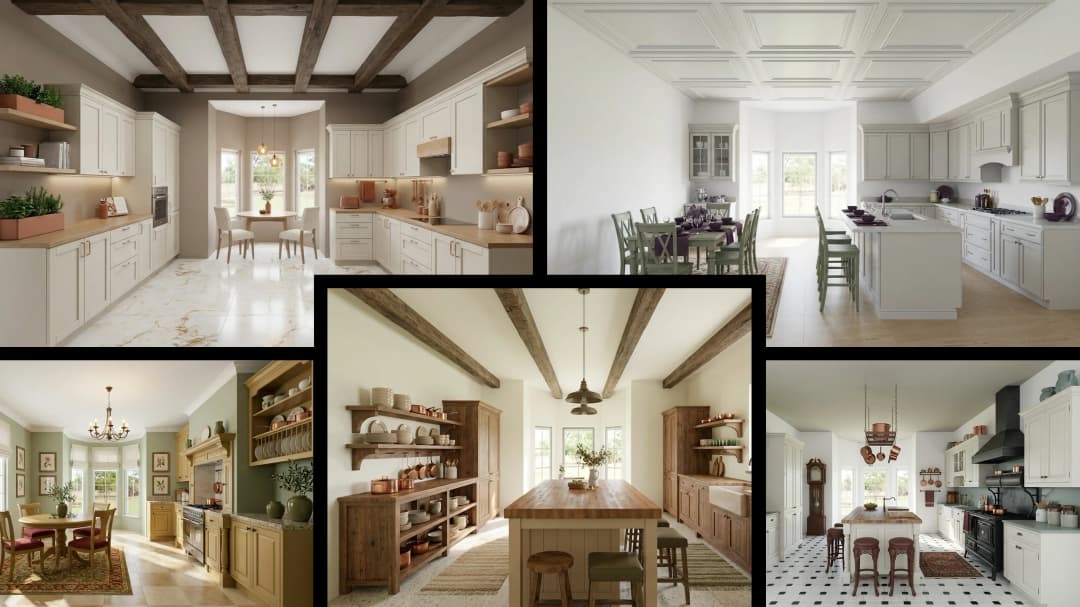
July 29, 2026
Kitchen and Bath: The Two Rooms That Decide Resale | VirtualSpaces
HHemanth Velury
CEO & Co-Founder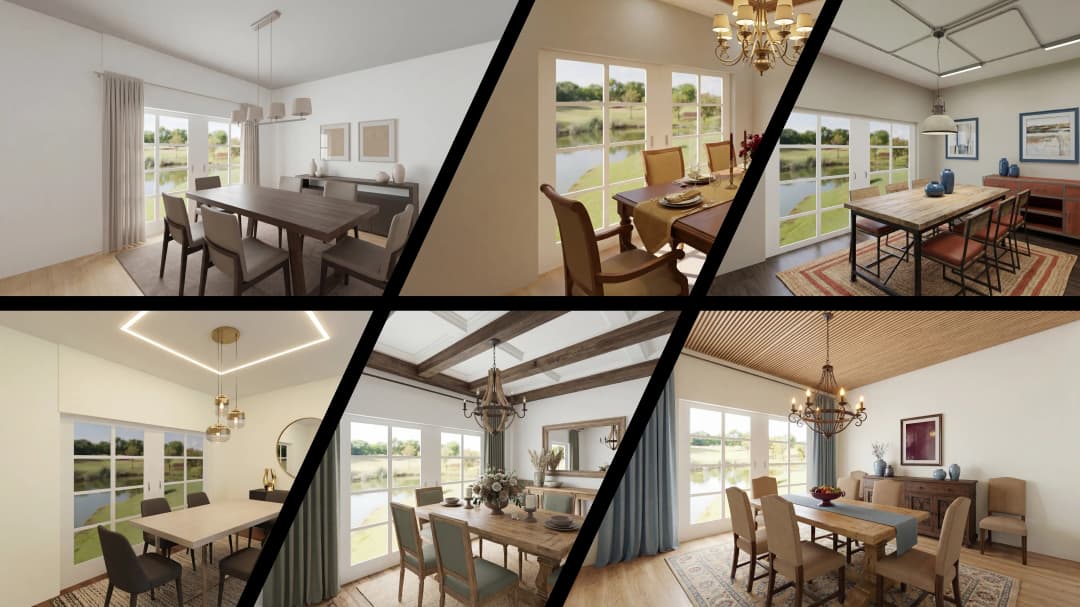
July 27, 2026
Why Empty Rooms Don't Sell: Virtual Staging | VirtualSpaces
HHemanth Velury
CEO & Co-Founder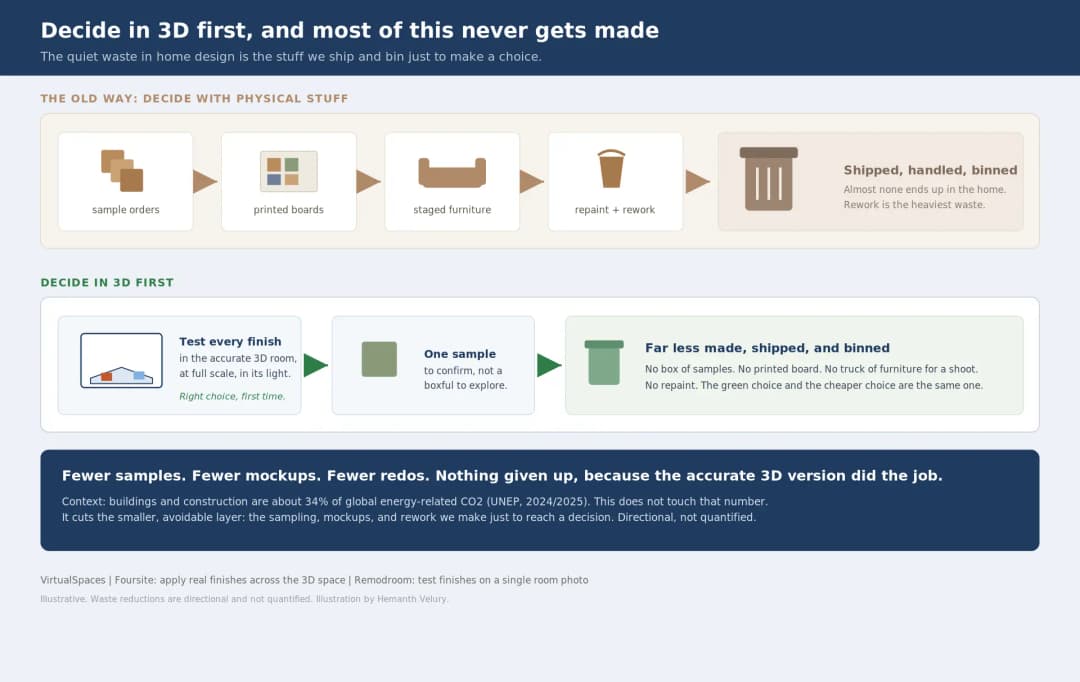
July 24, 2026
The Quiet Sustainability Win of Deciding in 3D | VirtualSpaces
HHemanth Velury
CEO & Co-Founder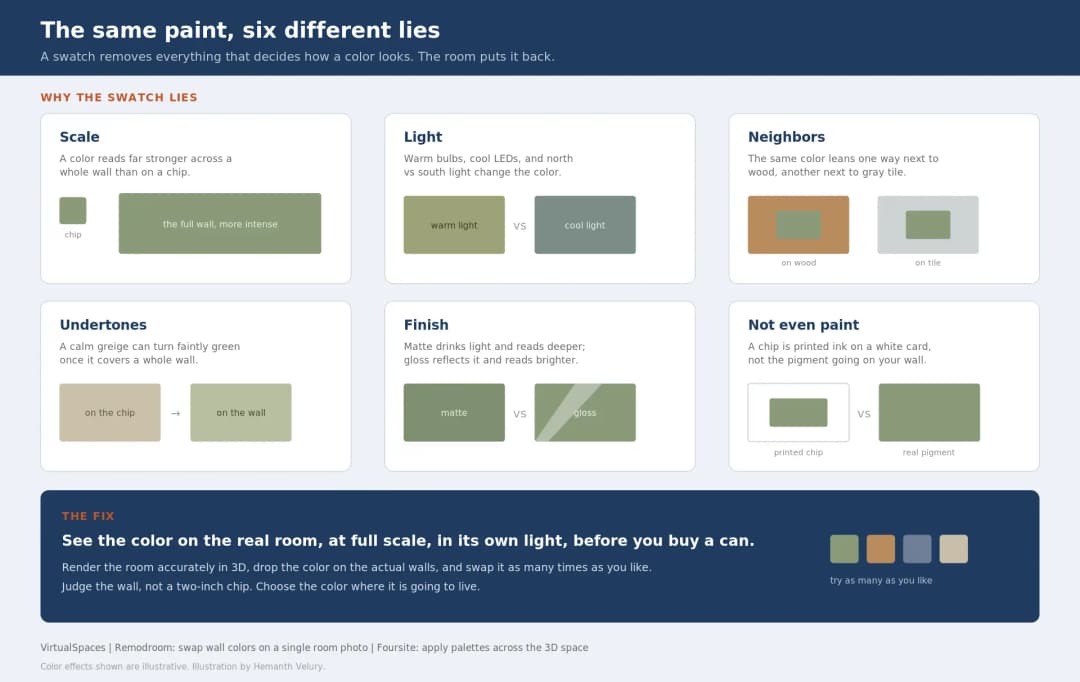
July 22, 2026
Why Paint Swatches Lie: Test Color in 3D First | VirtualSpaces
HHemanth Velury
CEO & Co-Founder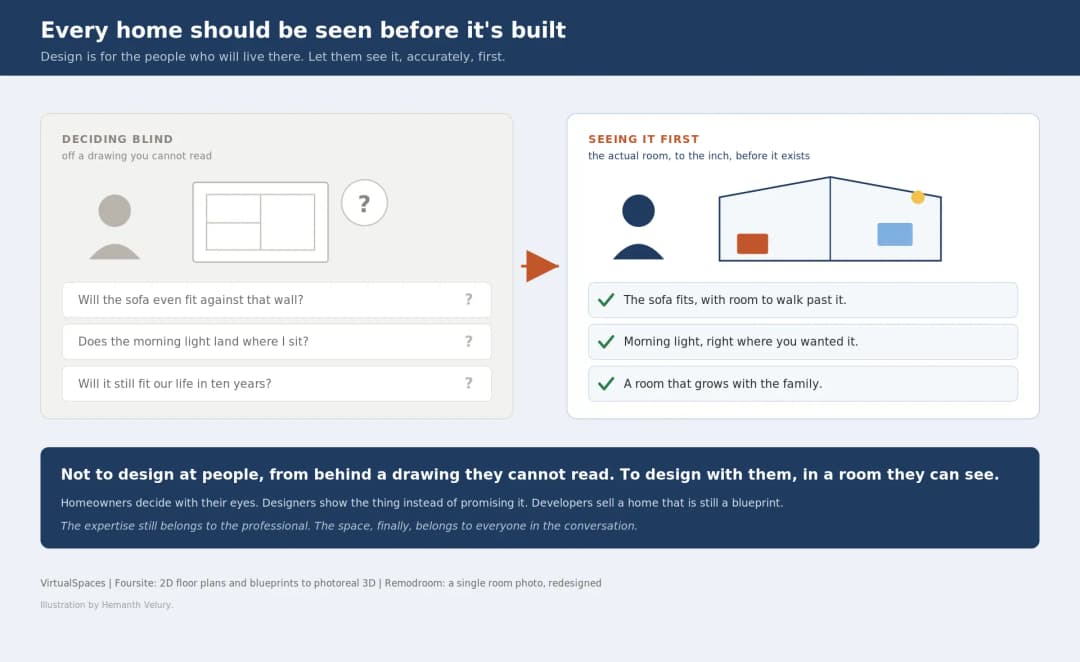
July 20, 2026
Why Every Home Should Be Seen Before It's Built | VirtualSpaces
HHemanth Velury
CEO & Co-Founder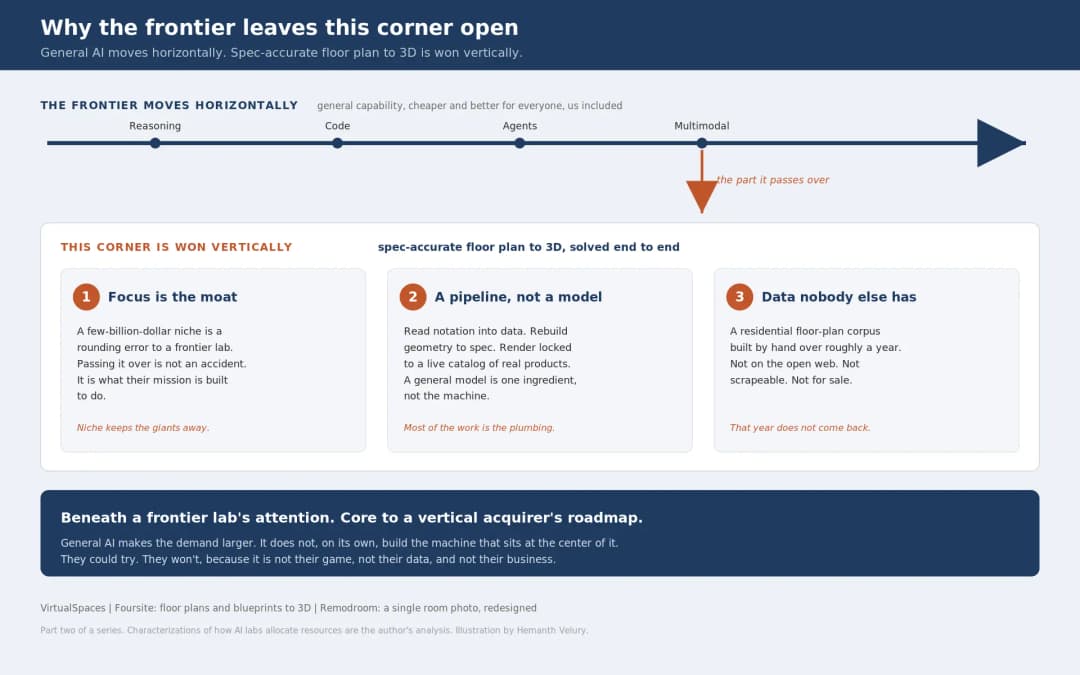
July 17, 2026
Why Big AI Labs Won't Build Floor Plan to 3D | VirtualSpaces
HHemanth Velury
CEO & Co-Founder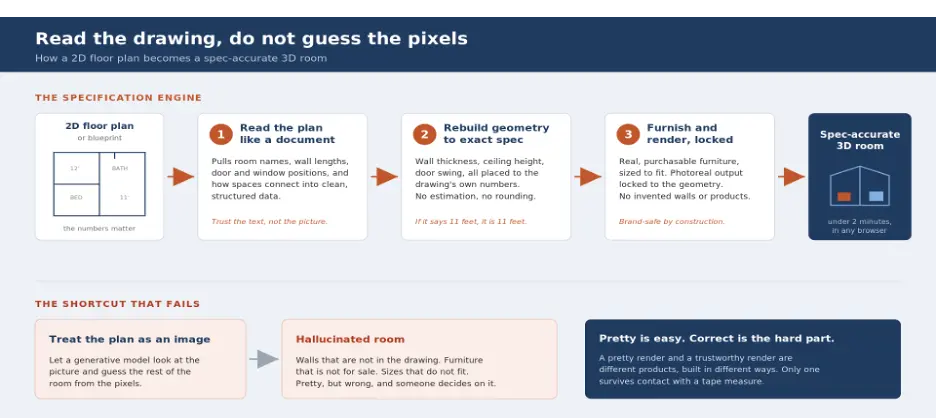
July 15, 2026
How We Solve Floor Plan to 3D, Accurately | VirtualSpaces
HHemanth Velury
CEO & Co-Founder
July 13, 2026
Designing Homes That Age With the People in Them | VirtualSpaces
HHemanth Velury
CEO & Co-Founder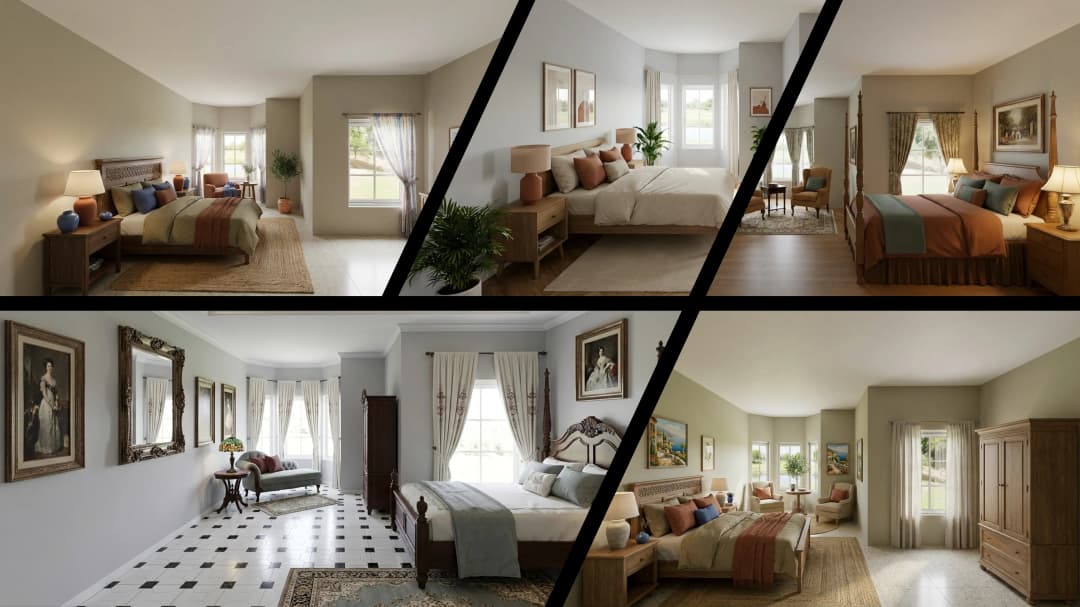
July 10, 2026
Designing Spaces for How Light Actually Moves | VirtualSpaces
HHemanth Velury
CEO & Co-Founder
July 08, 2026
Designing Homes for Every Life Stage in 3D | VirtualSpaces
HHemanth Velury
CEO & Co-Founder
July 06, 2026
Build an Interior Design Portfolio Without Clients | VirtualSpaces
HHemanth Velury
CEO & Co-Founder
June 26, 2026
AI Interior Design: Full 3D Workflow in One Platform | VirtualSpaces
HHemanth Velury
CEO & Co-Founder
June 24, 2026
Scope Creep in Interior Design: How AI Visualization Fixes It | VirtualSpaces
HHemanth Velury
CEO & Co-Founder
June 22, 2026
What Buyers See on a Floor Plan: Your Biggest Sales Problem | VirtualSpaces
HHemanth Velury
CEO & Co-Founder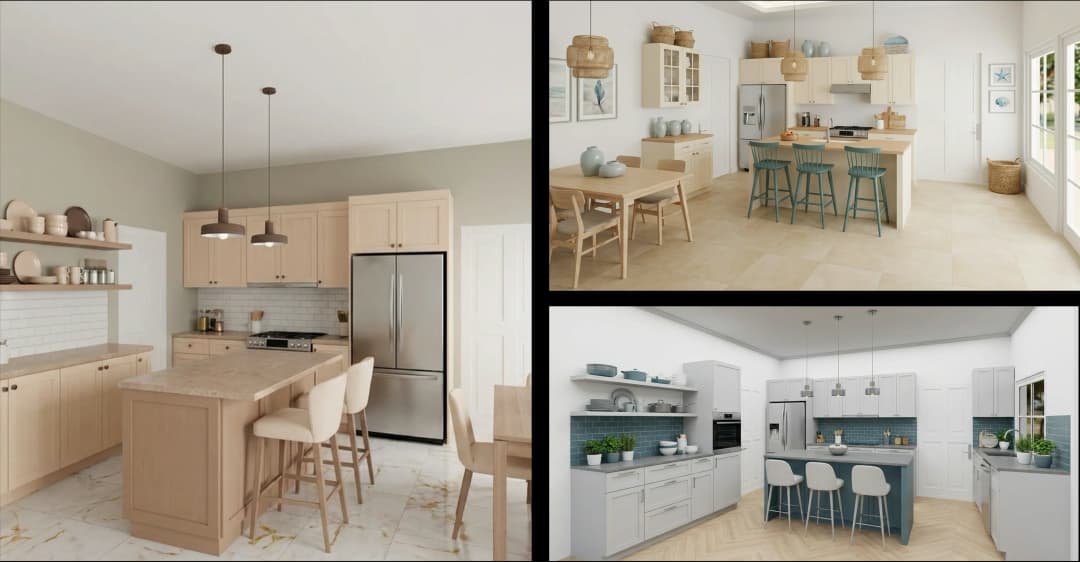
June 19, 2026
Small Design Studios vs Big Firms: The AI Advantage | VirtualSpaces
HHemanth Velury
CEO & Co-Founder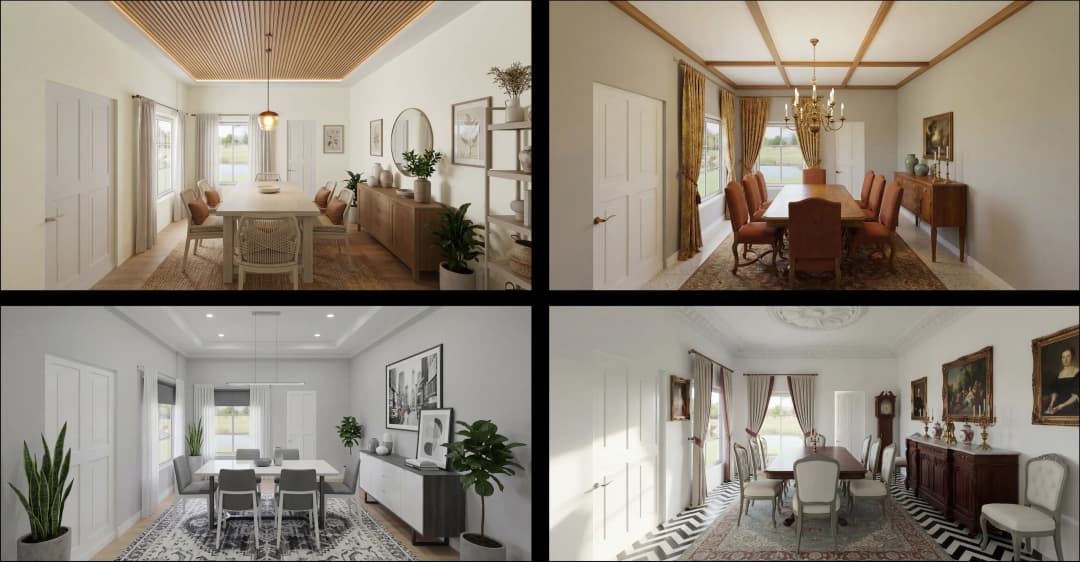
June 17, 2026
After the Mood Board: AI Interior Visualization | VirtualSpaces
HHemanth Velury
CEO & Co-Founder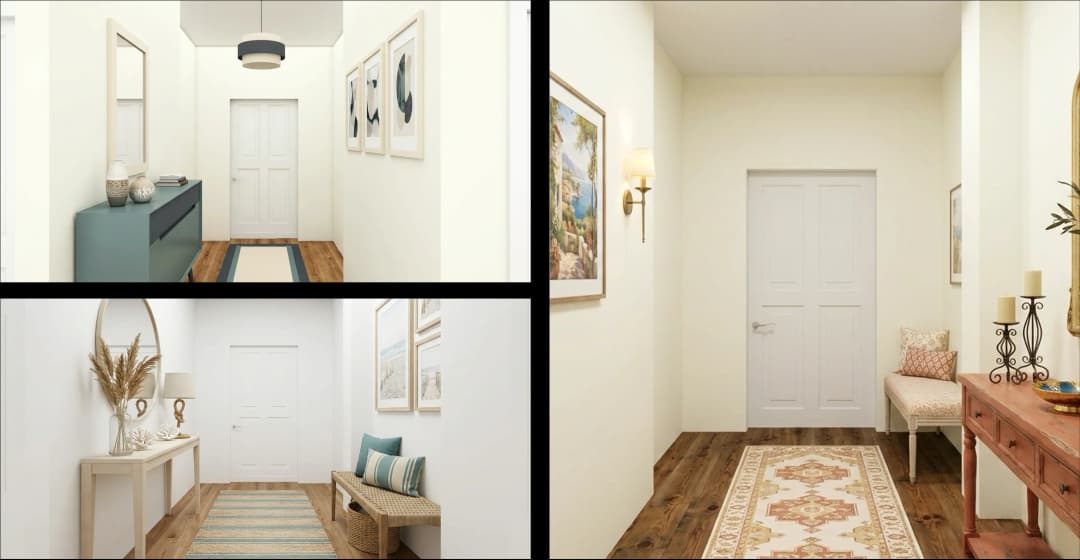
June 15, 2026
Foursite Pro Editor: Full Floor Plan Control for Designers | VirtualSpaces
HHemanth Velury
CEO & Co-Founder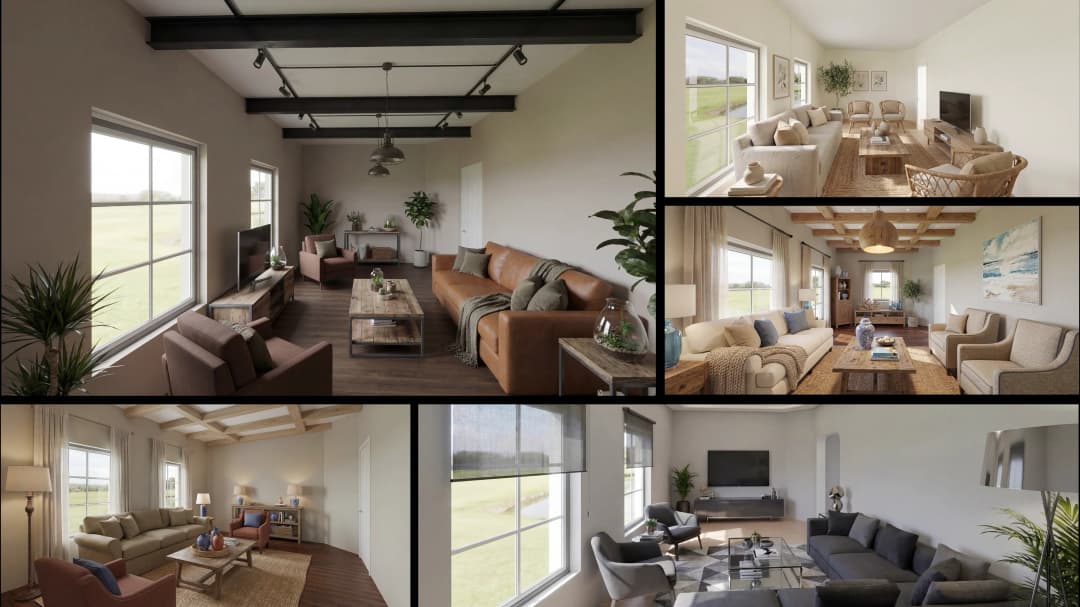
June 12, 2026
AI Interior Design: Style Any Room in Seconds with Foursite | VirtualSpaces
HHemanth Velury
CEO & Co-Founder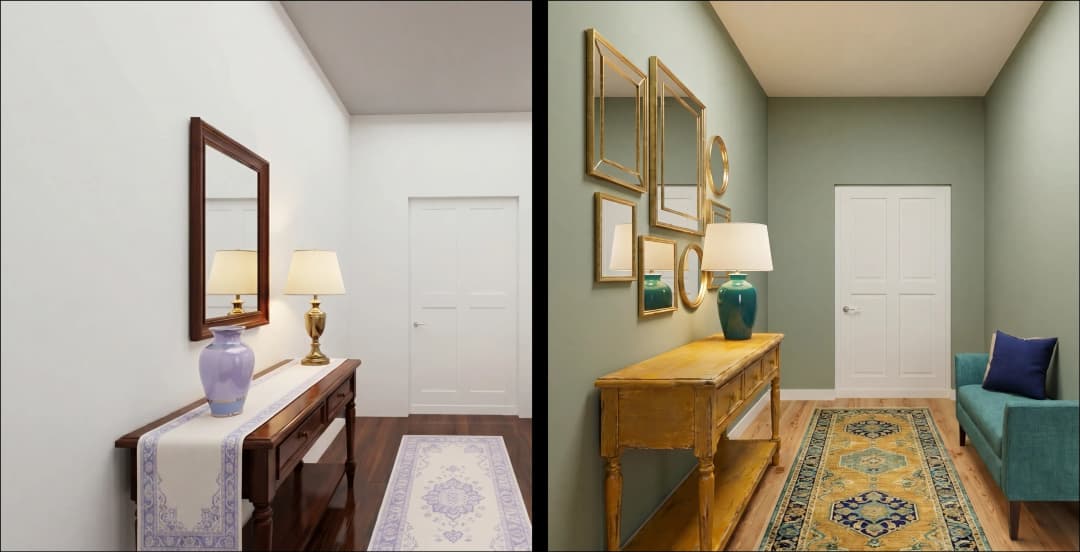
June 10, 2026
Foursite: Floor Plan to 3D Walkthrough in Minutes | VirtualSpaces
HHemanth Velury
CEO & Co-Founder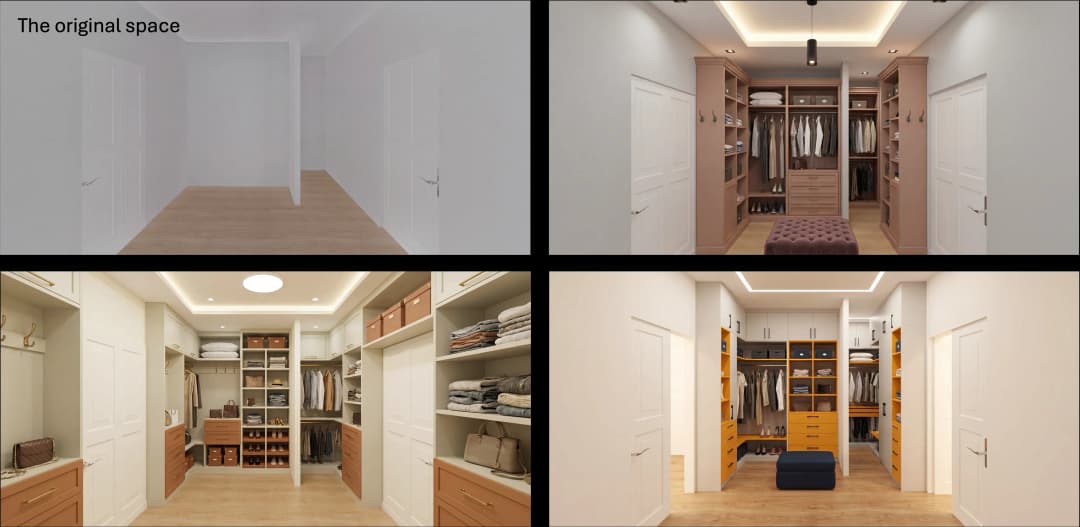
June 08, 2026
Win More Pitches With AI Renders Before the Meeting | VirtualSpaces
HHemanth Velury
CEO & Co-Founder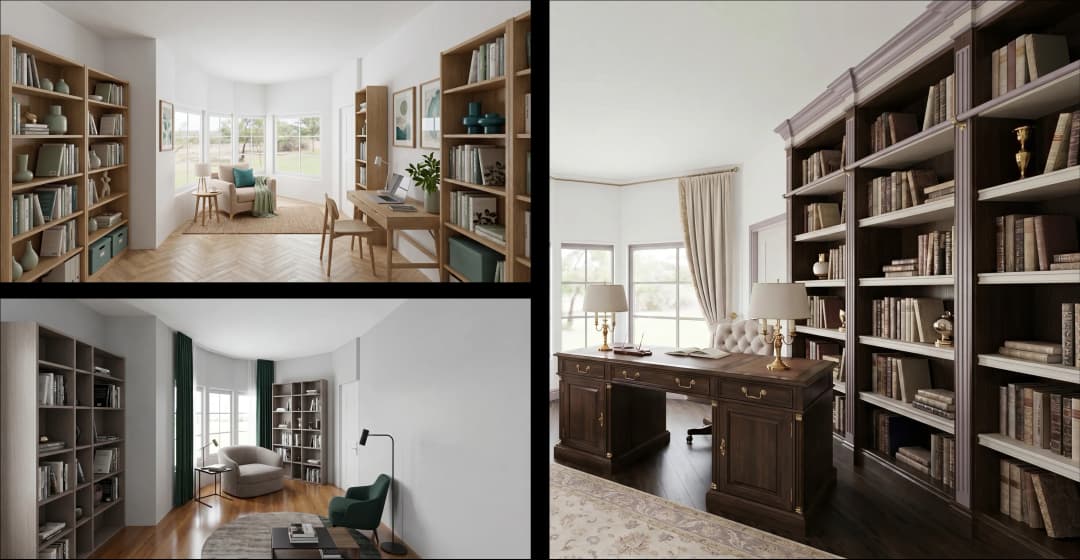
June 05, 2026
From Floor Plan to Finished Room: What AI Now Makes Possible | VirtualSpaces
HHemanth Velury
CEO & Co-Founder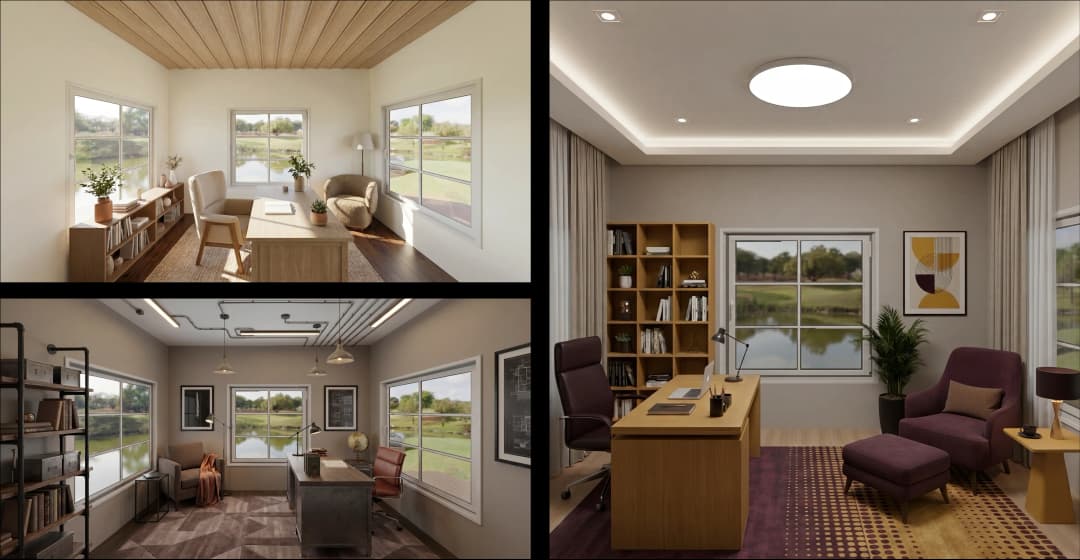
June 03, 2026
The Interior Design Brief Is Broken. AI Fixes It | VirtualSpaces
HHemanth Velury
CEO & Co-Founder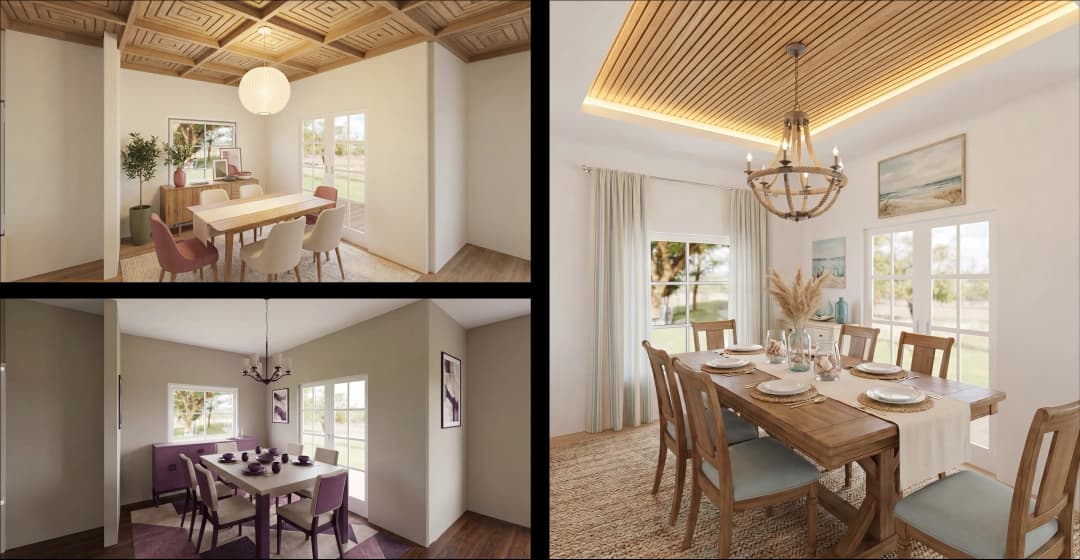
June 01, 2026
Pre-Construction Home Sales: AI Interior Visualization Guide | VirtualSpaces
HHemanth Velury
CEO & Co-Founder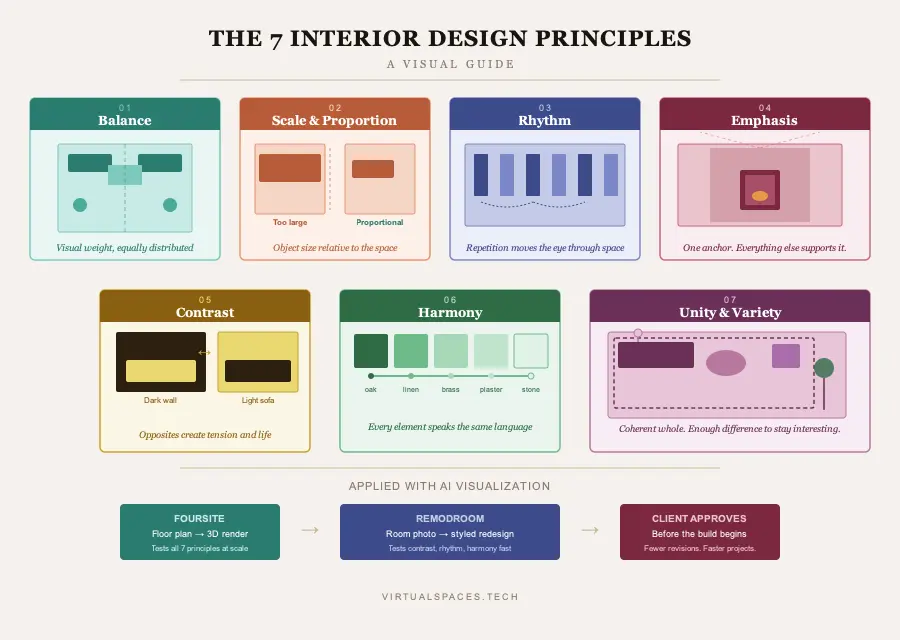
May 30, 2026
Interior Design Principles: Applied with AI | VirtualSpaces
HHemanth Velury
CEO & Co-Founder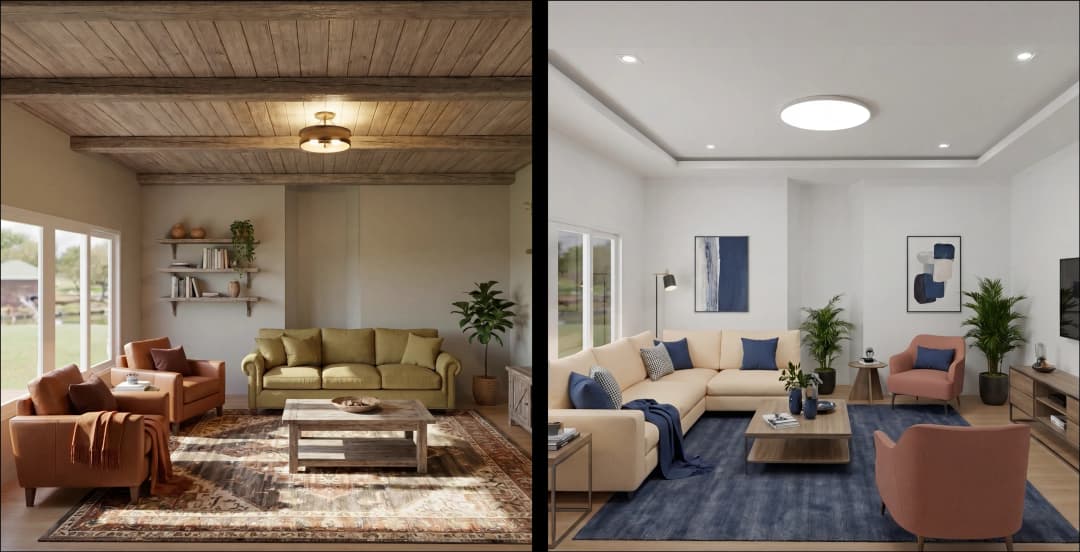
May 28, 2026
Designing Spaces for People, Not Blueprints | VirtualSpaces
HHemanth Velury
CEO & Co-Founder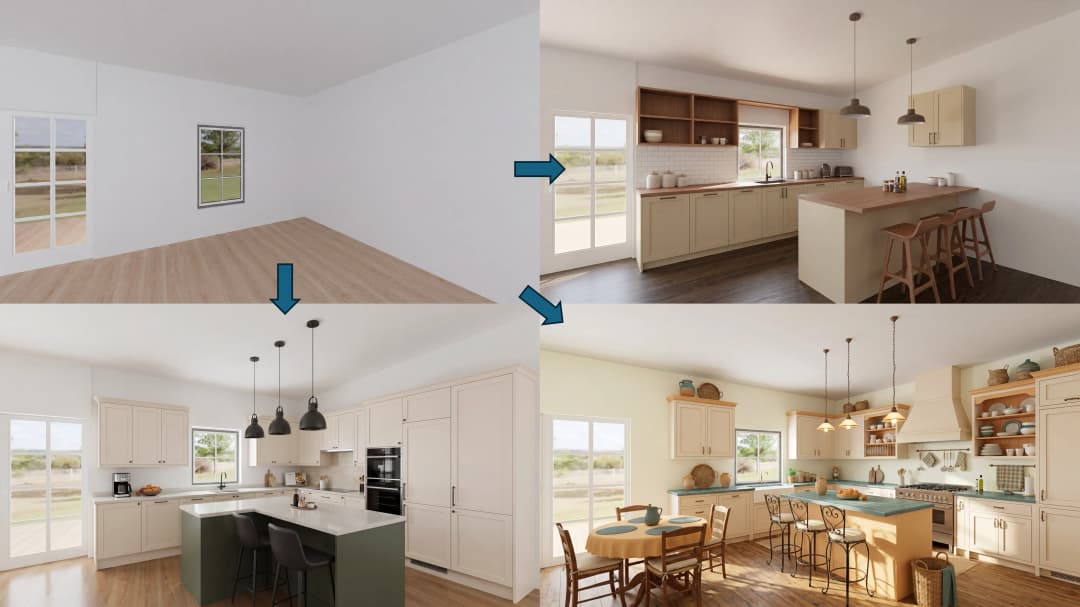
May 26, 2026
The Future of Interior Design: Closing the Visualization Gap with Foursite and Remodroom | VirtualSpaces
HHemanth Velury
CEO & Co-Founder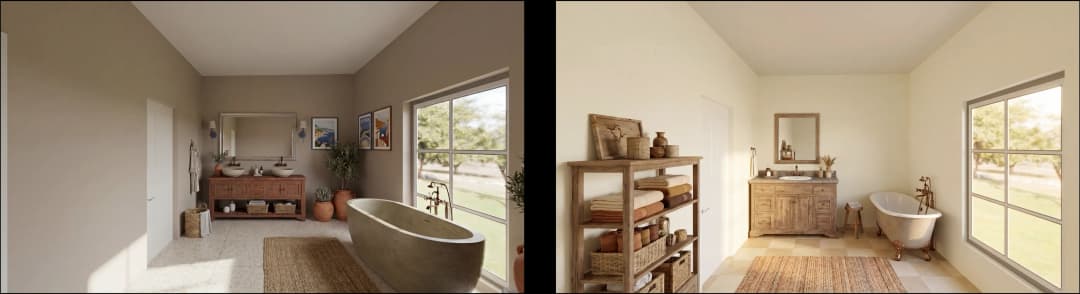
May 18, 2026
How AI Visualization Upgrades Property Data Platforms | VirtualSpaces
HHemanth Velury
CEO & Co-Founder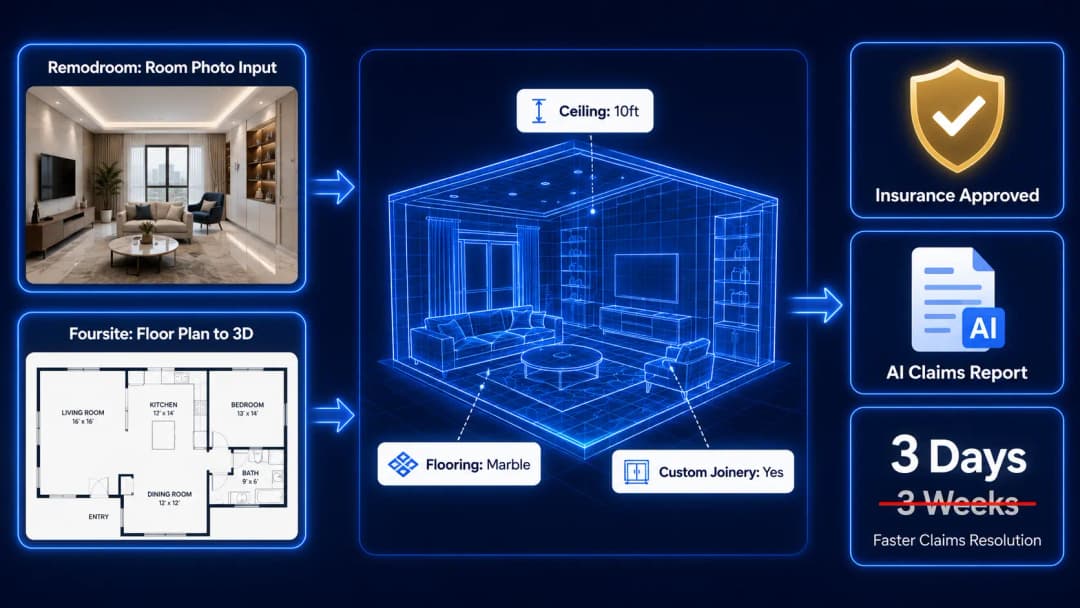
May 14, 2026
How AI-First Insurers Can Use 3D Property Data to Transform Home Claims | VirtualSpaces
HHemanth Velury
CEO & Co-FounderMay 12, 2026
Why Photoreal 3D Renders Are Replacing Mood Boards | Interior Design Client Presentations | VirtualSpaces
HHemanth Velury
CEO & Co-Founder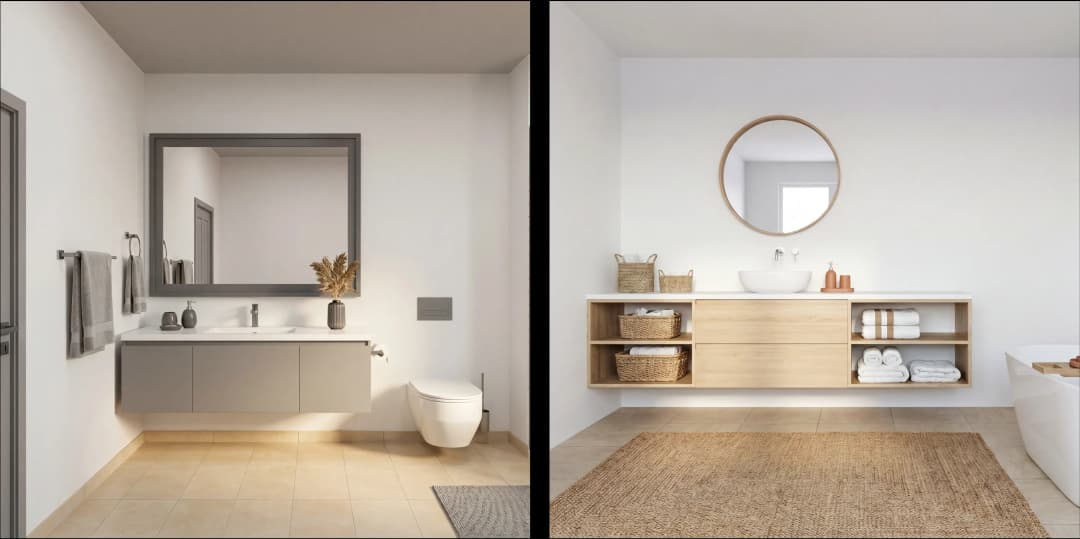
May 08, 2026
From 2D Floor Plans To Living Worlds: The Spec‑Accurate 3D Engine | VirtualSpaces
HHemanth Velury
CEO & Co-Founder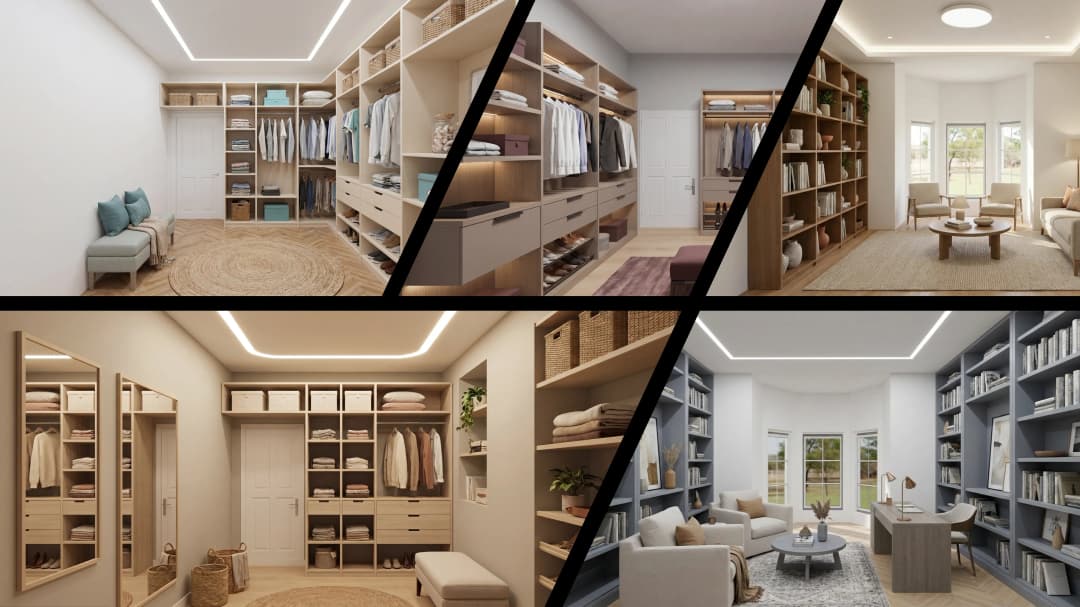
May 06, 2026
Why Furniture Brands Need AI 3D Visualization Now | VirtualSpaces
HHemanth Velury
CEO & Co-Founder
May 4, 2026
How Property Portals Can Turn 2D Floor Plans into 3D Design Decisions | VirtualSpaces
HHemanth Velury
CEO & Co-Founder
April 29, 2026
The Home-Fit Test: Why Square Footage Misleads | VirtualSpaces
HHemanth Velury
CEO & Co-Founder
April 27, 2026
Designing Homes That Sell: 3D Visualization ROI Data | VirtualSpaces
HHemanth Velury
CEO & Co-FounderApril 24, 2026
What's Next: Foursite & Remodroom's New AI Features | VirtualSpaces
HHemanth Velury
CEO & Co-Founder
April 22, 2026
AI in Architecture: Closing the 85% Exposure Gap | VirtualSpaces
HHemanth Velury
CEO & Co-Founder
April 20, 2026
Interior Design Pricing in 2026: From Hourly to Value-Based Fees | VirtualSpaces
HHemanth Velury
CEO & Co-FounderApril 17, 2026
How Foursite and Remodroom Help Designers Win Clients | VirtualSpaces
HHemanth Velury
CEO & Co-Founder
April 15, 2026
Designing Spaces for People: Remodroom + Foursite AI Guide | VirtualSpaces
HHemanth Velury
CEO & Co-Founder
April 13, 2026
Designing for the Way People Actually Live: How AI 3D Is Finally Closing the Gap Between Floor Plan and Reality
HHemanth Velury
CEO & Co-Founder
April 11, 2026
Design in Real Time: AI Renders in Your First Client Meeting
HHemanth Velury
CEO & Co-Founder
April 06, 2026
Why Real Estate Photography Is No Longer Enough: The Shift to Spatial-First Listings
HHemanth Velury
CEO & Co-Founder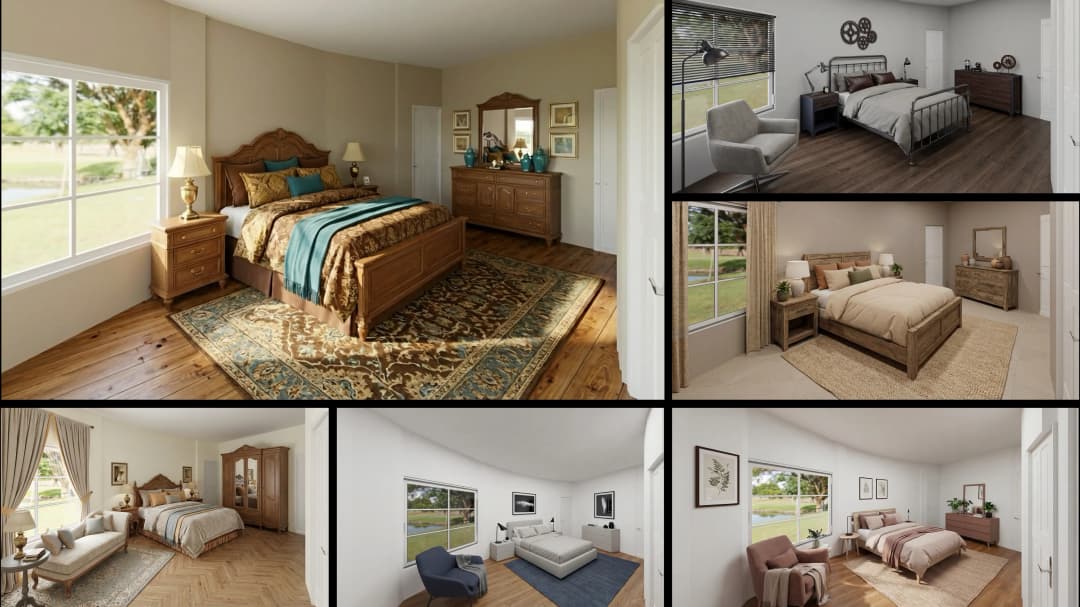
April 03, 2026
Property Management's Hidden Weapon: AI 3D Floor Plans That Cut Vacancy Time and Raise Tenant Quality
HHemanth Velury
CEO & Co-Founder
April 01, 2026
Off-Plan and Oversubscribed: How AI 3D Visualization Is Transforming Real Estate Pre-Sales
HHemanth Velury
CEO & Co-Founder
March 30, 2026
Why Foursite Beats Generic AI Tools for Interior Design 3D Visualization
HHemanth Velury
CEO & Co-Founder
March 27, 2026
7 Tenets of Interior Design: How AI Accelerates Harmony in Residential Spaces
HHemanth Velury
CEO & Co-Founder
March 25, 2026
What Is the 3-5-7 Rule in Interior Design? Foursite's AI Guide for Residential Spaces
HHemanth Velury
CEO & Co-Founder
March 23, 2026
What Is the 70/30 Rule in Interior Design? Foursite's AI Guide for Residential Spaces
HHemanth Velury
CEO & Co-Founder
March 20, 2026
How AI 3D Visualization Is Rewriting Residential Interior Design Workflows
HHemanth Velury
CEO & Co-Founder
March 18, 2026
Beyond Marketing: How 3D Floorplans Transform FM, Retrofit Planning & ESG Operations
HHemanth Velury
CEO & Co-Founder
March 16, 2026
Why AI Companies Use Token Payments (And Why VirtualSpaces Is Returning To Fiat)
HHemanth Velury
CEO & Co-Founder
March 13, 2026
Floorplan‑Native Digital Twins: Beyond BIM for Consumer‑Ready Real Estate Experiences
HHemanth Velury
CEO & Co-Founder
March 11, 2026
The Foursite Platform Thesis: Why Floor Plans, Not Photos, Are the Next Property Software Primitive
HHemanth Velury
CEO & Co-Founder
March 09, 2026
Design Systems for Space: Building Reusable 3D Component Libraries on Top of AI Floorplan‑to‑3D Engines
HHemanth Velury
CEO & Co-Founder
March 06, 2026
How to Standardize Design Quality Across Global Projects Using AI Floorplan-to-3D Tools
HHemanth Velury
CEO & Co-Founder
March 04, 2026
From CAD-First to AI-First: Reskilling Your Team for AI-Native Design Workflows
HHemanth Velury
CEO & Co-Founder
March 02, 2026
Algorithmic Ergonomics Meets Photorealistic 3D: Designing Human-Centered Smart Homes with Foursite in 2026
HHemanth Velury
CEO & Co-Founder
February 27, 2026
The Ethics of AI in Interior Design: Ownership, Originality, and Client Transparency
HHemanth Velury
CEO & Co-Founder
February 25, 2026
Designing with Empathy: Using AI 3D Visualization to Improve Client Communication and Emotional Clarity
HHemanth Velury
CEO & Co-Founder
February 23, 2026
From Tool to Infrastructure: AI Floorplan-to-3D and the Next Wave of PropTech
HHemanth Velury
CEO & Co-Founder
February 20, 2026
AI Interior Design for Holiday Homes: Turn Spare Flats into High-Demand Short-Stay Rentals with 3D Visuals
HHemanth Velury
CEO & Co-Founder
February 18, 2026
The Pre‑Purchase Power Play: How Savvy Home Buyers Use 3D Floor Plan Visualization to Negotiate Better Deals
HHemanth Velury
CEO & Co-FounderFebruary 16, 2026
AI Interior Design for Non‑Designers: How Homeowners Can Brief Like Pros
HHemanth Velury
CEO & Co-Founder
February 13, 2026
Scaling a Design Business Without Hiring a 3D Team: An Owner's Guide
HHemanth Velury
CEO & Co-Founder
February 11, 2026
From Bland to Bold: How to Rescue Builder-Grade Interiors on Any Budget
HHemanth Velury
CEO & Co-Founder
February 6, 2026
The Psychology of Space: How Room Dimensions Influence Interior Design Decisions
HHemanth Velury
CEO & Co-Founder
February 2, 2026
AI Interior Décor: How Artificial Intelligence Generates Design Options from Your Floor Plan
HHemanth Velury
CEO & Co-Founder
January 30, 2026
Photoreal vs. Reality: What Clients Actually Expect from Interior Design Visualization
HHemanth Velury
CEO & Co-Founder
January 28, 2026
The Design Approval Conversation That Changes Everything: Communication Strategy When Using Photorealistic Visualization
HHemanth Velury
CEO & Co-Founder
January 25, 2026
Interior Design as Experience Design: How 3D Visualization Changes Your Professional Identity
HHemanth Velury
CEO & Co-Founder
January 23, 2026
The Professional Gap: How 3D Visualization Changes Interior Design Client Perception
HHemanth Velury
CEO & Co-Founder
January 21, 2026
Why Clients Fire Designers (And How 3D Visualization Could Have Saved the Project)
HHemanth Velury
CEO & Co-Founder
January 16, 2026
Blueprint to Vision: Why Seeing Is Believing in Interior Design
HHemanth Velury
CEO & Co-Founder
January 14, 2026
The Speed of Responsiveness: How AI Visualization Tools Make You Look Like You Care More
HHemanth Velury
CEO & Co-Founder
January 12, 2026
Why Interior Designers and Architects Can't Compete Without AI 3D Visualization Tools
HHemanth Velury
CEO & Co-Founder
January 07, 2026
From "Saved" to "Sold": How Homeowners Are Planning Renovations with AI
HHemanth Velury
CEO & Co-Founder
January 05, 2026
The Interior Designer's Secret Weapon: Speed as Premium Positioning
HHemanth Velury
CEO & Co-Founder
December 31, 2025
Gratitude, Growth & Game-Changing Innovation: VirtualSpaces' 2025 Journey & What's Coming in 2026
HHemanth Velury
CEO & Co-Founder
December 29, 2025
Why Interior Designers Are Switching to AI Floor Plan-to-3D Tools in 2026
HHemanth Velury
CEO & Co-Founder
December 26, 2025
AI Virtual Staging for Real Estate Agents: Sell More Homes Faster with Foursite
HHemanth Velury
CEO & Co-Founder
December 24, 2025
Why Architects Are Switching to AI 2D-to-3D: The SketchUp Alternative
HHemanth Velury
CEO & Co-Founder
December 22, 2025
Cut 3 Weeks from Real Estate Sales Cycle: The ROI of AI 2D to 3D Visualization
HHemanth Velury
CEO & Co-Founder
December 19, 2025
2D Floor Plans Are Dying: Why 3D Visualization & AI Virtual Staging Are the Future
HHemanth Velury
CEO & Co-Founder
December 17, 2025
Virtual Staging vs Physical Staging: How AI Saves Money Per Property
HHemanth Velury
CEO & Co-Founder
December 15, 2025
AI Floor Plan to Image: Revolutionizing Real Estate Marketing for Agents
HHemanth Velury
CEO & Co-Founder
December 12, 2025
Color of the Year 2026: Cloud Dancer | VirtualSpaces AI Interior Design Guide
HHemanth Velury
CEO & Co-Founder
December 10, 2025
AI Floor Plan to 3D: The New Standard for Interior Design Workflows
HHemanth Velury
CEO & Co-Founder
December 08, 2025
How Interior Design Studios Can Operationalize AI 2D-to-3D Workflows (Without Breaking Their Process)
HHemanth Velury
CEO & Co-Founder
December 06, 2025
How to Implement AI Interior Design Workflows in Your Studio
HHemanth Velury
CEO & Co-Founder
December 4, 2025
How Homeowners Can Use AI Interior Design Tools to Plan Renovations with Confidence
HHemanth Velury
CEO & Co-Founder
November 28, 2025
Interior Designers in the Age of AI: From Threat Narrative to Superpower
HHemanth Velury
CEO & Co-Founder
November 21, 2025
Foursite Launch: Embracing 'Release Early, Release Often'
HHemanth Velury
CEO & Co-Founder
November 13, 2025
Foursite by VirtSpaces: Empowering Interior Designers, Architects, and Homeowners
HHemanth Velury
CEO & Co-Founder
November 7, 2025
Reimagining Architectural Education: How AI Floorplan-to-3D Technology Can Transform Design Learning
VVirtualSpaces Research Labs
AI Research Initiative
October 27, 2025
Archisculpt AI: Turning Architectural Drawings into Photorealistic 3D Spaces
AAbhijeet Naik
Co-Founder & CTO
October 13, 2025
Home Makeover: From Floor Plan to Dream Space with AI
HHemanth Velury
CEO & Co-Founder
October 6, 2025
Real-Time Rendering & AI: Revolutionizing Interactive Property Walkthroughs with VirtSpaces
HHemanth Velury
CEO & Co-Founder
September 26, 2025
Foursite - A True AI-Native Experience in Design Visualization
AAbhijeet Naik
CTO & Co-Founder
September 18, 2025
Why PropTech Startups Are Betting on AI Interior Design
HHemanth Velury
CEO & Co-Founder
September 11, 2025
How AI Differs from Traditional 3D Rendering Software
HHemanth Velury
CEO & Co-Founder
September 2, 2025
From Client to Investor: How Nila Spaces and VirtSpaces Are Redefining Proptech with AI
HHemanth Velury
CEO & Co-Founder
August 25, 2025
VirtSpaces From Virtual Reality to AI – Transforming Real Estate Visualization.
HHemanth Velury
CEO & Co-Founder


We help teams collaborate seamlessly and reduce costs. Virtual Spaces offers cutting-edge technology with flexible plans designed to fit modern teams.
Copyright © VirtSpaces Pvt. Ltd. 2025 All Rights Reserved.
CIN: U74999KA2016PTC094921