
December 24, 2025
- AI Technology
- 3D Visualization
- Design Visualization
Why Architects Are Switching to AI 2D-to-3D: The SketchUp Alternative
Hemanth Velury
CEO & Co-FounderWhy Architects Are Ditching SketchUp for AI-Native 2D-to-3D Workflows
For 25 years, SketchUp has been the workhorse of architectural visualization. Lightweight, intuitive, and democratized — it took 3D modeling out of the hands of specialists and put it in front of architects everywhere. You could sketch an idea, pull it into a 3D view, render it, and share it. SketchUp changed the game. But the game has changed, yet again. And now, architects are quietly switching tools, not abandoning SketchUp entirely, but layering a new class of AI-native 2D-to-3D tools on top of their workflows. And the shift is dramatic.
Why? Because what takes hours in SketchUp now takes 90 seconds with AI. And that time difference isn't just convenience — It's reshaping how architects think about their process, their craft, and the value they deliver.
The SketchUp Era: Fast, But Not Fast Enough
SketchUp was revolutionary because it democratized 3D modeling. Before SketchUp, 3D modeling required expensive software (AutoCAD, 3D Studio Max, Revit), specialized training, and expertise that wasn't in every architect's skillset. SketchUp changed that. The interface was simple. The learning curve was shallow. In 30 minutes, an architect could learn the basics. In a few hours, they could model a building. And the built-in rendering engine (SketchUp Pro with V-Ray) could produce presentation-quality imagery. For the last two decades, this was the standard. Architects created 2D drawings in CAD, brought them into SketchUp for 3D modeling, rendered them for presentations, and shared them with clients.
It worked. It still works. SketchUp owns the market share for a reason. But there's an efficiency ceiling baked into the SketchUp workflow. Even though SketchUp is fast compared to dedicated 3D software, it still requires manual work:
- Redrawing: The 2D floor plan must be redrawn in 3D. Even with import tools, cleanup and refinement takes time.
- Manual modeling: Every element such as walls, doors, windows, furniture, must be individually placed or modeled.
- Material assignment: Materials and textures are manually applied.
- Lighting setup: You must manually configure lights for realistic rendering.
- Rendering wait time: Even quick renders take 5-15 minutes on a decent GPU.
- Revision cycles: If the client wants changes, the entire process repeats.
A typical project might involve 30-40 hours of SketchUp work for a building with multiple unit types and design variations. That's a week of specialist time, at $150-200/hour = $4,500-$8,000 in labor costs per project.
The AI Disruption: Instant, Photorealistic, Automated
Now enter AI-native 2D-to-3D workflows. The core innovation: the computer understands what's in a 2D drawing without you having to redraw it.
A deep learning model trained on thousands of architectural floor plans can instantly recognize walls, doors, windows, and room types from a 2D image. A scene graph representation captures spatial relationships. A neural rendering engine produces photorealistic output in seconds, not hours.
The entire pipeline: 90 seconds.
For an architect, the implications are profound:
- No redrawing required: Your 2D floor plan goes directly into the AI engine. No manual remodeling. No cleanup. The computer figures it out.
- Instant variations: You want to see the space in Modern style, then Scandinavian, then Industrial? Generate all three variations in 5 minutes. In SketchUp, that's 3 hours of work per variation.
- Faster feedback loops: Clients ask for changes? In SketchUp, you're looking at 30-60 minutes per revision. With AI, it's instant. Change the style, regenerate.
- Cost reduction: A task that took 30-40 hours (SketchUp) now takes 30-40 minutes (AI). That's a 97% reduction in labor cost.
- Freed-up time: Architects spend less time on rendering and more time on design. The human can focus on creativity, the AI handles visualization.
The Architectural Workflow Evolution
Here's how the workflow is shifting:
Old Workflow (SketchUp-based)
- Architect creates 2D floor plan in CAD (4-8 hours)
- Architect imports plan into SketchUp (2-4 hours of cleanup)
- Architect manually models geometry (6-10 hours)
- Architect applies materials and textures (2-4 hours)
- Lighting engineer sets up realistic illumination (2-3 hours)
- Render passes (4-8 hours render time)
- Client feedback and revisions (repeat steps 3-6)
Total time per iteration: 20-40 hours
New Workflow (AI-native 2D-to-3D)
- Architect creates 2D floor plan in CAD (4-8 hours)
- Architect uploads plan to AI platform (30 seconds)
- Architect selects style and generates variations (2-5 minutes)
- AI generates photorealistic 3D scenes with materials, lighting, furniture (90 seconds per variation)
- Architect reviews and selects best variations (10-20 minutes)
- Client feedback and revisions (regenerate variations in seconds)
Total time per iteration: 30-45 minutes
The time compression is staggering. What took a week of specialist time now takes an afternoon.
Why This Matters for Architects (Beyond Speed)
The time savings alone would justify the switch. And there's more:
Design Exploration Freedom
In the SketchUp world, the cost of exploring design options was high. Each variation meant 20-40 hours of modeling and rendering. So, architects were conservative. They'd explore 2-3 options and pick one. With instant 2D-to-3D, the cost of exploration drops to near-zero. Want to see 10 design variations? Generate them all in 30 minutes. Want to test different material palettes? Do 20 variants by lunch. This freedom changes how architects work. Instead of committing to a design direction early and hoping it's right, they can explore the option space thoroughly, rapidly, and with the confidence that comes from seeing actual photorealistic outcomes instead of renderings from the designer's mind.
Client Communication Acceleration
Clients struggle to visualize space from 2D plans. Even experienced developers sometimes look at floor plans and struggle to envision the finished product. AI-native 2D-to-3D eliminates that gap. Instead of the architect spending time explaining a plan, they show the actual photorealistic space. The client sees it instantly. Questions evaporate. Approvals accelerate.
In real estate development, this translates to faster sales cycles. In institutional projects, it means faster board approvals. Every week of acceleration is millions in real estate, thousands in institutional fees.
Competitive Positioning
Architects who adopt instant 2D-to-3D workflows are repositioning themselves as forward-thinking, efficient, and client-focused. Instead of "our rendering will be ready in 3 weeks," they're saying "here are 5 design variations, let's decide on Friday."
That speed and option-richness is increasingly expected by clients. Architects who can't deliver it are seen as slow, traditional, expensive.
The Objection: "But I Need Full Control"
Some architects worry that AI-generated visualization is compromised — that giving up manual control means losing quality or specificity.
This is a fair concern, but increasingly unfounded. Modern AI 2D-to-3D systems (especially those trained on real architectural data) produce results that rival or exceed manual SketchUp + rendering pipelines. The AI has internalized thousands of real architectural projects, so it understands proportion, scale, material logic, and spatial relationships better than most junior architects. And you haven't lost control: You've shifted where you exercise it. Instead of controlling every vertex and pixel in a 3D model, you're controlling the high-level inputs: style, layout, material direction. The AI handles the execution.
For most projects, this is exactly the right trade-off. You get better results, faster, with less specialist labor.
For highly bespoke or complex projects, there's a hybrid approach: use AI for rapid exploration and client communication, then hand-off to detailed 3D modeling for final technical work. Best of both worlds.
The Market is Moving (Quietly)
The shift isn't dramatic headlines. It's quiet adoption. Architectural firms are layering AI 2D-to-3D tools into their workflows without abandoning SketchUp entirely. They're using both. But the trend is clear. Autodesk (owner of SketchUp) has already recognized this. They've invested in AI visualization and are integrating it into their broader ecosystem. Zillow acquired Virtual Staging AI. Market leaders are moving aggressively toward instant visualization.
Early adopter architects are already seeing the benefits:
- Faster project delivery
- Higher client satisfaction (due to faster visibility)
- Lower visualization costs
- Ability to explore more design options
- Competitive advantage in pitches (faster, better imagery)
Later adopters will face increasing pressure. If your competitors can show photorealistic 3D variations in a day and you need a week, clients will notice.
The Hybrid Future: Not Either/Or, But Both/And
Here's the thing: SketchUp isn't going away. There are 15 million SketchUp users worldwide. Decades of institutional knowledge. It's deeply embedded in architectural practice. But its dominance as the primary visualization tool is ending. The future is hybrid:
- 2D conceptual work: SketchUp, Revit, CAD remain the tools for drawing, dimension, technical coordination.
- Rapid visualization and client communication: AI 2D-to-3D handles this. Instant, cheap, photorealistic.
- Detailed final modeling: For projects requiring high-resolution 3D, custom renderings, or complex geometry, detailed 3D software (SketchUp, Revit, 3D Studio Max) still has a place.
This is the emerging standard. The best firms will be fluent in all three categories, choosing the right tool for the right task.
What This Means for Your Practice
If you're an architect:
- Experiment now: Don't wait for the technology to mature or for industry consensus. Try an AI 2D-to-3D platform with one of your projects. See how it fits into your workflow.
- Start with presentation-quality work: Use AI visualization for client communication, concept exploration, and fast design iteration. This is where the immediate ROI is. Don't try to replace your detailed technical 3D work yet.
- Integrate thoughtfully: Don't abandon SketchUp or your existing tools. Add AI visualization as a complementary layer. Use it for what it's good at: Fast, photorealistic concept visualization.
- Upskill your team: Understanding how AI reads 2D drawings and generates 3D will make you a better brief-giver and faster designer. Spend 2-3 hours learning a platform.
- Charge accordingly: As you incorporate AI-powered workflows, your efficiency increases. That's margin improvement for your firm — either as profit or as competitiveness. Both are good.
The Broader Shift: From Artisans to Designers
There's a deeper story here. For centuries, the craft of architecture was about making — hand-drawing, building models, understanding materials through intimate practice. But the 21st century has shifted that. Architecture is increasingly about deciding — understanding what the client needs, exploring options, communicating intent, making informed choices. The tooling has followed that shift. CAD moved architecture from hand-drawing to digital precision. BIM brought information management. Now AI 2D-to-3D is moving architecture from manual 3D modeling to rapid exploration and decision-making. Each shift has prompted handwringing (architects worried that CAD would replace them, that BIM would make their expertise obsolete). And each time, the reality has been different: architects who mastered the new tools became more valuable, not less.
The same will happen with AI-native 2D-to-3D. Architects who master these workflows, who understand how to brief them, iterate with them, and integrate them into their practice, will be more productive, more competitive, and more valuable to clients.
Architects who cling to the old tools will be slower, more expensive, and will lose work to those who have modernized.
Conclusion: The Shift Is Inevitable
SketchUp was a revolution. It democratized 3D visualization and transformed how architects work. But that revolution is now 25 years old. The next wave is here: instant, AI-native 2D-to-3D workflows that compress weeks of visualization work into hours. This isn't hype. It's already happening. Architects are already ditching SketchUp for AI — not entirely, but increasingly as their primary tool for rapid visualization and client communication.
The firms that recognize this shift early and build fluency with these new tools will win. They'll be faster, cheaper, more innovative, and more client focused. The firms that resist will find themselves increasingly disadvantaged.
The future of architectural visualization isn't SketchUp. It's not even manual 3D modeling. It's intelligent, instant, AI-powered 2D-to-3D that turns concepts into photorealistic spaces in seconds.
That future is now. The question is: are you going to lead, or follow?
Recommended for you

August 19, 2026
The End of the Model Home? 3D Changes the Math | VirtualSpaces
HHemanth Velury
CEO & Co-Founder
August 17, 2026
Designing Spaces That Actually Get Built | VirtualSpaces
HHemanth Velury
CEO & Co-Founder
August 12, 2026
Designing Homes for the Stuff People Actually Own | VirtualSpaces
HHemanth Velury
CEO & Co-Founder
August 07, 2026
Floor Plan to Bill of Materials: The 3D Model as Data | VirtualSpaces
HHemanth Velury
CEO & Co-Founder.png&w=1080&q=75)
August 05, 2026
Designing Homes for How People Actually Live | VirtualSpaces
HHemanth Velury
CEO & Co-Founder
August 03, 2026
Honest by Design: Trust in AI Real Estate Imagery | VirtualSpaces
HHemanth Velury
CEO & Co-Founder
July 29, 2026
Kitchen and Bath: The Two Rooms That Decide Resale | VirtualSpaces
HHemanth Velury
CEO & Co-Founder
July 27, 2026
Why Empty Rooms Don't Sell: Virtual Staging | VirtualSpaces
HHemanth Velury
CEO & Co-Founder
July 24, 2026
The Quiet Sustainability Win of Deciding in 3D | VirtualSpaces
HHemanth Velury
CEO & Co-Founder
July 22, 2026
Why Paint Swatches Lie: Test Color in 3D First | VirtualSpaces
HHemanth Velury
CEO & Co-Founder
July 20, 2026
Why Every Home Should Be Seen Before It's Built | VirtualSpaces
HHemanth Velury
CEO & Co-Founder
July 17, 2026
Why Big AI Labs Won't Build Floor Plan to 3D | VirtualSpaces
HHemanth Velury
CEO & Co-Founder
July 15, 2026
How We Solve Floor Plan to 3D, Accurately | VirtualSpaces
HHemanth Velury
CEO & Co-Founder
July 13, 2026
Designing Homes That Age With the People in Them | VirtualSpaces
HHemanth Velury
CEO & Co-Founder
July 10, 2026
Designing Spaces for How Light Actually Moves | VirtualSpaces
HHemanth Velury
CEO & Co-Founder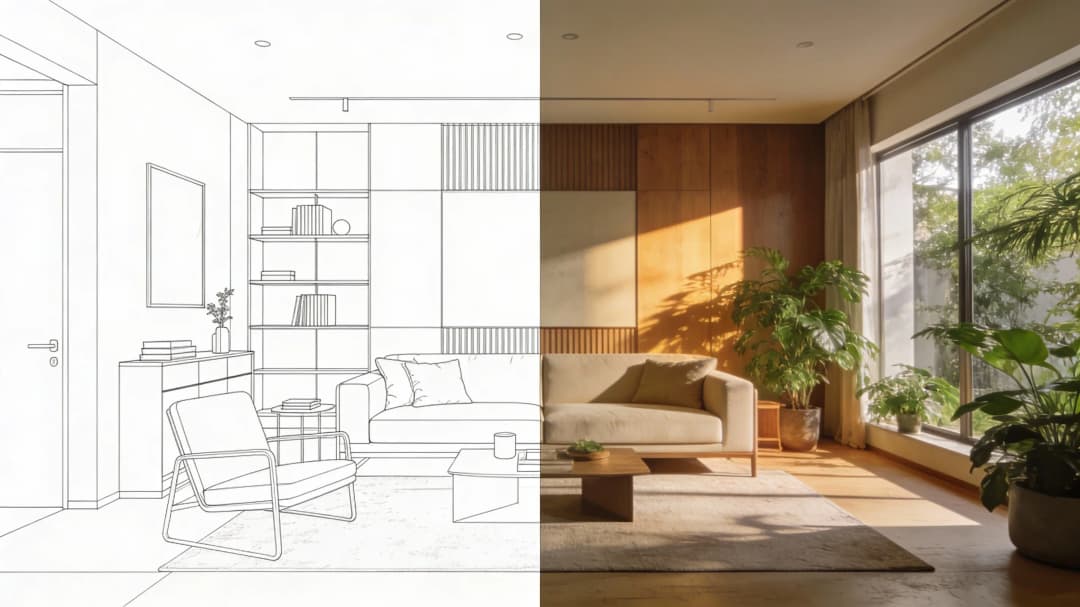
July 08, 2026
Designing Homes for Every Life Stage in 3D | VirtualSpaces
HHemanth Velury
CEO & Co-Founder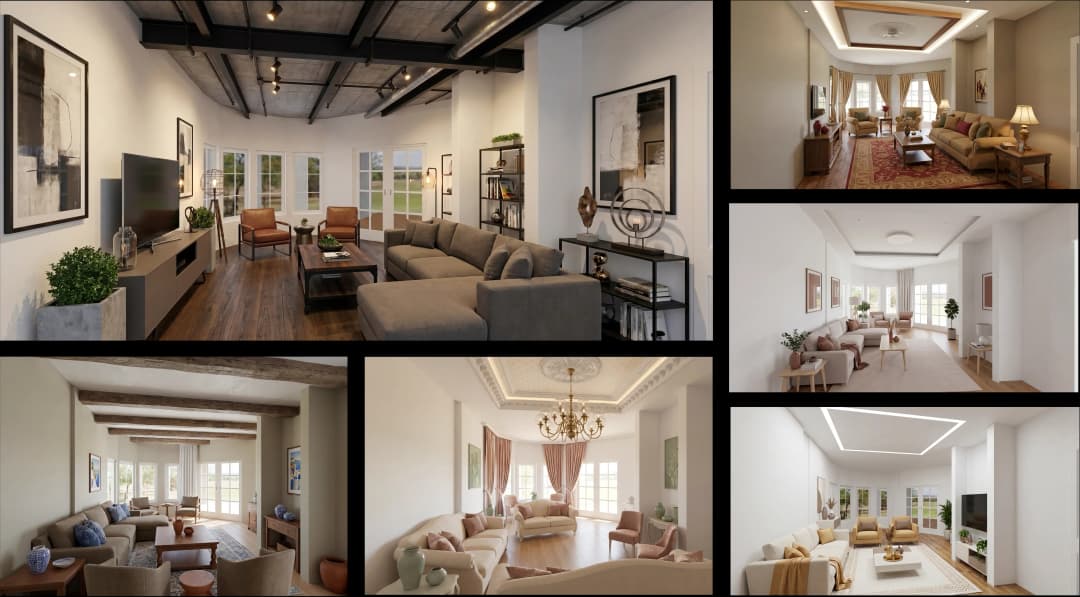
July 06, 2026
Build an Interior Design Portfolio Without Clients | VirtualSpaces
HHemanth Velury
CEO & Co-Founder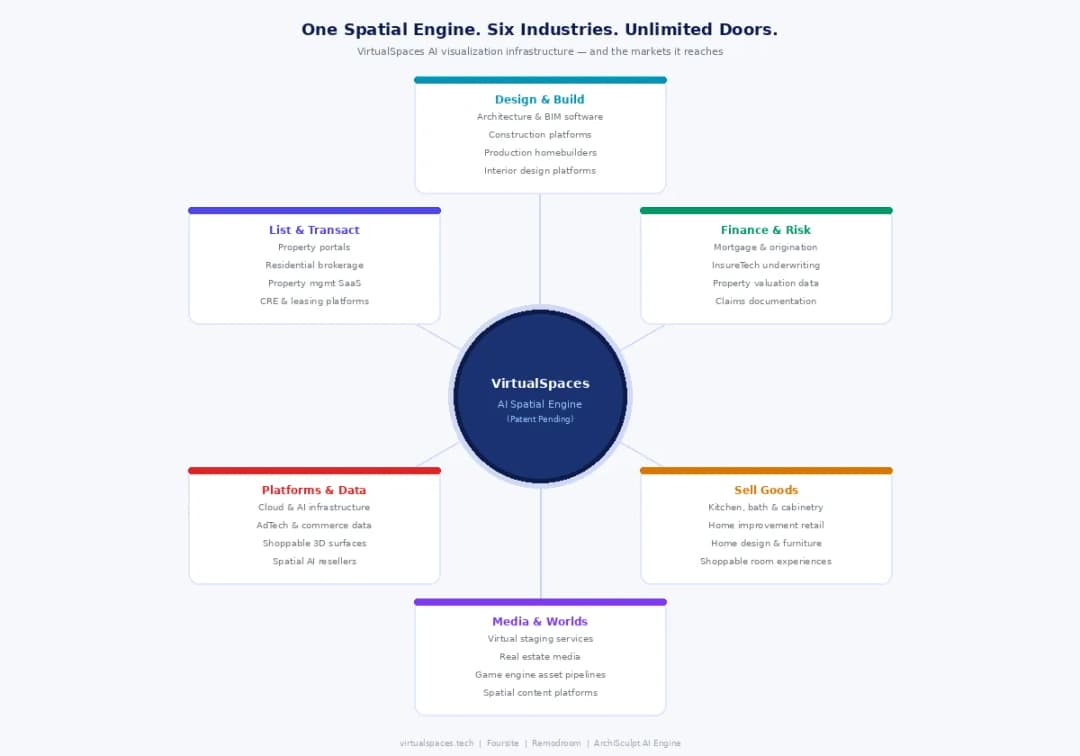
June 26, 2026
AI Interior Design: Full 3D Workflow in One Platform | VirtualSpaces
HHemanth Velury
CEO & Co-Founder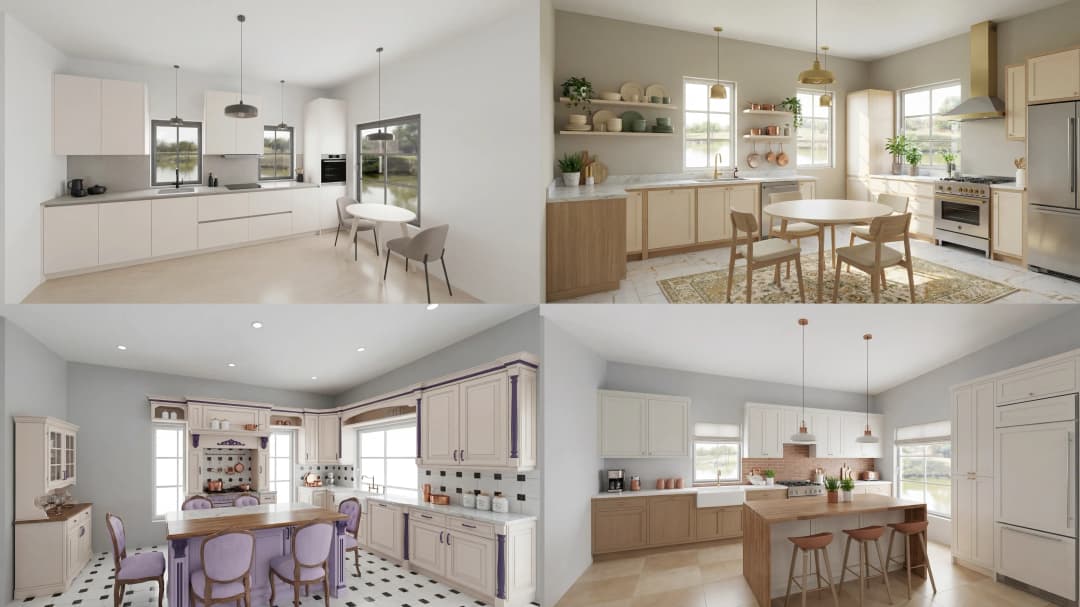
June 24, 2026
Scope Creep in Interior Design: How AI Visualization Fixes It | VirtualSpaces
HHemanth Velury
CEO & Co-Founder
June 22, 2026
What Buyers See on a Floor Plan: Your Biggest Sales Problem | VirtualSpaces
HHemanth Velury
CEO & Co-Founder
June 19, 2026
Small Design Studios vs Big Firms: The AI Advantage | VirtualSpaces
HHemanth Velury
CEO & Co-Founder
June 17, 2026
After the Mood Board: AI Interior Visualization | VirtualSpaces
HHemanth Velury
CEO & Co-Founder
June 15, 2026
Foursite Pro Editor: Full Floor Plan Control for Designers | VirtualSpaces
HHemanth Velury
CEO & Co-Founder
June 12, 2026
AI Interior Design: Style Any Room in Seconds with Foursite | VirtualSpaces
HHemanth Velury
CEO & Co-Founder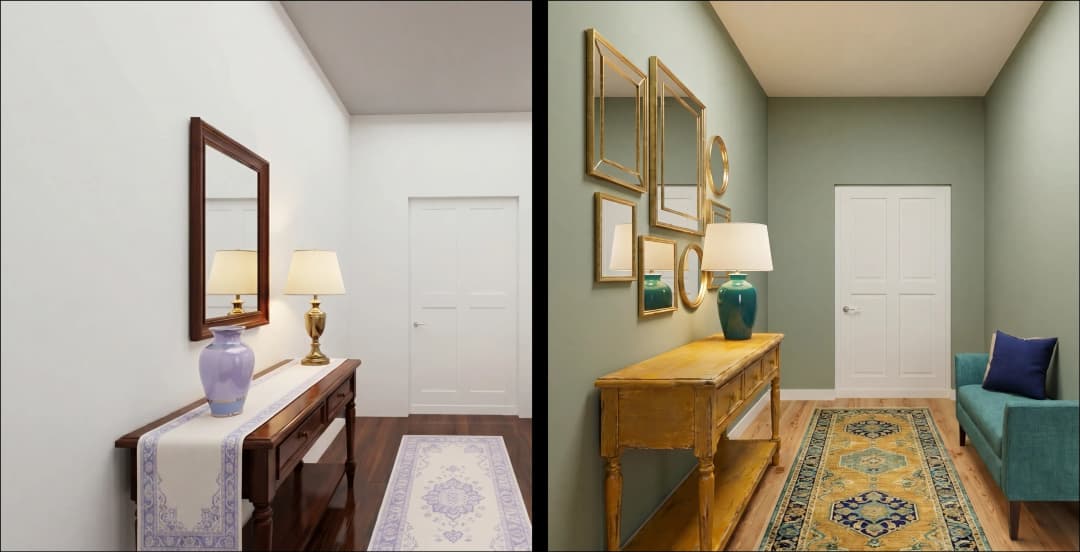
June 10, 2026
Foursite: Floor Plan to 3D Walkthrough in Minutes | VirtualSpaces
HHemanth Velury
CEO & Co-Founder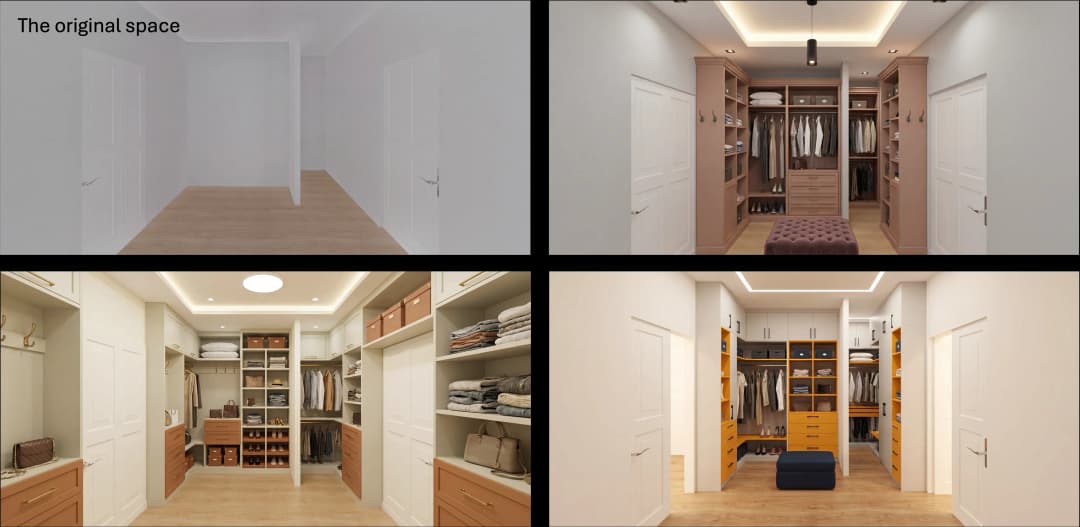
June 08, 2026
Win More Pitches With AI Renders Before the Meeting | VirtualSpaces
HHemanth Velury
CEO & Co-Founder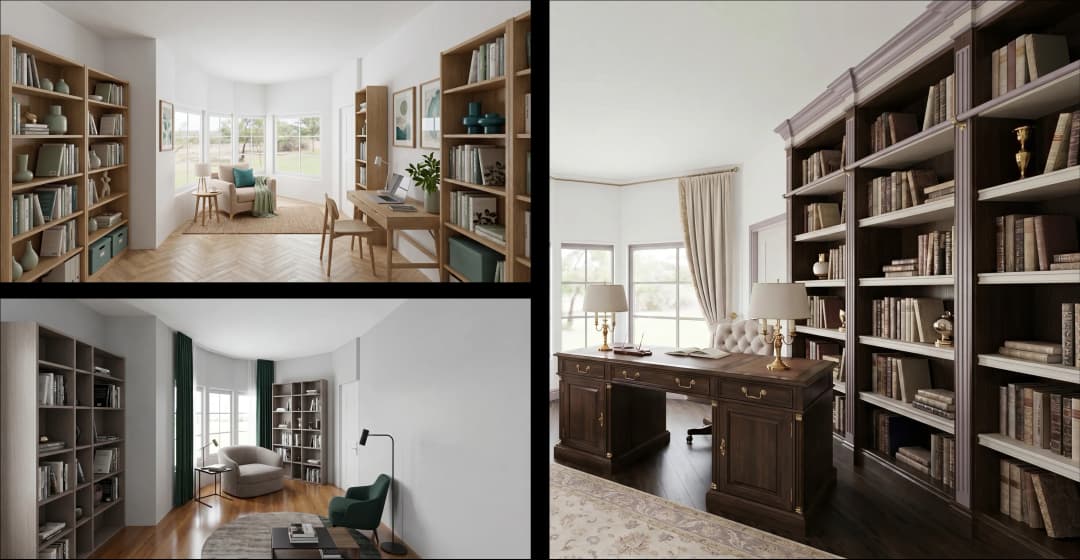
June 05, 2026
From Floor Plan to Finished Room: What AI Now Makes Possible | VirtualSpaces
HHemanth Velury
CEO & Co-Founder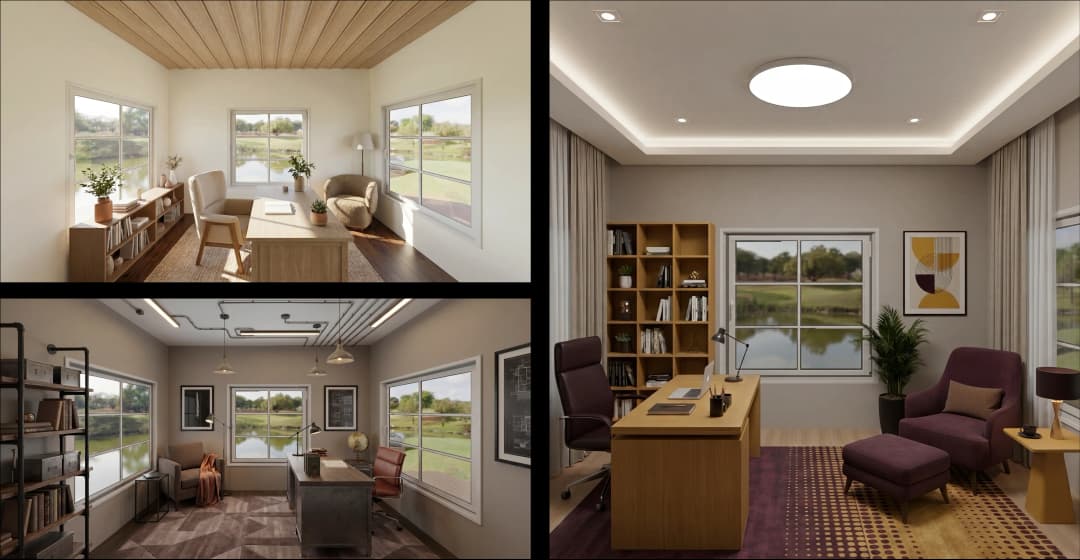
June 03, 2026
The Interior Design Brief Is Broken. AI Fixes It | VirtualSpaces
HHemanth Velury
CEO & Co-Founder
June 01, 2026
Pre-Construction Home Sales: AI Interior Visualization Guide | VirtualSpaces
HHemanth Velury
CEO & Co-Founder
May 30, 2026
Interior Design Principles: Applied with AI | VirtualSpaces
HHemanth Velury
CEO & Co-Founder
May 28, 2026
Designing Spaces for People, Not Blueprints | VirtualSpaces
HHemanth Velury
CEO & Co-Founder
May 26, 2026
The Future of Interior Design: Closing the Visualization Gap with Foursite and Remodroom | VirtualSpaces
HHemanth Velury
CEO & Co-Founder
May 18, 2026
How AI Visualization Upgrades Property Data Platforms | VirtualSpaces
HHemanth Velury
CEO & Co-Founder
May 14, 2026
How AI-First Insurers Can Use 3D Property Data to Transform Home Claims | VirtualSpaces
HHemanth Velury
CEO & Co-FounderMay 12, 2026
Why Photoreal 3D Renders Are Replacing Mood Boards | Interior Design Client Presentations | VirtualSpaces
HHemanth Velury
CEO & Co-Founder
May 08, 2026
From 2D Floor Plans To Living Worlds: The Spec‑Accurate 3D Engine | VirtualSpaces
HHemanth Velury
CEO & Co-Founder
May 06, 2026
Why Furniture Brands Need AI 3D Visualization Now | VirtualSpaces
HHemanth Velury
CEO & Co-Founder
May 4, 2026
How Property Portals Can Turn 2D Floor Plans into 3D Design Decisions | VirtualSpaces
HHemanth Velury
CEO & Co-Founder
April 29, 2026
The Home-Fit Test: Why Square Footage Misleads | VirtualSpaces
HHemanth Velury
CEO & Co-Founder
April 27, 2026
Designing Homes That Sell: 3D Visualization ROI Data | VirtualSpaces
HHemanth Velury
CEO & Co-FounderApril 24, 2026
What's Next: Foursite & Remodroom's New AI Features | VirtualSpaces
HHemanth Velury
CEO & Co-Founder
April 22, 2026
AI in Architecture: Closing the 85% Exposure Gap | VirtualSpaces
HHemanth Velury
CEO & Co-Founder
April 20, 2026
Interior Design Pricing in 2026: From Hourly to Value-Based Fees | VirtualSpaces
HHemanth Velury
CEO & Co-FounderApril 17, 2026
How Foursite and Remodroom Help Designers Win Clients | VirtualSpaces
HHemanth Velury
CEO & Co-Founder
April 15, 2026
Designing Spaces for People: Remodroom + Foursite AI Guide | VirtualSpaces
HHemanth Velury
CEO & Co-Founder
April 13, 2026
Designing for the Way People Actually Live: How AI 3D Is Finally Closing the Gap Between Floor Plan and Reality
HHemanth Velury
CEO & Co-Founder
April 11, 2026
Design in Real Time: AI Renders in Your First Client Meeting
HHemanth Velury
CEO & Co-Founder
April 06, 2026
Why Real Estate Photography Is No Longer Enough: The Shift to Spatial-First Listings
HHemanth Velury
CEO & Co-Founder
April 03, 2026
Property Management's Hidden Weapon: AI 3D Floor Plans That Cut Vacancy Time and Raise Tenant Quality
HHemanth Velury
CEO & Co-Founder
April 01, 2026
Off-Plan and Oversubscribed: How AI 3D Visualization Is Transforming Real Estate Pre-Sales
HHemanth Velury
CEO & Co-Founder
March 30, 2026
Why Foursite Beats Generic AI Tools for Interior Design 3D Visualization
HHemanth Velury
CEO & Co-Founder
March 27, 2026
7 Tenets of Interior Design: How AI Accelerates Harmony in Residential Spaces
HHemanth Velury
CEO & Co-Founder
March 25, 2026
What Is the 3-5-7 Rule in Interior Design? Foursite's AI Guide for Residential Spaces
HHemanth Velury
CEO & Co-Founder
March 23, 2026
What Is the 70/30 Rule in Interior Design? Foursite's AI Guide for Residential Spaces
HHemanth Velury
CEO & Co-Founder
March 20, 2026
How AI 3D Visualization Is Rewriting Residential Interior Design Workflows
HHemanth Velury
CEO & Co-Founder
March 18, 2026
Beyond Marketing: How 3D Floorplans Transform FM, Retrofit Planning & ESG Operations
HHemanth Velury
CEO & Co-Founder
March 16, 2026
Why AI Companies Use Token Payments (And Why VirtualSpaces Is Returning To Fiat)
HHemanth Velury
CEO & Co-Founder
March 13, 2026
Floorplan‑Native Digital Twins: Beyond BIM for Consumer‑Ready Real Estate Experiences
HHemanth Velury
CEO & Co-Founder
March 11, 2026
The Foursite Platform Thesis: Why Floor Plans, Not Photos, Are the Next Property Software Primitive
HHemanth Velury
CEO & Co-Founder
March 09, 2026
Design Systems for Space: Building Reusable 3D Component Libraries on Top of AI Floorplan‑to‑3D Engines
HHemanth Velury
CEO & Co-Founder
March 06, 2026
How to Standardize Design Quality Across Global Projects Using AI Floorplan-to-3D Tools
HHemanth Velury
CEO & Co-Founder
March 04, 2026
From CAD-First to AI-First: Reskilling Your Team for AI-Native Design Workflows
HHemanth Velury
CEO & Co-Founder
March 02, 2026
Algorithmic Ergonomics Meets Photorealistic 3D: Designing Human-Centered Smart Homes with Foursite in 2026
HHemanth Velury
CEO & Co-Founder
February 27, 2026
The Ethics of AI in Interior Design: Ownership, Originality, and Client Transparency
HHemanth Velury
CEO & Co-Founder
February 25, 2026
Designing with Empathy: Using AI 3D Visualization to Improve Client Communication and Emotional Clarity
HHemanth Velury
CEO & Co-Founder
February 23, 2026
From Tool to Infrastructure: AI Floorplan-to-3D and the Next Wave of PropTech
HHemanth Velury
CEO & Co-Founder
February 20, 2026
AI Interior Design for Holiday Homes: Turn Spare Flats into High-Demand Short-Stay Rentals with 3D Visuals
HHemanth Velury
CEO & Co-Founder
February 18, 2026
The Pre‑Purchase Power Play: How Savvy Home Buyers Use 3D Floor Plan Visualization to Negotiate Better Deals
HHemanth Velury
CEO & Co-FounderFebruary 16, 2026
AI Interior Design for Non‑Designers: How Homeowners Can Brief Like Pros
HHemanth Velury
CEO & Co-Founder
February 13, 2026
Scaling a Design Business Without Hiring a 3D Team: An Owner's Guide
HHemanth Velury
CEO & Co-Founder
February 11, 2026
From Bland to Bold: How to Rescue Builder-Grade Interiors on Any Budget
HHemanth Velury
CEO & Co-Founder
February 6, 2026
The Psychology of Space: How Room Dimensions Influence Interior Design Decisions
HHemanth Velury
CEO & Co-Founder
February 4, 2026
The Future of Interior Design Visualization: How AI Technology is Transforming 2D Concepts Into 3D Reality
HHemanth Velury
CEO & Co-Founder
February 2, 2026
AI Interior Décor: How Artificial Intelligence Generates Design Options from Your Floor Plan
HHemanth Velury
CEO & Co-Founder
January 30, 2026
Photoreal vs. Reality: What Clients Actually Expect from Interior Design Visualization
HHemanth Velury
CEO & Co-Founder
January 28, 2026
The Design Approval Conversation That Changes Everything: Communication Strategy When Using Photorealistic Visualization
HHemanth Velury
CEO & Co-Founder
January 25, 2026
Interior Design as Experience Design: How 3D Visualization Changes Your Professional Identity
HHemanth Velury
CEO & Co-Founder
January 23, 2026
The Professional Gap: How 3D Visualization Changes Interior Design Client Perception
HHemanth Velury
CEO & Co-Founder
January 21, 2026
Why Clients Fire Designers (And How 3D Visualization Could Have Saved the Project)
HHemanth Velury
CEO & Co-Founder
January 16, 2026
Blueprint to Vision: Why Seeing Is Believing in Interior Design
HHemanth Velury
CEO & Co-Founder
January 14, 2026
The Speed of Responsiveness: How AI Visualization Tools Make You Look Like You Care More
HHemanth Velury
CEO & Co-Founder
January 12, 2026
Why Interior Designers and Architects Can't Compete Without AI 3D Visualization Tools
HHemanth Velury
CEO & Co-Founder
January 07, 2026
From "Saved" to "Sold": How Homeowners Are Planning Renovations with AI
HHemanth Velury
CEO & Co-Founder
January 05, 2026
The Interior Designer's Secret Weapon: Speed as Premium Positioning
HHemanth Velury
CEO & Co-Founder
December 31, 2025
Gratitude, Growth & Game-Changing Innovation: VirtualSpaces' 2025 Journey & What's Coming in 2026
HHemanth Velury
CEO & Co-Founder
December 29, 2025
Why Interior Designers Are Switching to AI Floor Plan-to-3D Tools in 2026
HHemanth Velury
CEO & Co-Founder
December 26, 2025
AI Virtual Staging for Real Estate Agents: Sell More Homes Faster with Foursite
HHemanth Velury
CEO & Co-Founder
December 22, 2025
Cut 3 Weeks from Real Estate Sales Cycle: The ROI of AI 2D to 3D Visualization
HHemanth Velury
CEO & Co-Founder
December 19, 2025
2D Floor Plans Are Dying: Why 3D Visualization & AI Virtual Staging Are the Future
HHemanth Velury
CEO & Co-Founder
December 17, 2025
Virtual Staging vs Physical Staging: How AI Saves Money Per Property
HHemanth Velury
CEO & Co-Founder
December 15, 2025
AI Floor Plan to Image: Revolutionizing Real Estate Marketing for Agents
HHemanth Velury
CEO & Co-Founder
December 12, 2025
Color of the Year 2026: Cloud Dancer | VirtualSpaces AI Interior Design Guide
HHemanth Velury
CEO & Co-Founder
December 10, 2025
AI Floor Plan to 3D: The New Standard for Interior Design Workflows
HHemanth Velury
CEO & Co-Founder
December 08, 2025
How Interior Design Studios Can Operationalize AI 2D-to-3D Workflows (Without Breaking Their Process)
HHemanth Velury
CEO & Co-Founder
December 06, 2025
How to Implement AI Interior Design Workflows in Your Studio
HHemanth Velury
CEO & Co-Founder
December 4, 2025
How Homeowners Can Use AI Interior Design Tools to Plan Renovations with Confidence
HHemanth Velury
CEO & Co-Founder
November 28, 2025
Interior Designers in the Age of AI: From Threat Narrative to Superpower
HHemanth Velury
CEO & Co-Founder
November 21, 2025
Foursite Launch: Embracing 'Release Early, Release Often'
HHemanth Velury
CEO & Co-Founder
November 13, 2025
Foursite by VirtSpaces: Empowering Interior Designers, Architects, and Homeowners
HHemanth Velury
CEO & Co-Founder
November 7, 2025
Reimagining Architectural Education: How AI Floorplan-to-3D Technology Can Transform Design Learning
VVirtualSpaces Research Labs
AI Research Initiative
October 27, 2025
Archisculpt AI: Turning Architectural Drawings into Photorealistic 3D Spaces
AAbhijeet Naik
Co-Founder & CTO
October 13, 2025
Home Makeover: From Floor Plan to Dream Space with AI
HHemanth Velury
CEO & Co-Founder
October 6, 2025
Real-Time Rendering & AI: Revolutionizing Interactive Property Walkthroughs with VirtSpaces
HHemanth Velury
CEO & Co-Founder
September 26, 2025
Foursite - A True AI-Native Experience in Design Visualization
AAbhijeet Naik
CTO & Co-Founder
September 18, 2025
Why PropTech Startups Are Betting on AI Interior Design
HHemanth Velury
CEO & Co-Founder
September 11, 2025
How AI Differs from Traditional 3D Rendering Software
HHemanth Velury
CEO & Co-Founder
September 2, 2025
From Client to Investor: How Nila Spaces and VirtSpaces Are Redefining Proptech with AI
HHemanth Velury
CEO & Co-Founder
August 25, 2025
VirtSpaces From Virtual Reality to AI – Transforming Real Estate Visualization.
HHemanth Velury
CEO & Co-Founder


We help teams collaborate seamlessly and reduce costs. Virtual Spaces offers cutting-edge technology with flexible plans designed to fit modern teams.
Copyright © VirtSpaces Pvt. Ltd. 2025 All Rights Reserved.
CIN: U74999KA2016PTC094921