
February 11, 2026
- Interior Design
- AI Technology
- Design Tools
From Bland to Bold: How to Rescue Builder-Grade Interiors on Any Budget
Hemanth Velury
CEO & Co-FounderFrom Bland to Bold: How to Rescue Builder-Grade (Basic Specs) Interiors on Any Budget
If you work with builder-grade interiors regularly, you already know the feeling: good bones, clean lines, safe finishes and, well, absolutely zero personality. As an interior designer, that kind of blank, beige starting point is both your biggest frustration and your biggest opportunity.
Builder-grade spaces are everywhere in today's housing stock, from new suburban developments to mid-market apartments. Clients move in, feel vaguely disappointed, and then come looking for someone who can turn "copy-paste" layouts into spaces that feel like them. That "someone" is you.
In a market where designers often compete on mood-boards alone, the way you differentiate and the speed at which you show a transformation can be the deciding factor between winning or losing a project. This is where combining your design eye with AI interior design, AI virtual staging, and fast 2D to 3D tools like Foursite from VirtualSpaces becomes a quiet superpower.
In this article, we'll walk through how to rescue builder-grade interiors on any budget, while putting speed and visual differentiation at the heart of your process, without turning your practice into a tech startup.
Why Builder-Grade (Basic Specifications) Is Your Hidden Advantage
Most clients think "builder-grade" means "boring forever." You know better. Under the flat paint, mass-market tiles, and generic fixtures, there are predictable patterns you can leverage.
-
The layouts are often standardized, which means you can quickly recognize recurring problem zones: awkward entries, undersized living rooms, narrow kitchens, over-lit ceilings.
-
The finishes are usually neutral, giving you a blank canvas for bold color, layered lighting, and expressive décor.
-
The architecture is simple, so interventions like millwork, paneling, and statement lighting deliver outsized impact.
Here's the twist: your advantage isn't just knowing what to change; it's how quickly and vividly you can show that transformation. When prospective clients are comparing designers on Instagram or via referrals, the designer who can reveal "here's your space, 2D to 3D, today" will always feel more compelling than "I'll send a concept in a week".
Speed + Differentiation: The New Designer Edge
Two forces define the modern interior design market:
-
Clients expect instant visualization because they're used to apps, filters, and AI-generated content.
-
The number of designers and "design-adjacent" creators online has exploded, making it harder to stand out.
To thrive in that environment, you need to move faster without dumbing down your work, and you need to show a kind of visual thinking that feels unmistakably yours. This is where AI visualization and AI 3D visualization come in as your amplifier, not your replacement.
When you can take 2D floor plans or blueprints, drop them into a tool like Foursite from VirtualSpaces, and see them convert floor plan to 3D in minutes, you fundamentally change the rhythm of your design conversations.
-
You're no longer just talking about "what if."
-
You're showing clients interior design 3D visualization that looks like their space, with photoreal light, materials, and furniture.
-
You can test more daring ideas, then dial them up or down live.
Speed wins the first impression; differentiation wins the long-term relationship.
Step 1: Reframe Builder-Grade as a "Template," Not a Limitation
The first mindset shift is simple: treat builder-grade interiors as templates. A template can be duplicated across hundreds of units, but the way you style and visualize it for each client is where your signature lives.
You can even build a small internal "library" of common layouts you encounter: 2BHK rectangles, L-shaped open-plan living, compact studios, or narrow three-bedroom corridors. For each layout type, you can:
-
Keep one "baseline" floor plan in your archive.
-
Use AI interior décor and AI visualization tools to generate a handful of bold, on-brand interior design renders.
-
Reuse these as starting points, then customize for each client's taste and budget.
By the time your competitor is still explaining "we'll start with a mood-board," you're already showing multiple interior design photoreal renders of a similar layout, proving you know exactly how to turn bland into bold.
Step 2: Start with the Floor Plan, Not the Shopping List
Builder-grade upgrades often get tackled piecemeal: Change the lights, upgrade the handles, paint an accent wall. For you, the designer, the smarter play is to start at the floor plan level.
Working from 2D floor plans or blueprints, you can map:
-
Circulation patterns (where the space feels cramped or too open).
-
Sightlines (what clients see as soon as they enter or turn a corner).
-
Natural light directions (which walls can take depth, color, or texture).
When you convert floor plan to 3D or convert blueprint to 3D using a tool like Foursite, you're able to immediately step "inside" the builder-grade shell and see how it behaves in three dimensions. That's where the real rescue happens.
Suddenly, things like:
-
"Let's remove this awkward breakfast counter and add a custom banquette."
-
"Let's define the entry with a low wall, console, and art instead of leaving it floating."
-
"Let's drop the ceiling in one zone to create intimacy."
...stop being abstract ideas and become clear interior design 3D visualization possibilities you can walk your client through.
Step 3: Use AI 3D Visualization as Your "Design Mirror"
AI interior design and AI 3D visualization can function like a mirror that reflects your ideas back to you quickly, so you can refine them faster.
With Foursite from VirtualSpaces:
-
You upload 2D floor plans or simple floor plans images (.jpg or .png).
-
The AI automatically understands walls, openings, and spatial relationships.
-
It builds a 3D shell, then layers furniture, décor, and materials to generate interior design renders in minutes.
Now, instead of polishing one hero render over several days, you can:
-
Generate multiple options of the same builder-grade living room: one minimal, one color-forward, one eclectic.
-
Show clients how a small budget option compares to a "stretch" budget option in the exact same view.
-
Rapidly test combinations of finishes and décor that you might not have time to explore in traditional 3D software.
AI visualization doesn't make you less creative; it gives you more room to explore your creativity without burning hours on manual modeling.
Step 4: Go from Empty to Expressive with AI Virtual Staging
One of the fastest ways to "rescue" a builder-grade interior, especially for clients who have just moved in and haven't furnished yet, is virtual staging.
AI virtual staging lets you take photos of bare, generic rooms and instantly visualize them as styled, lived-in spaces.
For interior designers, this becomes a powerful pre-contract and early-concept tool:
-
You capture or receive photos of the builder-grade space.
-
You use AI virtual staging to generate a few different décor directions for each room.
-
You treat these as conversation starters: "Are you more drawn to the warm Scandinavian version or the bold, jewel-toned version?"
Because AI virtual staging and AI interior decor tools can match lighting and perspective convincingly, clients see something very close to final photography, not just sketches. This helps them trust bolder design moves such as painting the kitchen a deep color, adding a dark ceiling in the bedroom, or layering saturated textiles in the living room.
Virtual staging gives you a low-cost, high-impact way to position yourself as the designer who can "see" the potential of a builder-grade home before anyone else.
Step 5: Make Photoreal Renders Your Default Language
In a world saturated with content, generic 3D images no longer stand out. Photorealism grabs attention and builds confidence.
Interior design photoreal renders used to be reserved for big-budget projects with dedicated 3D teams. Today, AI-driven platforms like VirtualSpaces make photoreal interior design renders accessible for everyday projects and modest budgets.
Using Foursite, you can:
-
Go blueprint or floor plan to 3D in one flow, then generate high-quality stills from the resulting 3D model.
-
Focus on how the light falls, how materials read in context, and how your styling choices play together in one frame.
-
Present clients with images that look like the final "after" photos you want to publish in your portfolio.
When your proposals include interior design 3D visualization that looks ready for a magazine spread, you're no longer competing with mood-boards and Pinterest links. You become the designer who shows their builder-grade space as it could be, well, instantly.
Working with Any Budget: Visual Boldness Isn't Always Expensive
"Bold" doesn't always mean expensive. It often means intentional.
Whether your client has a tight budget or room to splurge, the strategy is the same: use AI visualization to place your bets wisely.
For a limited budget, you can:
-
Identify 2-3 "hero" surfaces via 3D visualization, maybe the living room wall behind the sofa, the kitchen backsplash, and the entry.
-
Use interior design renders to test paint versus paneling, wallpaper versus textured plaster, simple pendants versus a statement chandelier.
-
Show how small but strategic changes transform the space from builder-grade to boutique.
For a larger budget, you can:
-
Use AI interior design tools to explore more custom millwork, built-ins, or feature ceilings.
-
Leverage interior design photoreal renders to de-risk bigger material decisions (like bold stone or unusual tile layouts).
-
Share multiple style routes, for example refined, playful, dramatic, so the client feels part of the creative decision-making.
By seeing everything in 3D before committing, clients feel braver and yet paradoxically safer, about investing in bold ideas.
Differentiating Your Brand as an AI-Forward Designer
Using AI interior décor, AI visualization, and virtual staging isn't just about efficiency, it's about how you position yourself in the client's mind.
When you bring tools like VirtualSpaces and Foursite into your practice, you can credibly present yourself as:
-
The designer who responds fast with convincing visuals.
-
The designer who can show options, not just talk about them.
-
The designer who respects budgets by validating ideas in 3D before a single tile is ordered.
That becomes your point of differentiation in pitches, social media, and word-of-mouth. You're not just another "aesthetic" account; you're the designer who turns 2D to 3D at the speed of conversation.
Simple ways to telegraph this differentiation:
-
Share before/after 2D floor plans and 3D visualization snapshots of the same builder-grade space.
-
Post short reels walking through the "from 2D floor plans to immersive 3D" journey using Foursite.
-
Show side-by-side: a plain, builder-grade listing photo next to your AI virtual staging version and then the real, implemented result.
Clients come to associate you with transformation, visually, emotionally, and quickly.
How Foursite from VirtualSpaces Fits Into This Story
VirtualSpaces as a platform is built around one big promise: turning 2D layouts into immersive 3D visualization in just a few clicks. Foursite focuses that promise on the needs of designers, architects, and real-estate teams who don't want to wrestle with heavy 3D software.
For interior designers working with builder-grade interiors, Foursite can:
-
Take simple 2D floor plans and rapidly build accurate 3D shells that match real-world proportions.
-
Generate interior design 3D visualization and interior design renders that are detailed enough for client presentations, mood calibrations, and design approvals.
-
Act as a bridge between your conceptual work and your implementation teams, keeping everyone aligned around a shared visual "source of truth."
Instead of thinking of Foursite as "another app," think of it as a presentation layer for your design brain. It lets you convert blueprint to 3D and then decorate that 3D in ways that reflect your core style and your client's personality.
From Bland to Bold: A Quick Example Scenario
Imagine a typical builder-grade 3-Bed apartment:
-
Straight hallway entry, opening into a rectangular living-dining space.
-
Standard white tiles, beige walls, flush-mount lights.
-
Boxy kitchen with no clear focal point.
Here's how you might rescue it using AI-assisted visualization:
-
You receive the developer's 2D floor plans and a few real site photos.
-
You upload the floor plan into Foursite by VirtualSpaces and convert floor plan to 3D, creating a navigable model.
-
You generate a few interior design photoreal renders from key viewpoints: entry, living room, kitchen.
-
You use AI interior design and AI interior decor styling inside the 3D model to test: a darker entry with built-in storage, a statement ceiling and pendant over the dining, and a rich, textural backsplash in the kitchen.
-
You take the client through these options on a call, no waiting a week for hand-drafted sketches.
-
For the real, existing photos, you apply AI virtual staging to showcase furniture arrangements that work with your proposed finishes.
Within a day, they've seen the full journey from bland builder-grade to bold, characterful home, and they associate that clarity and speed directly with you.
Your Next Step: Make Speed and Vision Your Signature
Rescuing builder-grade interiors has always been about imagination, taste, and technical know-how. Those skills are still your foundation. What's changing is the expectation around how quickly you can translate that imagination into something clients can see and feel.
By combining:
-
2D to 3D conversion
-
Blueprint to 3D and floor plan to 3D modeling
-
AI interior design and AI interior décor
-
AI visualization, AI 3D visualization, and AI virtual staging
-
High-quality interior design renders and interior design photoreal renders
...you position yourself as the designer who doesn't just make spaces beautiful, you make the design journey feel immediate, understandable, and exciting.
Builder-grade interiors may start out bland. With the right mix of vision, tools, and storytelling, they can become the boldest pages in your portfolio, and the fastest way for clients to recognize that they want you on their project.
Recommended for you

August 19, 2026
The End of the Model Home? 3D Changes the Math | VirtualSpaces
HHemanth Velury
CEO & Co-Founder
August 17, 2026
Designing Spaces That Actually Get Built | VirtualSpaces
HHemanth Velury
CEO & Co-Founder
August 12, 2026
Designing Homes for the Stuff People Actually Own | VirtualSpaces
HHemanth Velury
CEO & Co-Founder
August 07, 2026
Floor Plan to Bill of Materials: The 3D Model as Data | VirtualSpaces
HHemanth Velury
CEO & Co-Founder.png&w=1080&q=75)
August 05, 2026
Designing Homes for How People Actually Live | VirtualSpaces
HHemanth Velury
CEO & Co-Founder
August 03, 2026
Honest by Design: Trust in AI Real Estate Imagery | VirtualSpaces
HHemanth Velury
CEO & Co-Founder
July 29, 2026
Kitchen and Bath: The Two Rooms That Decide Resale | VirtualSpaces
HHemanth Velury
CEO & Co-Founder
July 27, 2026
Why Empty Rooms Don't Sell: Virtual Staging | VirtualSpaces
HHemanth Velury
CEO & Co-Founder
July 24, 2026
The Quiet Sustainability Win of Deciding in 3D | VirtualSpaces
HHemanth Velury
CEO & Co-Founder
July 22, 2026
Why Paint Swatches Lie: Test Color in 3D First | VirtualSpaces
HHemanth Velury
CEO & Co-Founder
July 20, 2026
Why Every Home Should Be Seen Before It's Built | VirtualSpaces
HHemanth Velury
CEO & Co-Founder
July 17, 2026
Why Big AI Labs Won't Build Floor Plan to 3D | VirtualSpaces
HHemanth Velury
CEO & Co-Founder
July 15, 2026
How We Solve Floor Plan to 3D, Accurately | VirtualSpaces
HHemanth Velury
CEO & Co-Founder
July 13, 2026
Designing Homes That Age With the People in Them | VirtualSpaces
HHemanth Velury
CEO & Co-Founder
July 10, 2026
Designing Spaces for How Light Actually Moves | VirtualSpaces
HHemanth Velury
CEO & Co-Founder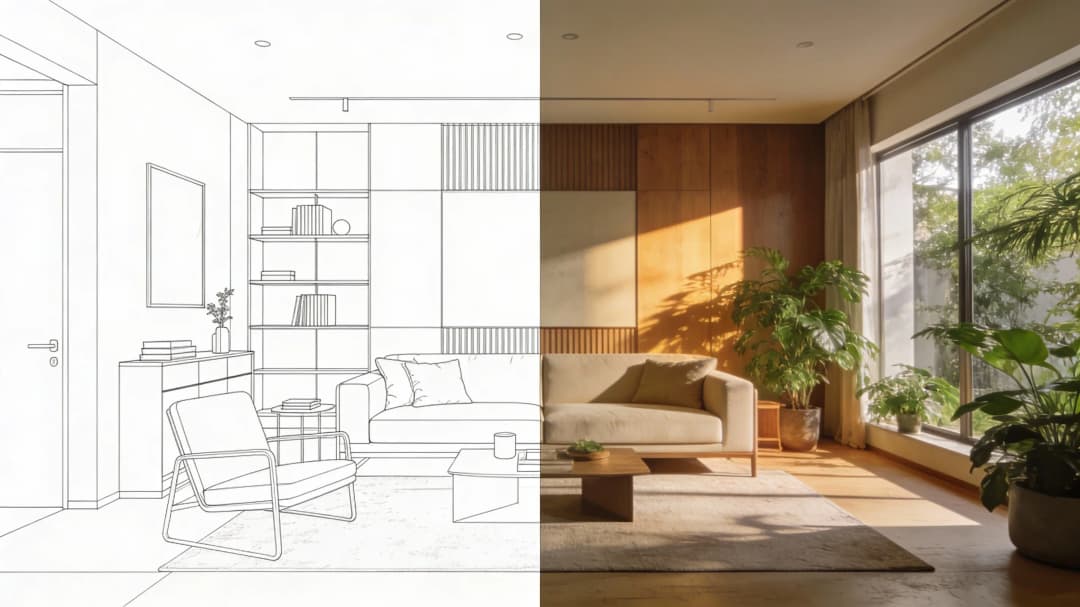
July 08, 2026
Designing Homes for Every Life Stage in 3D | VirtualSpaces
HHemanth Velury
CEO & Co-Founder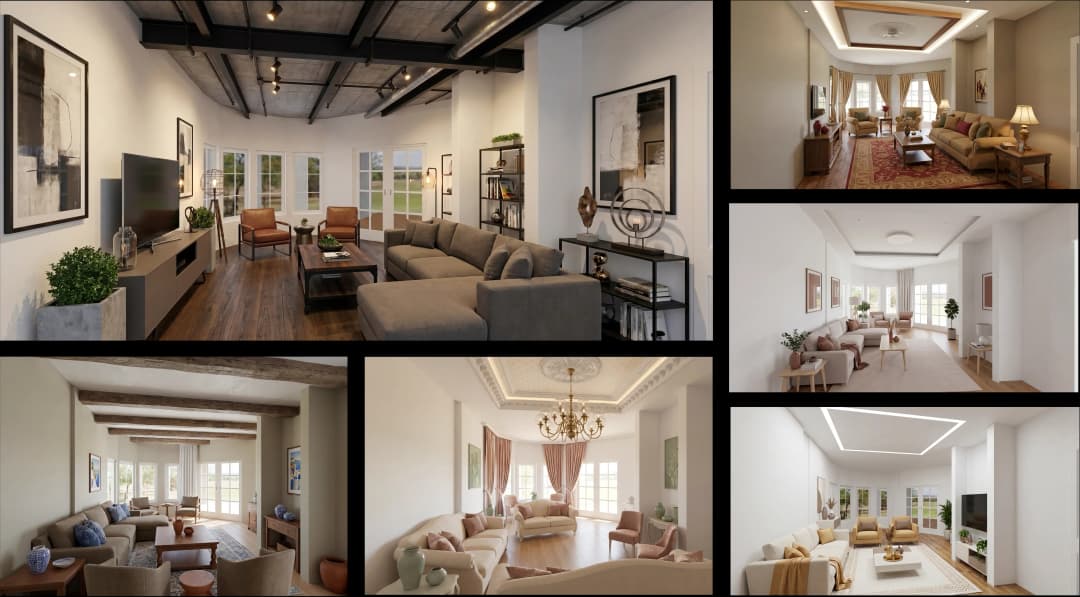
July 06, 2026
Build an Interior Design Portfolio Without Clients | VirtualSpaces
HHemanth Velury
CEO & Co-Founder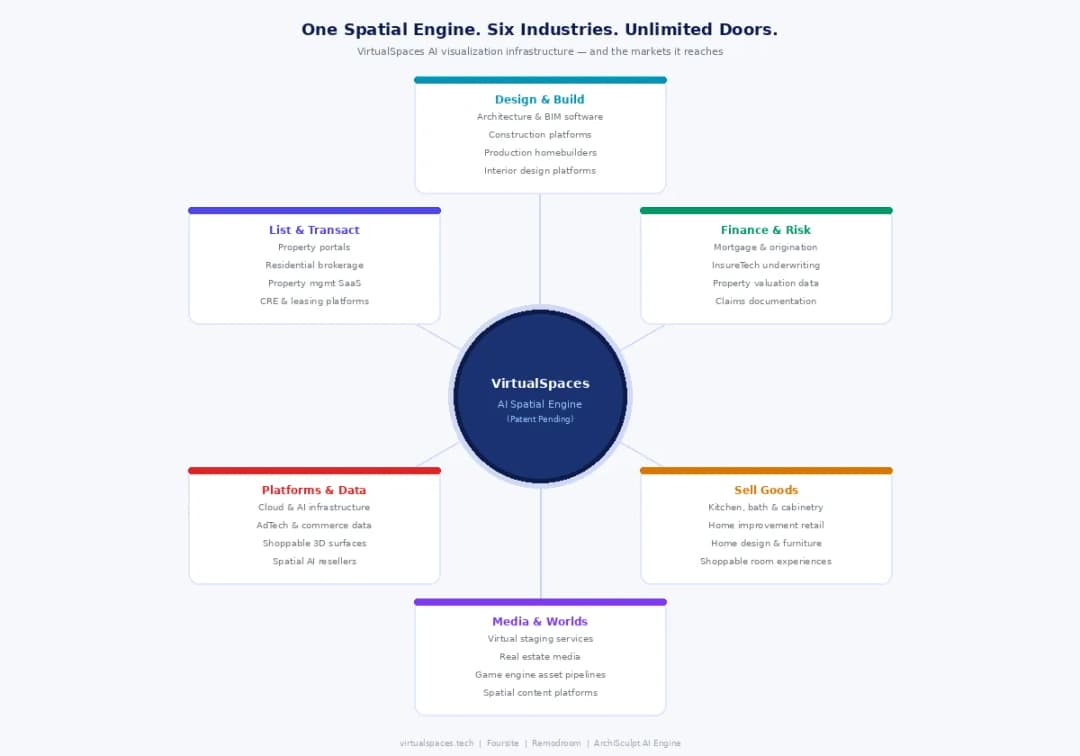
June 26, 2026
AI Interior Design: Full 3D Workflow in One Platform | VirtualSpaces
HHemanth Velury
CEO & Co-Founder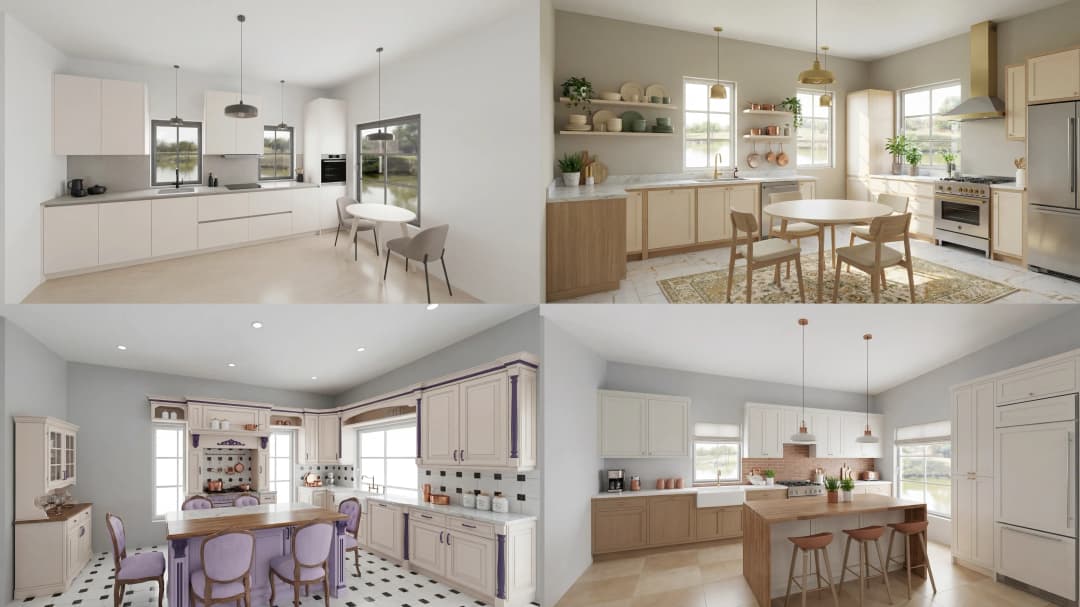
June 24, 2026
Scope Creep in Interior Design: How AI Visualization Fixes It | VirtualSpaces
HHemanth Velury
CEO & Co-Founder
June 22, 2026
What Buyers See on a Floor Plan: Your Biggest Sales Problem | VirtualSpaces
HHemanth Velury
CEO & Co-Founder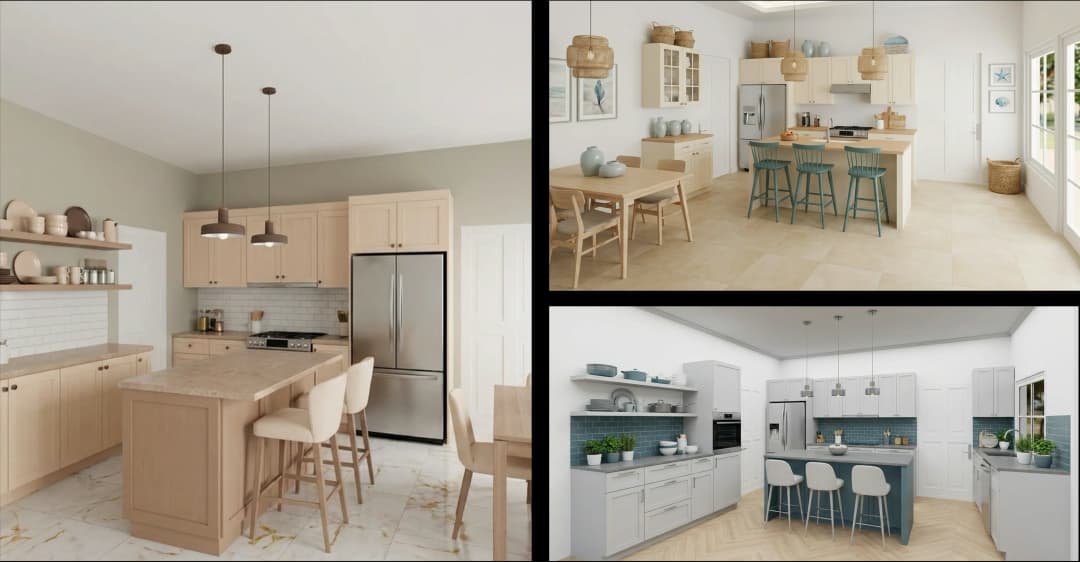
June 19, 2026
Small Design Studios vs Big Firms: The AI Advantage | VirtualSpaces
HHemanth Velury
CEO & Co-Founder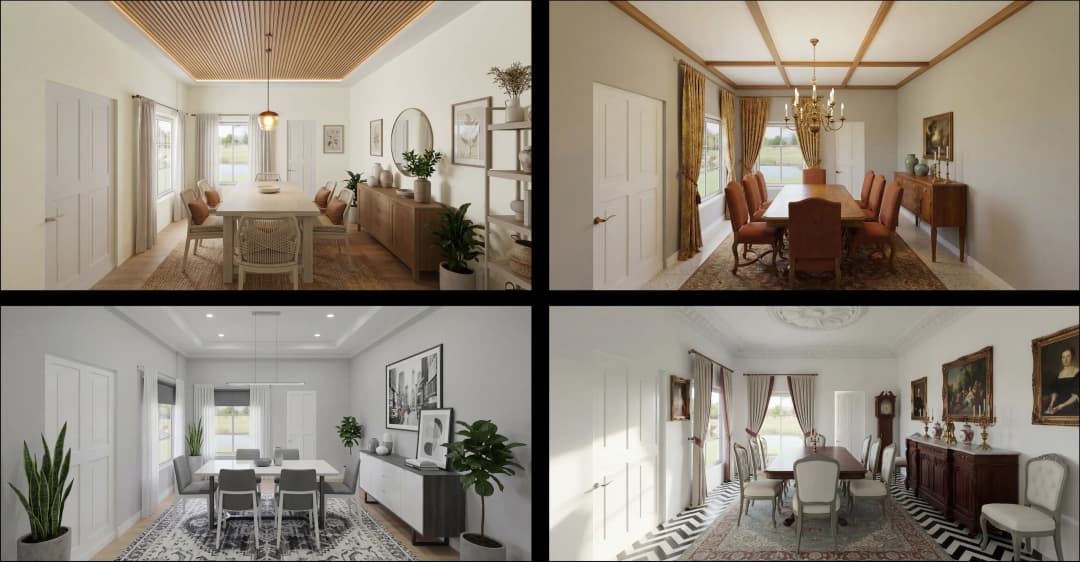
June 17, 2026
After the Mood Board: AI Interior Visualization | VirtualSpaces
HHemanth Velury
CEO & Co-Founder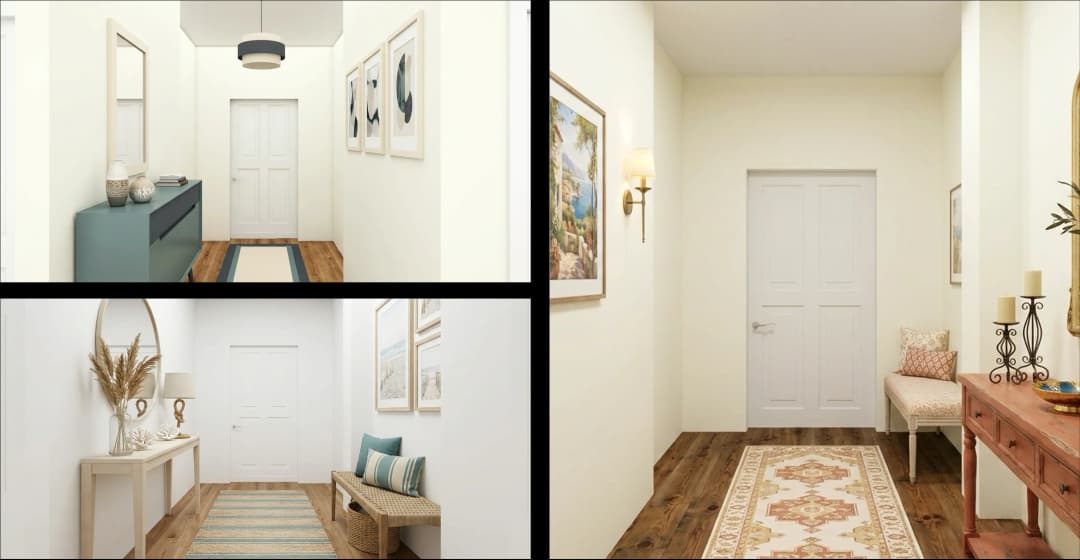
June 15, 2026
Foursite Pro Editor: Full Floor Plan Control for Designers | VirtualSpaces
HHemanth Velury
CEO & Co-Founder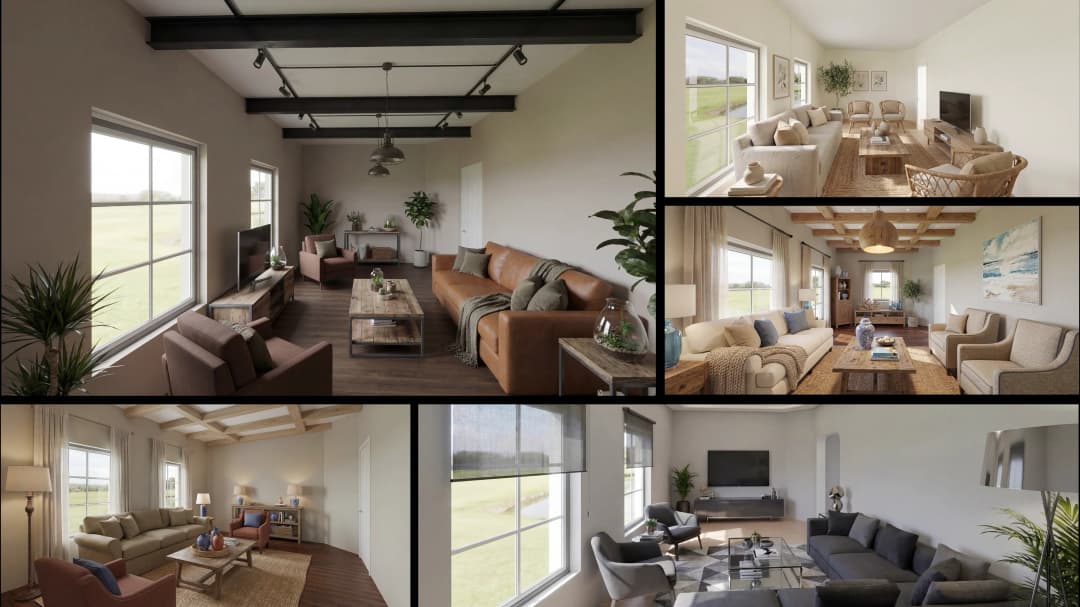
June 12, 2026
AI Interior Design: Style Any Room in Seconds with Foursite | VirtualSpaces
HHemanth Velury
CEO & Co-Founder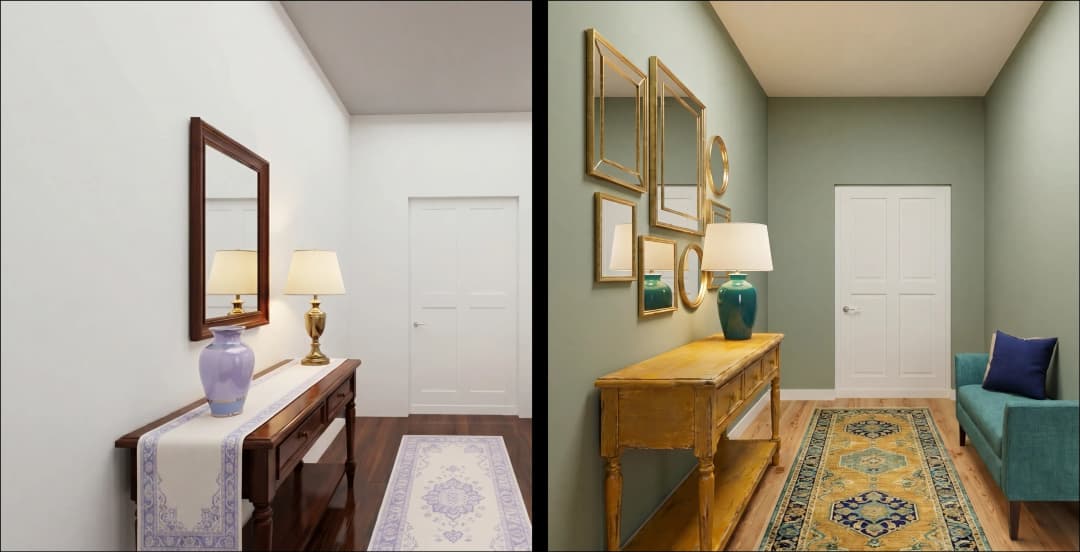
June 10, 2026
Foursite: Floor Plan to 3D Walkthrough in Minutes | VirtualSpaces
HHemanth Velury
CEO & Co-Founder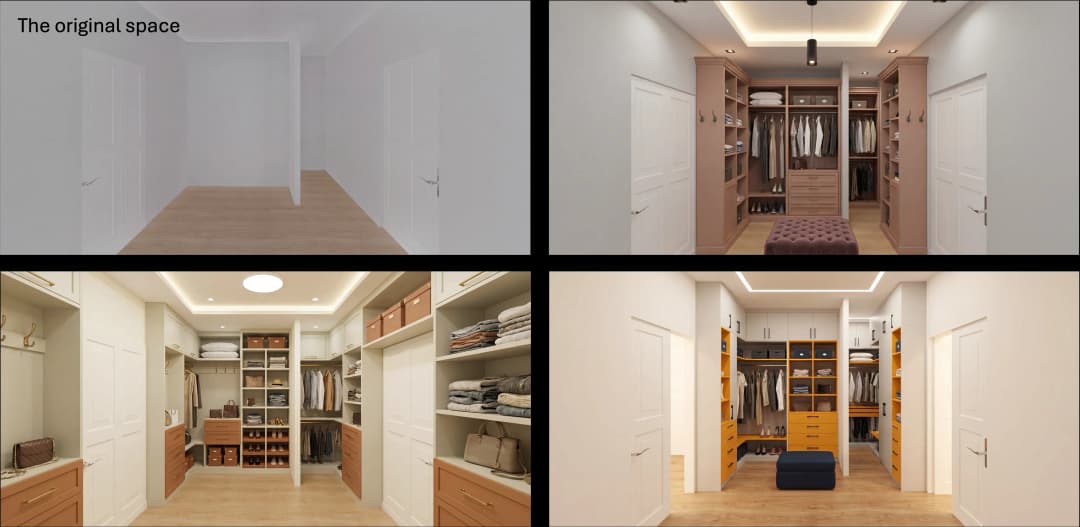
June 08, 2026
Win More Pitches With AI Renders Before the Meeting | VirtualSpaces
HHemanth Velury
CEO & Co-Founder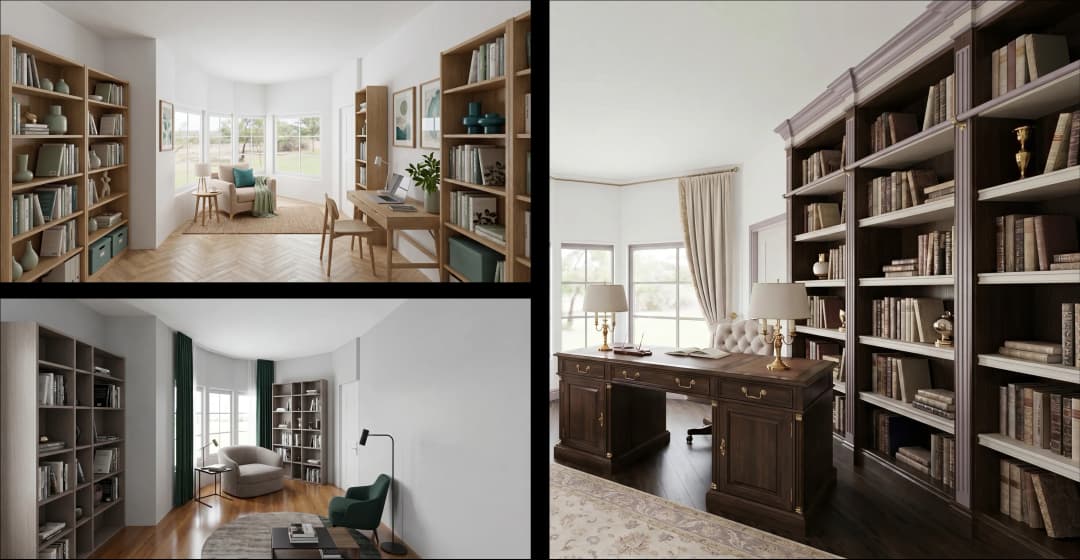
June 05, 2026
From Floor Plan to Finished Room: What AI Now Makes Possible | VirtualSpaces
HHemanth Velury
CEO & Co-Founder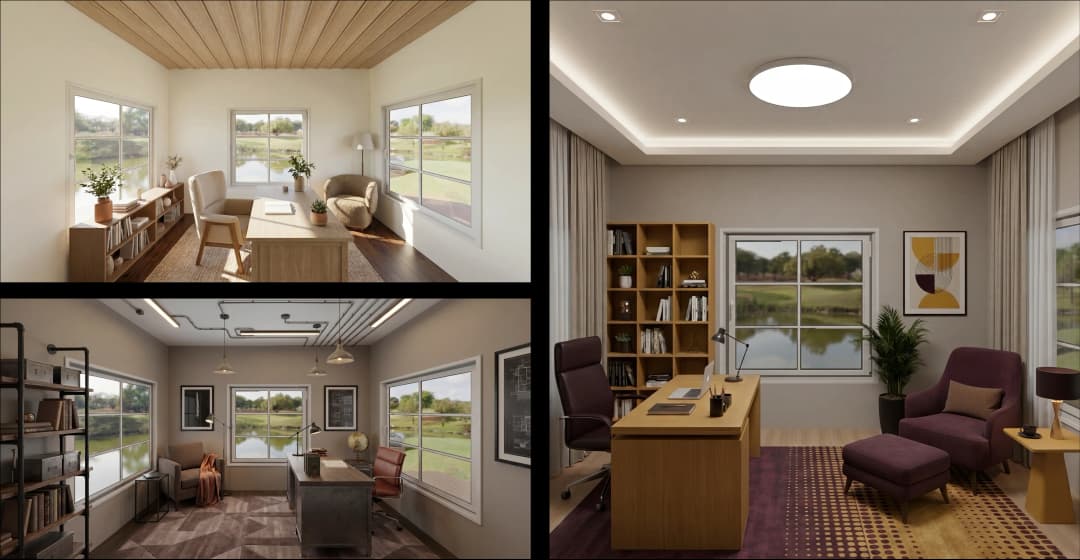
June 03, 2026
The Interior Design Brief Is Broken. AI Fixes It | VirtualSpaces
HHemanth Velury
CEO & Co-Founder
June 01, 2026
Pre-Construction Home Sales: AI Interior Visualization Guide | VirtualSpaces
HHemanth Velury
CEO & Co-Founder
May 30, 2026
Interior Design Principles: Applied with AI | VirtualSpaces
HHemanth Velury
CEO & Co-Founder
May 28, 2026
Designing Spaces for People, Not Blueprints | VirtualSpaces
HHemanth Velury
CEO & Co-Founder
May 26, 2026
The Future of Interior Design: Closing the Visualization Gap with Foursite and Remodroom | VirtualSpaces
HHemanth Velury
CEO & Co-Founder
May 18, 2026
How AI Visualization Upgrades Property Data Platforms | VirtualSpaces
HHemanth Velury
CEO & Co-Founder
May 14, 2026
How AI-First Insurers Can Use 3D Property Data to Transform Home Claims | VirtualSpaces
HHemanth Velury
CEO & Co-FounderMay 12, 2026
Why Photoreal 3D Renders Are Replacing Mood Boards | Interior Design Client Presentations | VirtualSpaces
HHemanth Velury
CEO & Co-Founder
May 08, 2026
From 2D Floor Plans To Living Worlds: The Spec‑Accurate 3D Engine | VirtualSpaces
HHemanth Velury
CEO & Co-Founder
May 06, 2026
Why Furniture Brands Need AI 3D Visualization Now | VirtualSpaces
HHemanth Velury
CEO & Co-Founder
May 4, 2026
How Property Portals Can Turn 2D Floor Plans into 3D Design Decisions | VirtualSpaces
HHemanth Velury
CEO & Co-Founder
April 29, 2026
The Home-Fit Test: Why Square Footage Misleads | VirtualSpaces
HHemanth Velury
CEO & Co-Founder
April 27, 2026
Designing Homes That Sell: 3D Visualization ROI Data | VirtualSpaces
HHemanth Velury
CEO & Co-FounderApril 24, 2026
What's Next: Foursite & Remodroom's New AI Features | VirtualSpaces
HHemanth Velury
CEO & Co-Founder
April 22, 2026
AI in Architecture: Closing the 85% Exposure Gap | VirtualSpaces
HHemanth Velury
CEO & Co-Founder
April 20, 2026
Interior Design Pricing in 2026: From Hourly to Value-Based Fees | VirtualSpaces
HHemanth Velury
CEO & Co-FounderApril 17, 2026
How Foursite and Remodroom Help Designers Win Clients | VirtualSpaces
HHemanth Velury
CEO & Co-Founder
April 15, 2026
Designing Spaces for People: Remodroom + Foursite AI Guide | VirtualSpaces
HHemanth Velury
CEO & Co-Founder
April 13, 2026
Designing for the Way People Actually Live: How AI 3D Is Finally Closing the Gap Between Floor Plan and Reality
HHemanth Velury
CEO & Co-Founder
April 11, 2026
Design in Real Time: AI Renders in Your First Client Meeting
HHemanth Velury
CEO & Co-Founder
April 06, 2026
Why Real Estate Photography Is No Longer Enough: The Shift to Spatial-First Listings
HHemanth Velury
CEO & Co-Founder
April 03, 2026
Property Management's Hidden Weapon: AI 3D Floor Plans That Cut Vacancy Time and Raise Tenant Quality
HHemanth Velury
CEO & Co-Founder
April 01, 2026
Off-Plan and Oversubscribed: How AI 3D Visualization Is Transforming Real Estate Pre-Sales
HHemanth Velury
CEO & Co-Founder
March 30, 2026
Why Foursite Beats Generic AI Tools for Interior Design 3D Visualization
HHemanth Velury
CEO & Co-Founder
March 27, 2026
7 Tenets of Interior Design: How AI Accelerates Harmony in Residential Spaces
HHemanth Velury
CEO & Co-Founder
March 25, 2026
What Is the 3-5-7 Rule in Interior Design? Foursite's AI Guide for Residential Spaces
HHemanth Velury
CEO & Co-Founder
March 23, 2026
What Is the 70/30 Rule in Interior Design? Foursite's AI Guide for Residential Spaces
HHemanth Velury
CEO & Co-Founder
March 20, 2026
How AI 3D Visualization Is Rewriting Residential Interior Design Workflows
HHemanth Velury
CEO & Co-Founder
March 18, 2026
Beyond Marketing: How 3D Floorplans Transform FM, Retrofit Planning & ESG Operations
HHemanth Velury
CEO & Co-Founder
March 16, 2026
Why AI Companies Use Token Payments (And Why VirtualSpaces Is Returning To Fiat)
HHemanth Velury
CEO & Co-Founder
March 13, 2026
Floorplan‑Native Digital Twins: Beyond BIM for Consumer‑Ready Real Estate Experiences
HHemanth Velury
CEO & Co-Founder
March 11, 2026
The Foursite Platform Thesis: Why Floor Plans, Not Photos, Are the Next Property Software Primitive
HHemanth Velury
CEO & Co-Founder
March 09, 2026
Design Systems for Space: Building Reusable 3D Component Libraries on Top of AI Floorplan‑to‑3D Engines
HHemanth Velury
CEO & Co-Founder
March 06, 2026
How to Standardize Design Quality Across Global Projects Using AI Floorplan-to-3D Tools
HHemanth Velury
CEO & Co-Founder
March 04, 2026
From CAD-First to AI-First: Reskilling Your Team for AI-Native Design Workflows
HHemanth Velury
CEO & Co-Founder
March 02, 2026
Algorithmic Ergonomics Meets Photorealistic 3D: Designing Human-Centered Smart Homes with Foursite in 2026
HHemanth Velury
CEO & Co-Founder
February 27, 2026
The Ethics of AI in Interior Design: Ownership, Originality, and Client Transparency
HHemanth Velury
CEO & Co-Founder
February 25, 2026
Designing with Empathy: Using AI 3D Visualization to Improve Client Communication and Emotional Clarity
HHemanth Velury
CEO & Co-Founder
February 23, 2026
From Tool to Infrastructure: AI Floorplan-to-3D and the Next Wave of PropTech
HHemanth Velury
CEO & Co-Founder
February 20, 2026
AI Interior Design for Holiday Homes: Turn Spare Flats into High-Demand Short-Stay Rentals with 3D Visuals
HHemanth Velury
CEO & Co-Founder
February 18, 2026
The Pre‑Purchase Power Play: How Savvy Home Buyers Use 3D Floor Plan Visualization to Negotiate Better Deals
HHemanth Velury
CEO & Co-FounderFebruary 16, 2026
AI Interior Design for Non‑Designers: How Homeowners Can Brief Like Pros
HHemanth Velury
CEO & Co-Founder
February 13, 2026
Scaling a Design Business Without Hiring a 3D Team: An Owner's Guide
HHemanth Velury
CEO & Co-Founder
February 6, 2026
The Psychology of Space: How Room Dimensions Influence Interior Design Decisions
HHemanth Velury
CEO & Co-Founder
February 4, 2026
The Future of Interior Design Visualization: How AI Technology is Transforming 2D Concepts Into 3D Reality
HHemanth Velury
CEO & Co-Founder
February 2, 2026
AI Interior Décor: How Artificial Intelligence Generates Design Options from Your Floor Plan
HHemanth Velury
CEO & Co-Founder
January 30, 2026
Photoreal vs. Reality: What Clients Actually Expect from Interior Design Visualization
HHemanth Velury
CEO & Co-Founder
January 28, 2026
The Design Approval Conversation That Changes Everything: Communication Strategy When Using Photorealistic Visualization
HHemanth Velury
CEO & Co-Founder
January 25, 2026
Interior Design as Experience Design: How 3D Visualization Changes Your Professional Identity
HHemanth Velury
CEO & Co-Founder
January 23, 2026
The Professional Gap: How 3D Visualization Changes Interior Design Client Perception
HHemanth Velury
CEO & Co-Founder
January 21, 2026
Why Clients Fire Designers (And How 3D Visualization Could Have Saved the Project)
HHemanth Velury
CEO & Co-Founder
January 16, 2026
Blueprint to Vision: Why Seeing Is Believing in Interior Design
HHemanth Velury
CEO & Co-Founder
January 14, 2026
The Speed of Responsiveness: How AI Visualization Tools Make You Look Like You Care More
HHemanth Velury
CEO & Co-Founder
January 12, 2026
Why Interior Designers and Architects Can't Compete Without AI 3D Visualization Tools
HHemanth Velury
CEO & Co-Founder
January 07, 2026
From "Saved" to "Sold": How Homeowners Are Planning Renovations with AI
HHemanth Velury
CEO & Co-Founder
January 05, 2026
The Interior Designer's Secret Weapon: Speed as Premium Positioning
HHemanth Velury
CEO & Co-Founder
December 31, 2025
Gratitude, Growth & Game-Changing Innovation: VirtualSpaces' 2025 Journey & What's Coming in 2026
HHemanth Velury
CEO & Co-Founder
December 29, 2025
Why Interior Designers Are Switching to AI Floor Plan-to-3D Tools in 2026
HHemanth Velury
CEO & Co-Founder
December 26, 2025
AI Virtual Staging for Real Estate Agents: Sell More Homes Faster with Foursite
HHemanth Velury
CEO & Co-Founder
December 24, 2025
Why Architects Are Switching to AI 2D-to-3D: The SketchUp Alternative
HHemanth Velury
CEO & Co-Founder
December 22, 2025
Cut 3 Weeks from Real Estate Sales Cycle: The ROI of AI 2D to 3D Visualization
HHemanth Velury
CEO & Co-Founder
December 19, 2025
2D Floor Plans Are Dying: Why 3D Visualization & AI Virtual Staging Are the Future
HHemanth Velury
CEO & Co-Founder
December 17, 2025
Virtual Staging vs Physical Staging: How AI Saves Money Per Property
HHemanth Velury
CEO & Co-Founder
December 15, 2025
AI Floor Plan to Image: Revolutionizing Real Estate Marketing for Agents
HHemanth Velury
CEO & Co-Founder
December 12, 2025
Color of the Year 2026: Cloud Dancer | VirtualSpaces AI Interior Design Guide
HHemanth Velury
CEO & Co-Founder
December 10, 2025
AI Floor Plan to 3D: The New Standard for Interior Design Workflows
HHemanth Velury
CEO & Co-Founder
December 08, 2025
How Interior Design Studios Can Operationalize AI 2D-to-3D Workflows (Without Breaking Their Process)
HHemanth Velury
CEO & Co-Founder
December 06, 2025
How to Implement AI Interior Design Workflows in Your Studio
HHemanth Velury
CEO & Co-Founder
December 4, 2025
How Homeowners Can Use AI Interior Design Tools to Plan Renovations with Confidence
HHemanth Velury
CEO & Co-Founder
November 28, 2025
Interior Designers in the Age of AI: From Threat Narrative to Superpower
HHemanth Velury
CEO & Co-Founder
November 21, 2025
Foursite Launch: Embracing 'Release Early, Release Often'
HHemanth Velury
CEO & Co-Founder
November 13, 2025
Foursite by VirtSpaces: Empowering Interior Designers, Architects, and Homeowners
HHemanth Velury
CEO & Co-Founder
November 7, 2025
Reimagining Architectural Education: How AI Floorplan-to-3D Technology Can Transform Design Learning
VVirtualSpaces Research Labs
AI Research Initiative
October 27, 2025
Archisculpt AI: Turning Architectural Drawings into Photorealistic 3D Spaces
AAbhijeet Naik
Co-Founder & CTO
October 13, 2025
Home Makeover: From Floor Plan to Dream Space with AI
HHemanth Velury
CEO & Co-Founder
October 6, 2025
Real-Time Rendering & AI: Revolutionizing Interactive Property Walkthroughs with VirtSpaces
HHemanth Velury
CEO & Co-Founder
September 26, 2025
Foursite - A True AI-Native Experience in Design Visualization
AAbhijeet Naik
CTO & Co-Founder
September 18, 2025
Why PropTech Startups Are Betting on AI Interior Design
HHemanth Velury
CEO & Co-Founder
September 11, 2025
How AI Differs from Traditional 3D Rendering Software
HHemanth Velury
CEO & Co-Founder
September 2, 2025
From Client to Investor: How Nila Spaces and VirtSpaces Are Redefining Proptech with AI
HHemanth Velury
CEO & Co-Founder
August 25, 2025
VirtSpaces From Virtual Reality to AI – Transforming Real Estate Visualization.
HHemanth Velury
CEO & Co-Founder


We help teams collaborate seamlessly and reduce costs. Virtual Spaces offers cutting-edge technology with flexible plans designed to fit modern teams.
Copyright © VirtSpaces Pvt. Ltd. 2025 All Rights Reserved.
CIN: U74999KA2016PTC094921