
March 20, 2026
- Interior Design
- AI Technology
- Real Estate
How AI 3D Visualization Is Rewriting Residential Interior Design Workflows
Hemanth Velury
CEO & Co-FounderHow AI 3D Visualization Is Rewriting Residential Interior Design Workflows
Residential Interior Design Is at an Inflection Point
If you run a residential interior design studio today, you are probably feeling a strange mix of pressure and possibility.
Clients expect Pinterest‑level visuals yesterday, developers and brokers want faster decisions, and your team is still stitching together screenshots from three or four different tools just to get one room approved.
At the same time, AI interior design and AI 3D visualization tools have finally matured beyond gimmicks. Platforms like Foursite from VirtualSpaces can already turn 2D floor plans and blueprints into realistic 3D models in a browser, with AI virtual staging and interior design renders that look client‑ready. The question is no longer whether to use AI, but how to use it to make your studio more creative, more profitable, and less operationally fragile, without reducing your work to generic templates.
This piece explores that question specifically for residential designers: apartments, villas, holiday homes, independent houses, and everything in between.
Why Residential Is Different (and Harder)
Residential work is where emotions are loudest and budgets are tightest.
You are not just arranging furniture and finishes; you are translating how people want to live, rest, host, and grow into a few thousand square feet.
Compared to commercial projects, residential jobs often come with:
- Shorter timelines and more frequent changes.
- Highly opinionated decision‑makers (often two partners with different tastes).
- Smaller ticket sizes that cannot absorb endless hand‑offs to external 3D artists.
In that context, traditional pipelines: CAD for plans, a different tool for mood-boards, outsourced 3D Visualization to freelancers, presentation decks in yet another tool, become dangerous.
They slow you down, dilute your creative intent, and quietly eat away at your margins every time a client says, "Can we see one more option?"
AI‑native workflows that move from 2D to 3D in minutes, directly from your 2D floor plans and Blueprints, are not just a technical upgrade. They are a way of making residential design economics work again.
From Floor Plan to Live 3D Canvas
The biggest mental shift is this: your floor plan is no longer just a drawing, think of it as a launchpad.
Platforms like Foursite are built to take floor plans seriously as a primary input. You upload a plan (a .jpg or a .png file), the engine reads walls, doors, windows and zones, and within minutes you are walking through a 3D shell of the home. In other words, you move from floor plan to 3D or blueprint to 3D without the traditional wait time or specialized 3D modeling skills.
This unlocks a few powerful things:
- You can convert floor plan to 3D and convert blueprint to 3D at the very first client meeting, instead of promising renders "next week."
- You get a consistent, geometry‑accurate 3D Visualization base for every project, which means you stop redrawing the same layouts in multiple tools.
- You and your clients see the same space, from the same vantage points, which cuts down on "I didn't imagine it that way" moments later.
In practice, this means a junior designer who used to spend a week drafting and coordinating with a 3D vendor can now spend that week exploring ideas on top of an AI‑generated 3D shell.
Your "plan to concept" window compresses from days to hours, without asking anyone to become a full‑time 3D artist.
AI Interior Design as a Creative Amplifier, Not a Template Machine
The fear many designers have is that AI interior design will flatten everything into the same beige, Instagram‑friendly mood.
That is a valid concern, but it is more a question of how you prompt and curate than what the tools are capable of.
Used well, AI interior design and AI interior decor features become a kind of visual sketchbook.
You can generate 5–10 variations of a living room layout, each with different furniture densities, color stories, and lighting moods, all mapped accurately to the same floor plan.
The creative advantages are real:
- You can push yourself out of habitual patterns by asking the AI to show unexpected combinations: Warm minimal for a 2BHK, bold contemporary for a compact studio, or kid‑friendly maximalism for a 3‑bedroom villa.
- You can test ideas that would have been too time‑consuming to mock up manually: a split‑level reading nook, a floating workstation in a corridor, or layered lighting that changes between "focus," "entertain" and "unwind" scenes.
- You can quickly compare interior design 3D visualization options side by side, then refine the one that feels truest to the client.
When this happens inside the same environment as your 3D shell, rather than in a separate rendering package, you preserve design intent.
The combination of AI visualization, AI 3D visualization, and consistent 3D geometry becomes a multiplier on your judgment, not a replacement for it.
Interior Design Renders as Revenue, Not Just a Cost Center
Historically, photoreal visualizations were something you paid for, either in the form of a full‑time 3D artist or a stable of freelancers.
With AI‑driven pipelines, interior design photoreal renders and high‑quality interior design renders start to look more like products you can package, price, and deliver quickly.
Because engines like Foursite can go from 2D to 3D and then apply styling within the same workflow, the marginal cost of generating "one more view" or "one more style" drops sharply. Instead of swallowing that cost, you can deliberately design offerings around it:
- A "Concept Sprint" package where clients get multiple AI‑assisted virtual staging concepts for their living‑dining core within a week.
- A "Decision Pack" of 6–8 key interior design photoreal renders for major rooms, bundled as an add‑on service for developers or brokers selling residential units off‑plan.
- A premium "Before/After Journey" where homeowners see how their existing space transforms across 2–3 distinct visual directions.
Notice that none of this requires you to talk about ROIs or cap rates.
Instead, you frame it in language that matters to residential clients: confidence, clarity, fewer regrets, and an easier time aligning all decision‑makers before money is spent on site.
The key is that AI lets you productize visuals in a way that used to be operationally unviable.
Cutting Software Hand‑Offs (and the Hidden Tax on Your Time)
Every time a project leaves your core tool chain: Into a freelancer's software, into a different file format, into yet another presentation tool, you pay a tax.
That tax shows up as:
- Lost time reconciling revisions across tools.
- Misalignments between what was approved and what was rendered.
- Extra coordination work that no one quite bills for.
An AI‑first stack anchored on Foursite and the VirtualSpaces ecosystem reduces that tax.
Because 2D floor plans, floor plans, and blueprints all funnel into the same platform, and because the AI engine handles the heavy lifting of 3D Visualization and styling, many of your "handoffs" collapse into in‑platform steps.
Concretely, that means:
- Fewer exports and imports between CAD, 3D packages, and presentation tools.
- Less need to "translate" feedback from a client into a separate brief for an external visualizer.
- Lower risk that a freelancer's file hierarchy becomes a single point of failure when you revisit the project months later.
You are not just saving license fees by retiring redundant software; you are shrinking the coordination surface area of every project.
That reclaimed time is exactly where your team can invest in deeper design exploration or more attentive client service.
Reducing Outsourcing Without Burning Out Your Team
None of this means you have to fire every 3D vendor you have ever worked with.
Complex hero shots, intricate joinery details, or large hospitality spaces will still benefit from deep CGI expertise.
But for a significant portion of bread‑and‑butter residential work, AI‑native workflows give you a realistic way to bring visualization back in‑house:
- Standard room types (bedrooms, kitchens, living rooms) mapped accurately from 2D floor plans and Blueprints.
- Styling passes driven by AI interior design and AI interior décor tools inside the same environment.
- Quick lighting and material explorations that do not require manual re-rendering every time.
Instead of outsourcing 80–90 percent of your visualization tasks, you might find that only 20–30 percent truly require specialist hands.
That reduces dependency risk, keeps more value within your studio, and lets your external partners focus on the most impactful work.
It also changes the emotional tone inside your team.
Designers feel more in control because the images clients see are generated and iterated inside the same tool they themselves use, rather than arriving via email from someone who has never spoken to the homeowner.
Virtual Staging as a Pre‑Sales Superpower
For residential designers, Virtual Staging and AI virtual staging are often framed as marketing tools for brokers.
But when these capabilities live inside a floor‑plan‑native engine like Foursite, they become a potent pre‑sales and pre‑design tool for your own studio.
Imagine being able to:
- Take listing photos or basic shell images of a flat and run AI virtual staging scenarios that match your studio's signature style.
- Layer those on top of a floor plan to 3D model so clients can see both a styled still and an interactive walkthrough.
- Swap between two or three design directions live on a call, without waiting a week for a visualizer to turn things around.
This changes your first meeting from a "credentials" presentation into a co‑creation session.
Homeowners and small developers are far more likely to sign when they can see their future space in front of them, styled in a way that feels both aspirational and achievable.
In effect, interior design 3D visualization becomes part of your sales funnel, not just a delivery artifact.
You are earning quick wins: Concept approvals, retainers, design mandates, all because you can show, not just tell.
The New Client Journey: From Upload to Understanding
With Foursite, you get an end‑to‑end path that is easy for clients to understand: upload, explore, decide.
A typical residential journey might look like this:
-
A prospect discovers your studio through a blog like this one or a VirtualSpaces experience.
-
On your website, they upload 2D floor plans or Blueprints and answer a few lifestyle questions.
-
Behind the scenes, Foursite converts that blueprint to 3D and runs a few AI interior design passes to produce 2–3 starting scenarios.
-
You hop on a call where you walk them through the space, toggling styles, layouts, or virtual staging variations in real time.
-
They leave the call with clear, visual options and a sense that your studio understands both the emotional and practical sides of their home.
At no point do they see the chaos of multiple file formats and tools behind the curtain.
What they experience is a smooth journey from "I have a flat and a dream" to "I can see how this will actually feel to live in", which is exactly the kind of thing an investor quietly looks for in a category‑defining platform.
The studios that lean into this early will not just have prettier visuals; they will have better economics and deeper defensibility, even as AI lowers the barrier for basic design output.
A 30–60–90 Day Roadmap for a Residential Studio
If you are curious but overwhelmed, here is a pragmatic way to start, using the capabilities we have been talking about.
Days 1–30: Explore and Prototype
- Take 3–5 recent projects and run them through a 2D to 3D pipeline in Foursite (using existing 2D floor plans or Blueprints).
- Experiment with AI visualization, AI interior design, and AI interior décor / AI interior decor on one key room per project.
- Generate a small set of interior design renders and interior design photoreal renders purely for internal learning.
Days 31–60: Bring Clients into the Loop
- Pick 1–2 new residential projects where clients are open to experimentation.
- Use floor plan to 3D, blueprint to 3D, and AI virtual staging in your actual presentations.
- Track (qualitatively) how quickly clients make core decisions once they see 3D Visualization instead of static plans.
Days 61–90: Productize and Refine
- Define 2–3 named offerings: Concept Sprint, Decision Pack, Before/After Journey, that deliberately lean on your new AI‑native pipeline.
- Document your best prompts, layouts, and styling patterns as an internal "space design system," inspired by the design‑systems thinking you are already exploring.
- Use VirtualSpaces as the place where these experiences are hosted, shared, and revisited over time, rather than buried in email threads.
By the end of this period, you will not just "use AI."
You will have a clearer sense of how AI 3D visualization, Virtual Staging, and the Foursite stack can re‑write the actual business of residential interior design, making your studio faster, more creative, and more resilient in the process.
PS: some features may not be available and are a part of our future product roadmap
Recommended for you

August 19, 2026
The End of the Model Home? 3D Changes the Math | VirtualSpaces
HHemanth Velury
CEO & Co-Founder
August 17, 2026
Designing Spaces That Actually Get Built | VirtualSpaces
HHemanth Velury
CEO & Co-Founder
August 12, 2026
Designing Homes for the Stuff People Actually Own | VirtualSpaces
HHemanth Velury
CEO & Co-Founder
August 07, 2026
Floor Plan to Bill of Materials: The 3D Model as Data | VirtualSpaces
HHemanth Velury
CEO & Co-Founder.png&w=1080&q=75)
August 05, 2026
Designing Homes for How People Actually Live | VirtualSpaces
HHemanth Velury
CEO & Co-Founder
August 03, 2026
Honest by Design: Trust in AI Real Estate Imagery | VirtualSpaces
HHemanth Velury
CEO & Co-Founder
July 29, 2026
Kitchen and Bath: The Two Rooms That Decide Resale | VirtualSpaces
HHemanth Velury
CEO & Co-Founder
July 27, 2026
Why Empty Rooms Don't Sell: Virtual Staging | VirtualSpaces
HHemanth Velury
CEO & Co-Founder
July 24, 2026
The Quiet Sustainability Win of Deciding in 3D | VirtualSpaces
HHemanth Velury
CEO & Co-Founder
July 22, 2026
Why Paint Swatches Lie: Test Color in 3D First | VirtualSpaces
HHemanth Velury
CEO & Co-Founder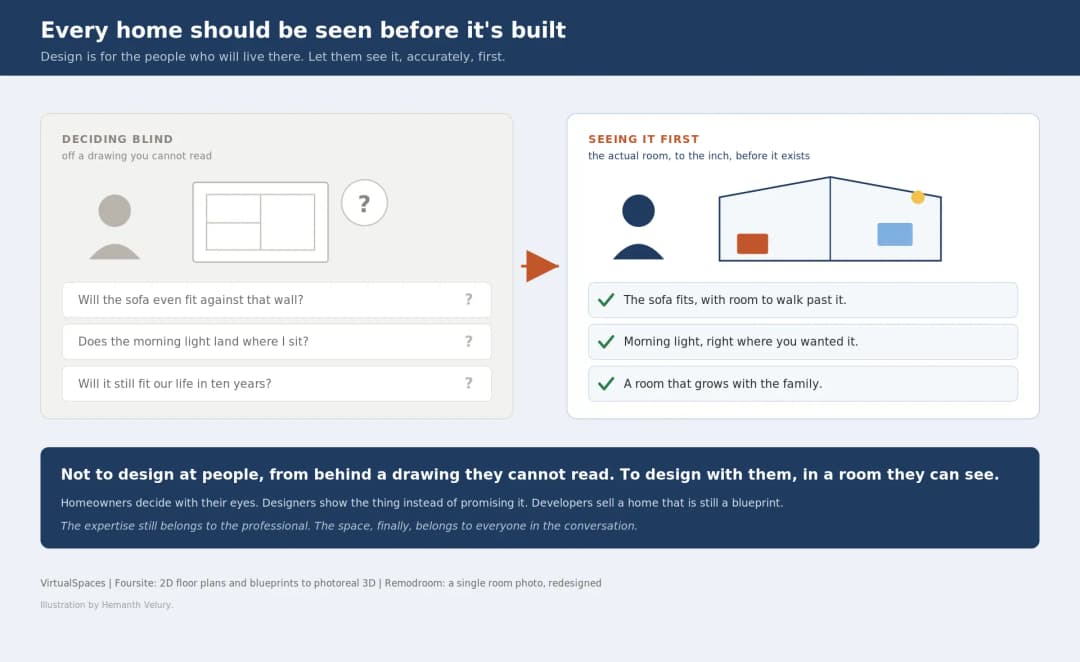
July 20, 2026
Why Every Home Should Be Seen Before It's Built | VirtualSpaces
HHemanth Velury
CEO & Co-Founder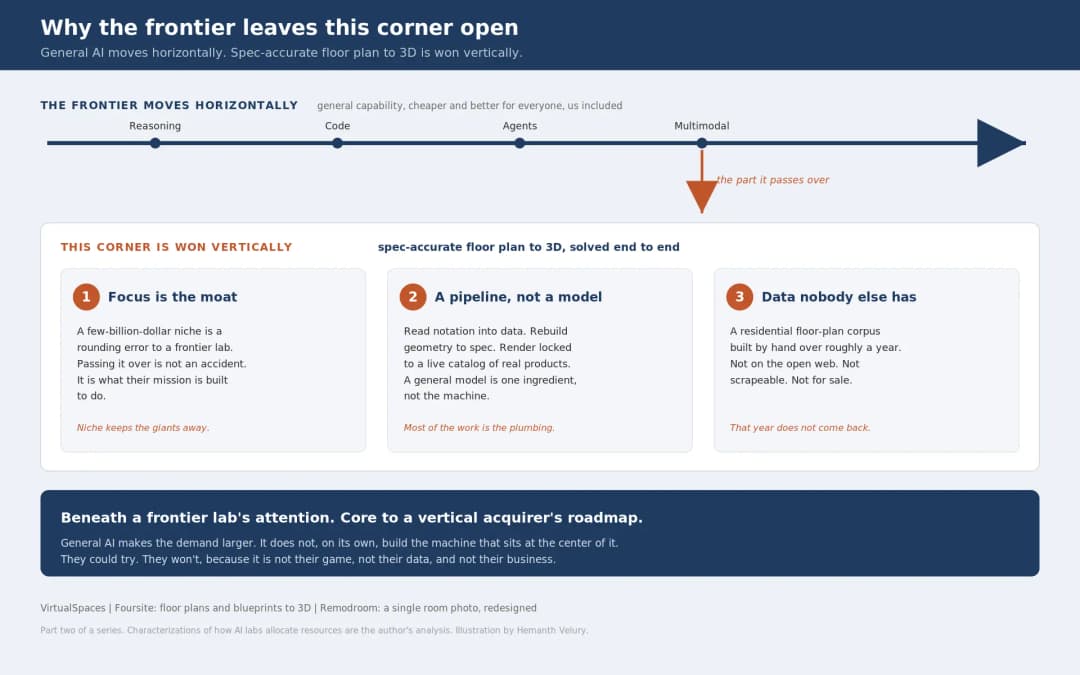
July 17, 2026
Why Big AI Labs Won't Build Floor Plan to 3D | VirtualSpaces
HHemanth Velury
CEO & Co-Founder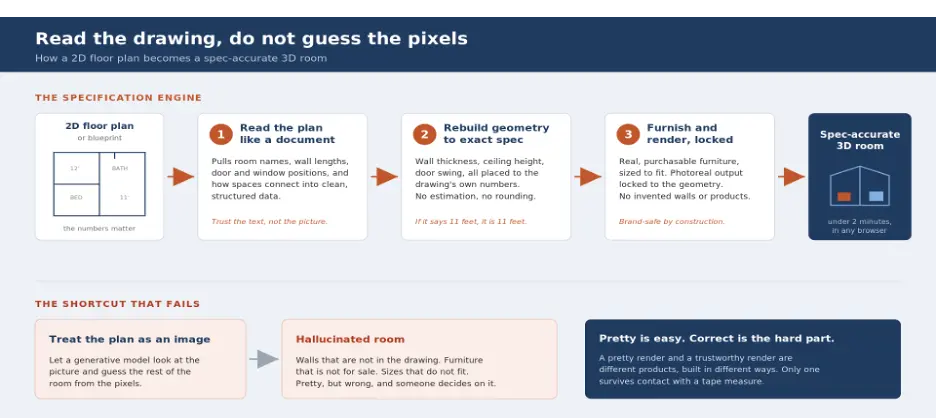
July 15, 2026
How We Solve Floor Plan to 3D, Accurately | VirtualSpaces
HHemanth Velury
CEO & Co-Founder
July 13, 2026
Designing Homes That Age With the People in Them | VirtualSpaces
HHemanth Velury
CEO & Co-Founder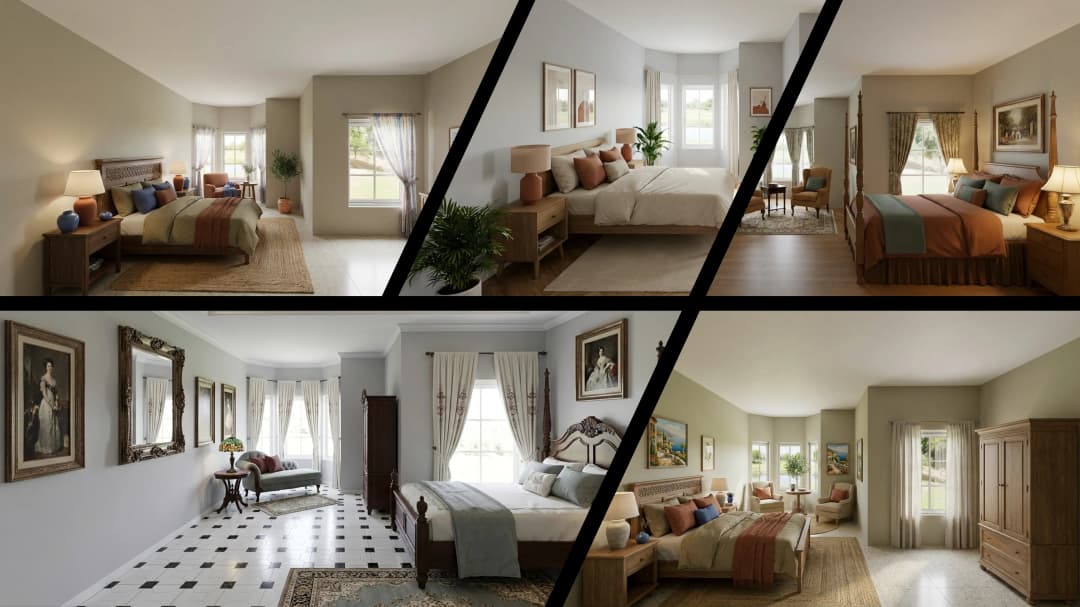
July 10, 2026
Designing Spaces for How Light Actually Moves | VirtualSpaces
HHemanth Velury
CEO & Co-Founder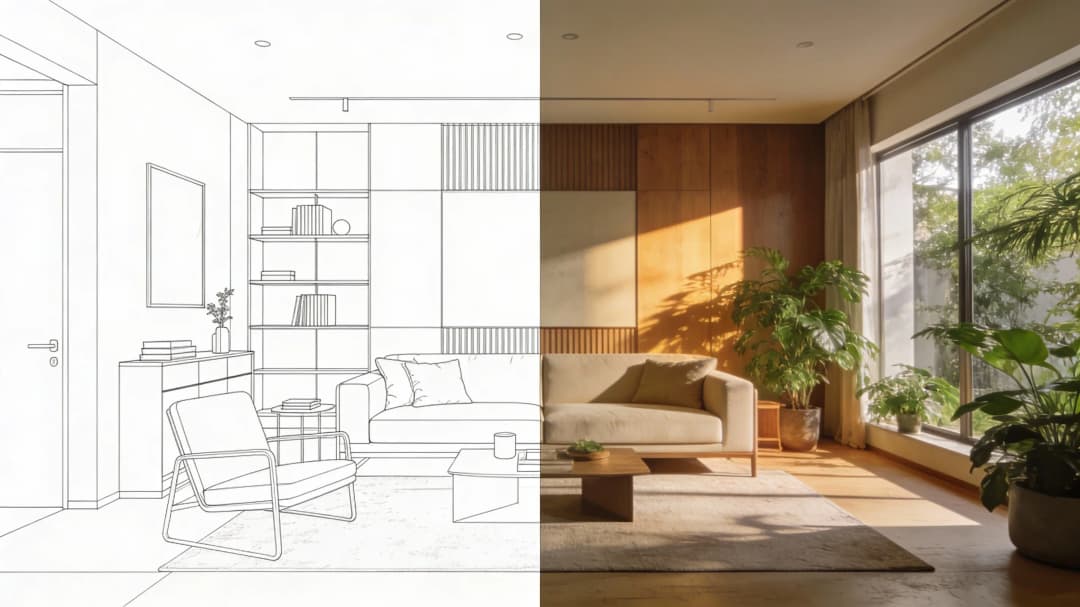
July 08, 2026
Designing Homes for Every Life Stage in 3D | VirtualSpaces
HHemanth Velury
CEO & Co-Founder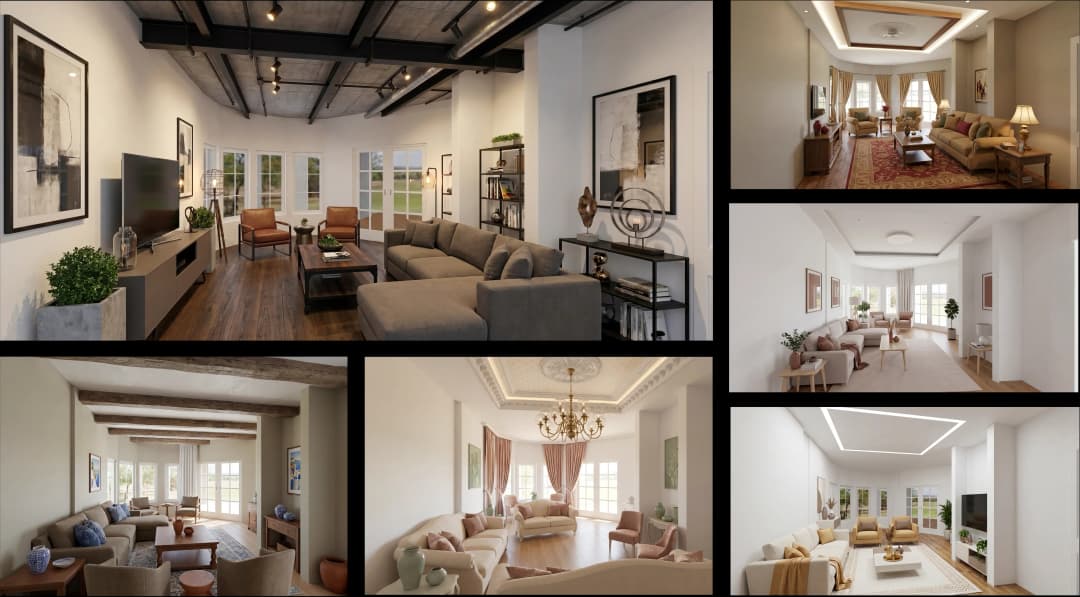
July 06, 2026
Build an Interior Design Portfolio Without Clients | VirtualSpaces
HHemanth Velury
CEO & Co-Founder
June 26, 2026
AI Interior Design: Full 3D Workflow in One Platform | VirtualSpaces
HHemanth Velury
CEO & Co-Founder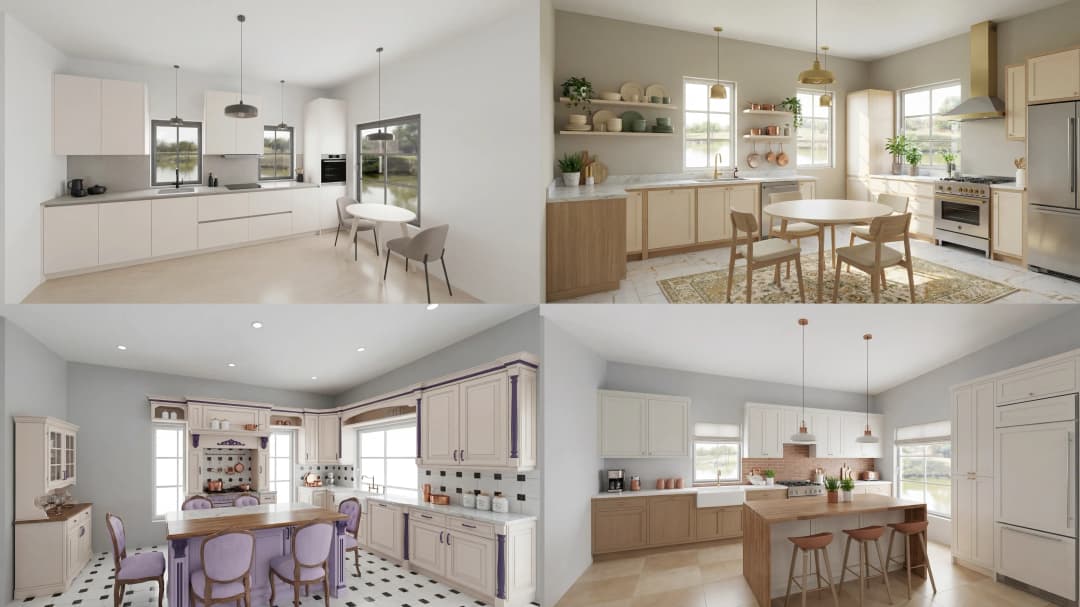
June 24, 2026
Scope Creep in Interior Design: How AI Visualization Fixes It | VirtualSpaces
HHemanth Velury
CEO & Co-Founder
June 22, 2026
What Buyers See on a Floor Plan: Your Biggest Sales Problem | VirtualSpaces
HHemanth Velury
CEO & Co-Founder
June 19, 2026
Small Design Studios vs Big Firms: The AI Advantage | VirtualSpaces
HHemanth Velury
CEO & Co-Founder
June 17, 2026
After the Mood Board: AI Interior Visualization | VirtualSpaces
HHemanth Velury
CEO & Co-Founder
June 15, 2026
Foursite Pro Editor: Full Floor Plan Control for Designers | VirtualSpaces
HHemanth Velury
CEO & Co-Founder
June 12, 2026
AI Interior Design: Style Any Room in Seconds with Foursite | VirtualSpaces
HHemanth Velury
CEO & Co-Founder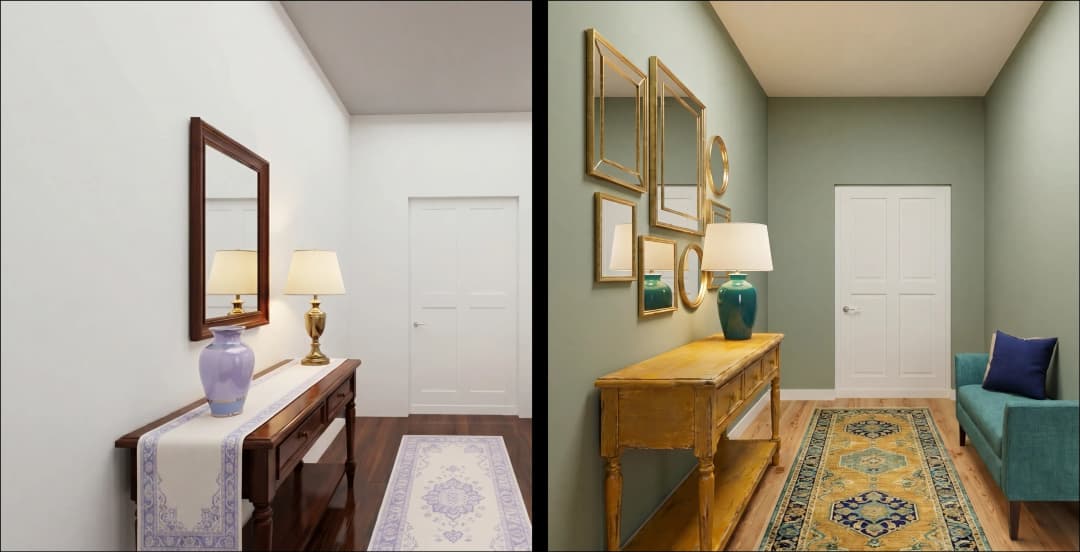
June 10, 2026
Foursite: Floor Plan to 3D Walkthrough in Minutes | VirtualSpaces
HHemanth Velury
CEO & Co-Founder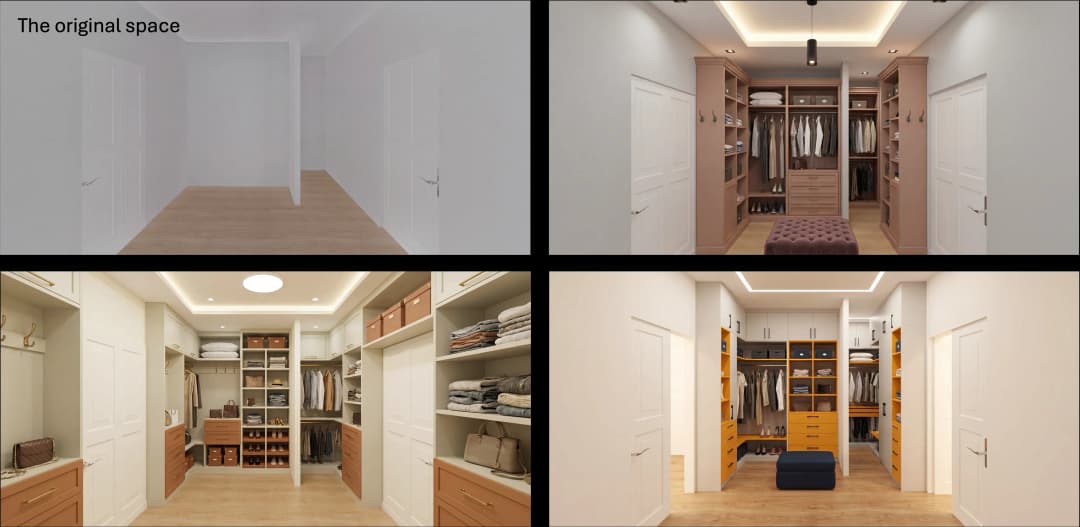
June 08, 2026
Win More Pitches With AI Renders Before the Meeting | VirtualSpaces
HHemanth Velury
CEO & Co-Founder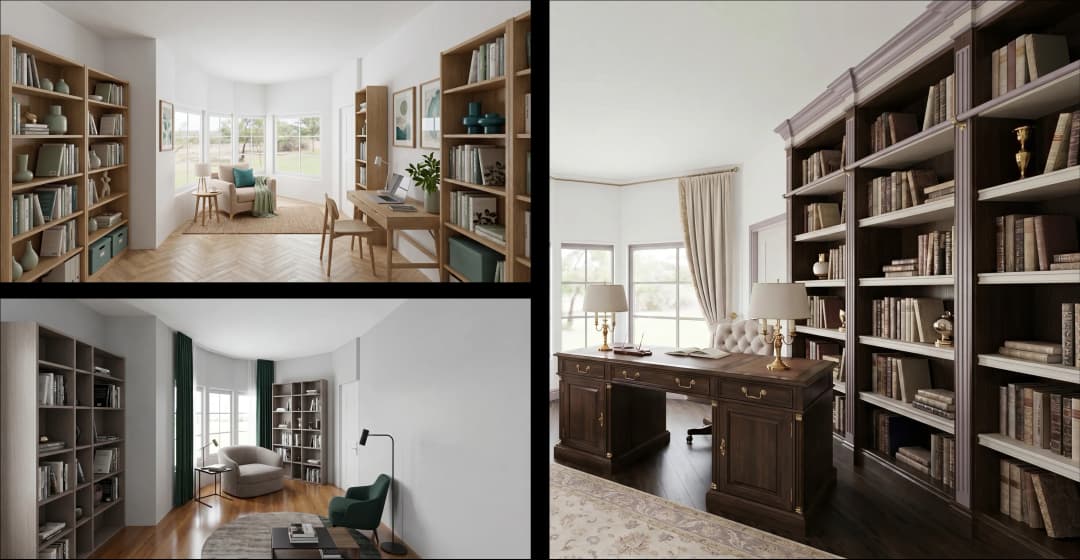
June 05, 2026
From Floor Plan to Finished Room: What AI Now Makes Possible | VirtualSpaces
HHemanth Velury
CEO & Co-Founder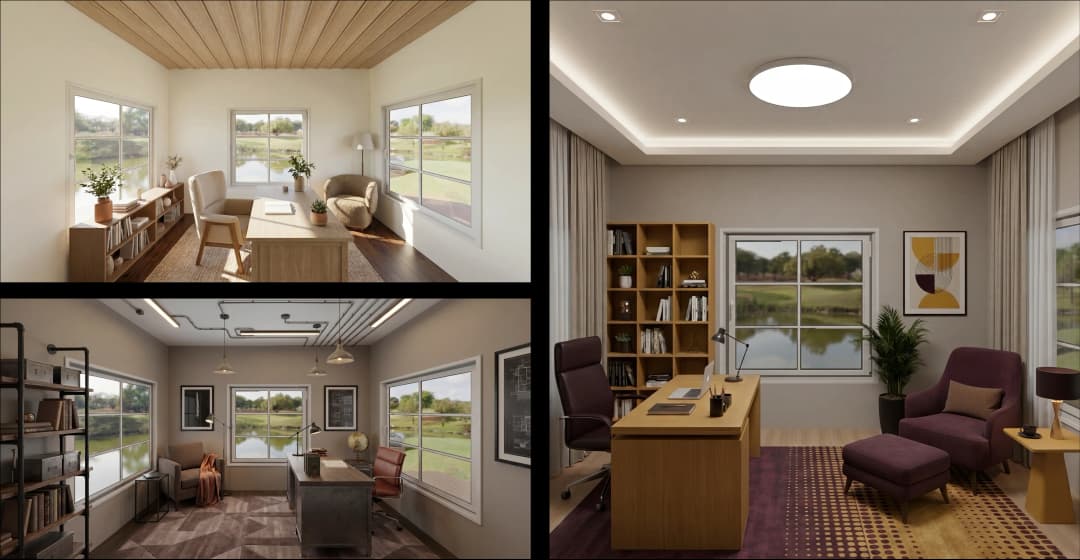
June 03, 2026
The Interior Design Brief Is Broken. AI Fixes It | VirtualSpaces
HHemanth Velury
CEO & Co-Founder
June 01, 2026
Pre-Construction Home Sales: AI Interior Visualization Guide | VirtualSpaces
HHemanth Velury
CEO & Co-Founder
May 30, 2026
Interior Design Principles: Applied with AI | VirtualSpaces
HHemanth Velury
CEO & Co-Founder
May 28, 2026
Designing Spaces for People, Not Blueprints | VirtualSpaces
HHemanth Velury
CEO & Co-Founder
May 26, 2026
The Future of Interior Design: Closing the Visualization Gap with Foursite and Remodroom | VirtualSpaces
HHemanth Velury
CEO & Co-Founder
May 18, 2026
How AI Visualization Upgrades Property Data Platforms | VirtualSpaces
HHemanth Velury
CEO & Co-Founder
May 14, 2026
How AI-First Insurers Can Use 3D Property Data to Transform Home Claims | VirtualSpaces
HHemanth Velury
CEO & Co-FounderMay 12, 2026
Why Photoreal 3D Renders Are Replacing Mood Boards | Interior Design Client Presentations | VirtualSpaces
HHemanth Velury
CEO & Co-Founder
May 08, 2026
From 2D Floor Plans To Living Worlds: The Spec‑Accurate 3D Engine | VirtualSpaces
HHemanth Velury
CEO & Co-Founder
May 06, 2026
Why Furniture Brands Need AI 3D Visualization Now | VirtualSpaces
HHemanth Velury
CEO & Co-Founder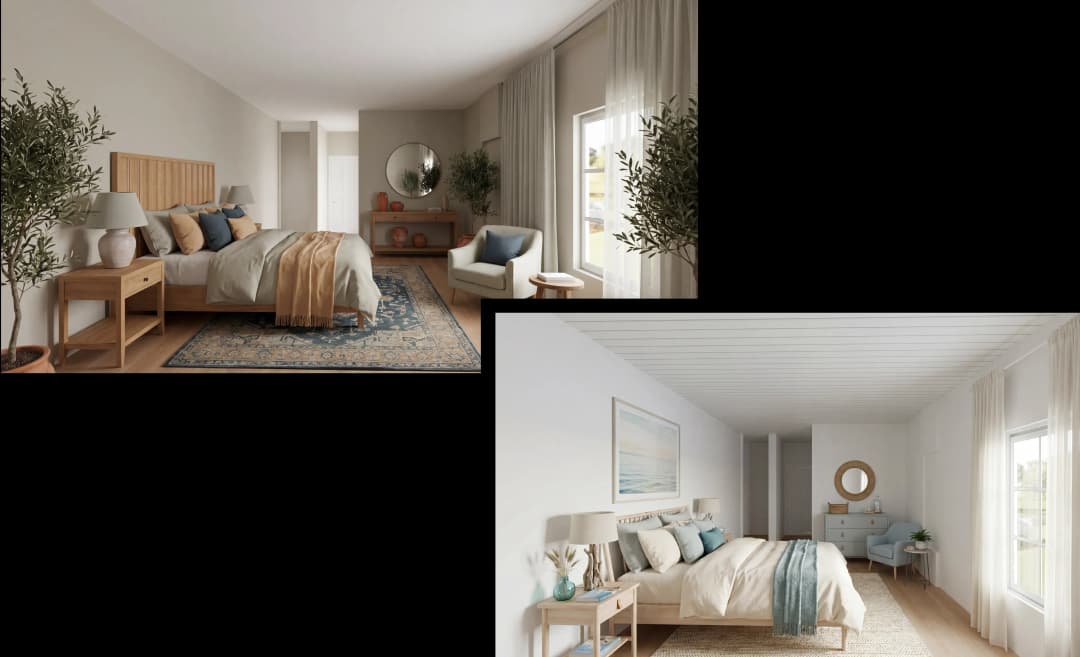
May 4, 2026
How Property Portals Can Turn 2D Floor Plans into 3D Design Decisions | VirtualSpaces
HHemanth Velury
CEO & Co-Founder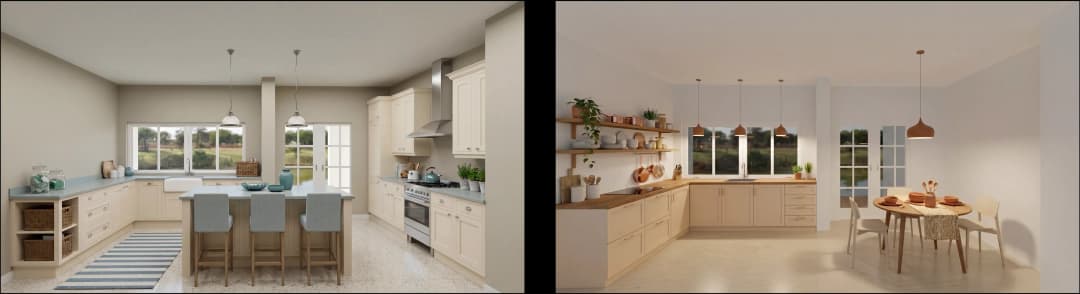
April 29, 2026
The Home-Fit Test: Why Square Footage Misleads | VirtualSpaces
HHemanth Velury
CEO & Co-Founder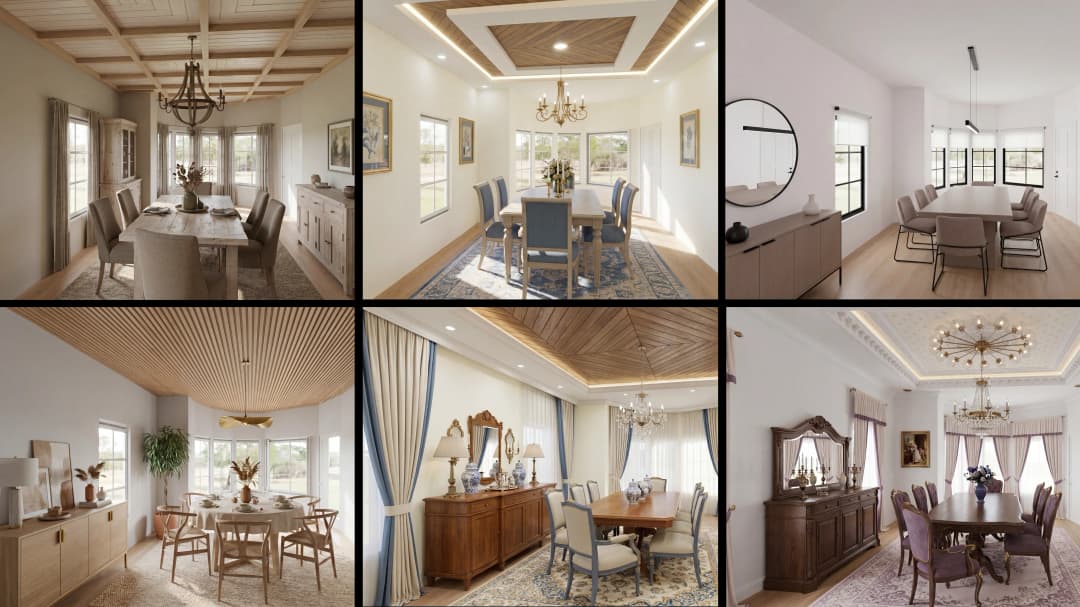
April 27, 2026
Designing Homes That Sell: 3D Visualization ROI Data | VirtualSpaces
HHemanth Velury
CEO & Co-FounderApril 24, 2026
What's Next: Foursite & Remodroom's New AI Features | VirtualSpaces
HHemanth Velury
CEO & Co-Founder
April 22, 2026
AI in Architecture: Closing the 85% Exposure Gap | VirtualSpaces
HHemanth Velury
CEO & Co-Founder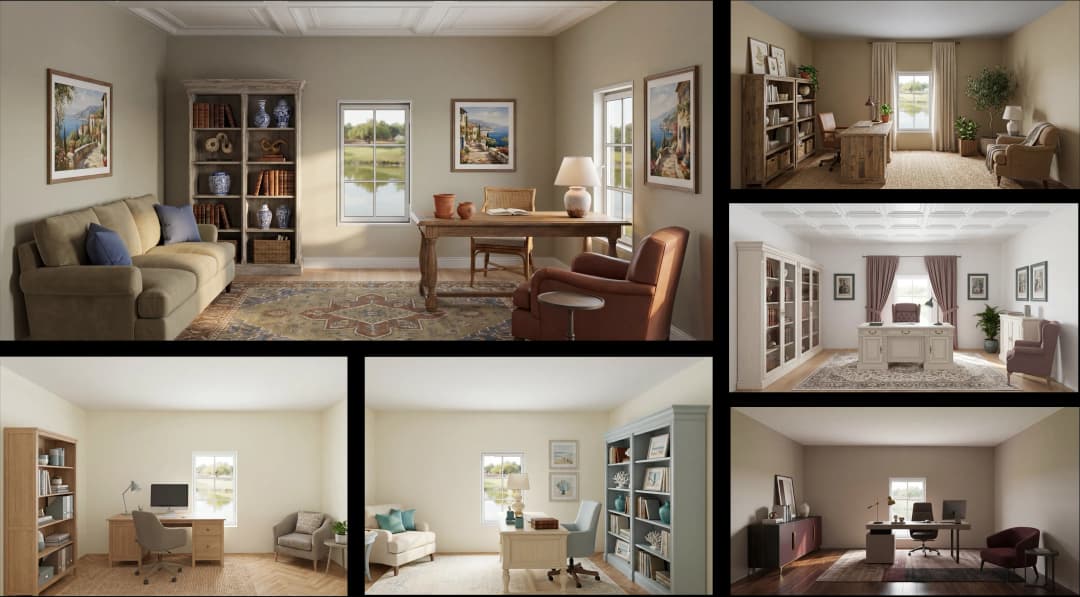
April 20, 2026
Interior Design Pricing in 2026: From Hourly to Value-Based Fees | VirtualSpaces
HHemanth Velury
CEO & Co-FounderApril 17, 2026
How Foursite and Remodroom Help Designers Win Clients | VirtualSpaces
HHemanth Velury
CEO & Co-Founder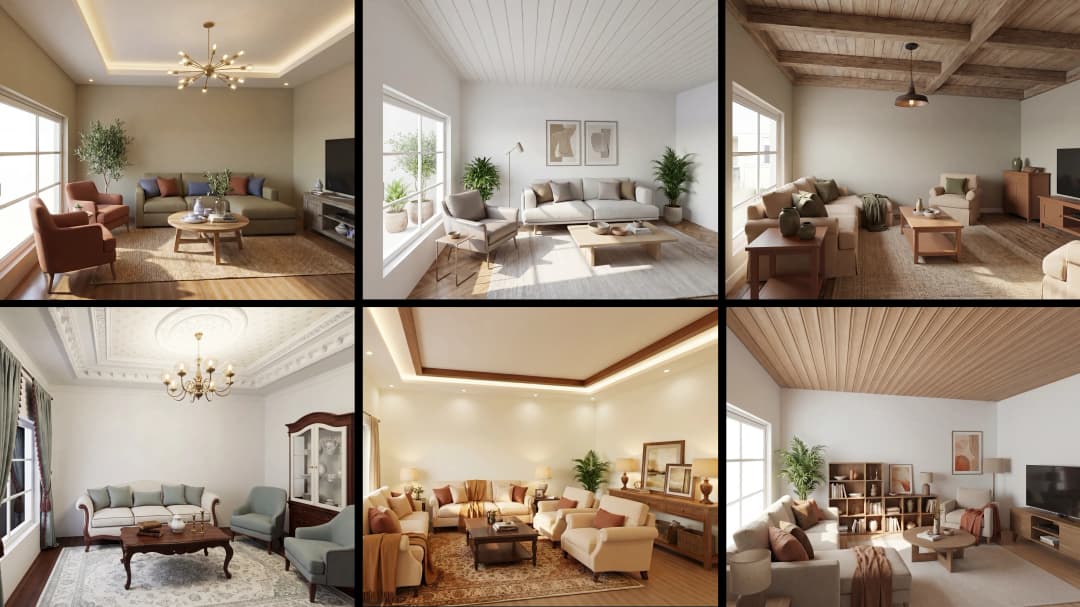
April 15, 2026
Designing Spaces for People: Remodroom + Foursite AI Guide | VirtualSpaces
HHemanth Velury
CEO & Co-Founder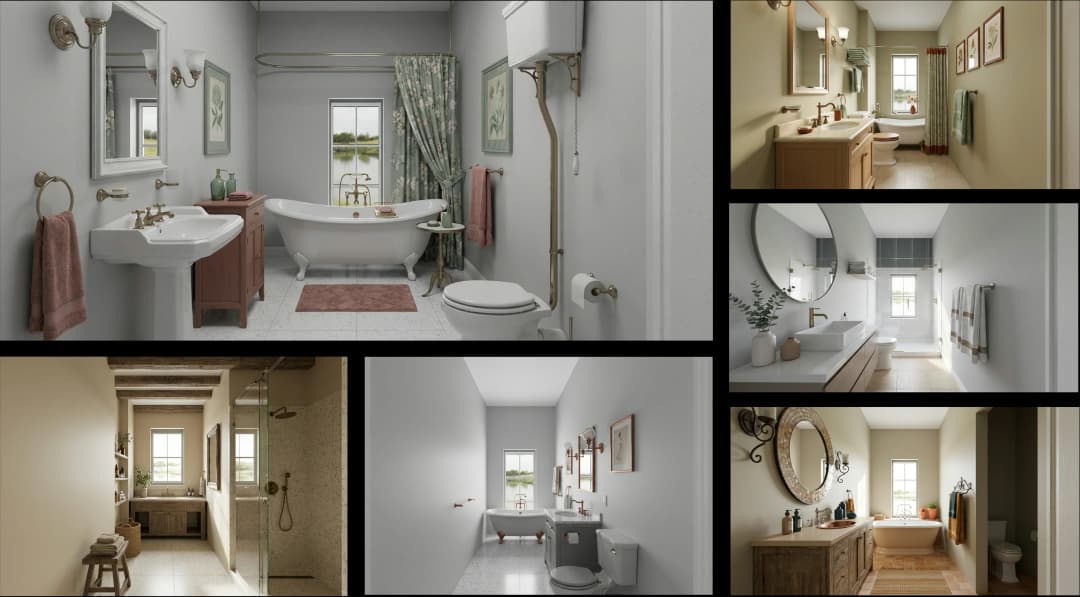
April 13, 2026
Designing for the Way People Actually Live: How AI 3D Is Finally Closing the Gap Between Floor Plan and Reality
HHemanth Velury
CEO & Co-Founder
April 11, 2026
Design in Real Time: AI Renders in Your First Client Meeting
HHemanth Velury
CEO & Co-Founder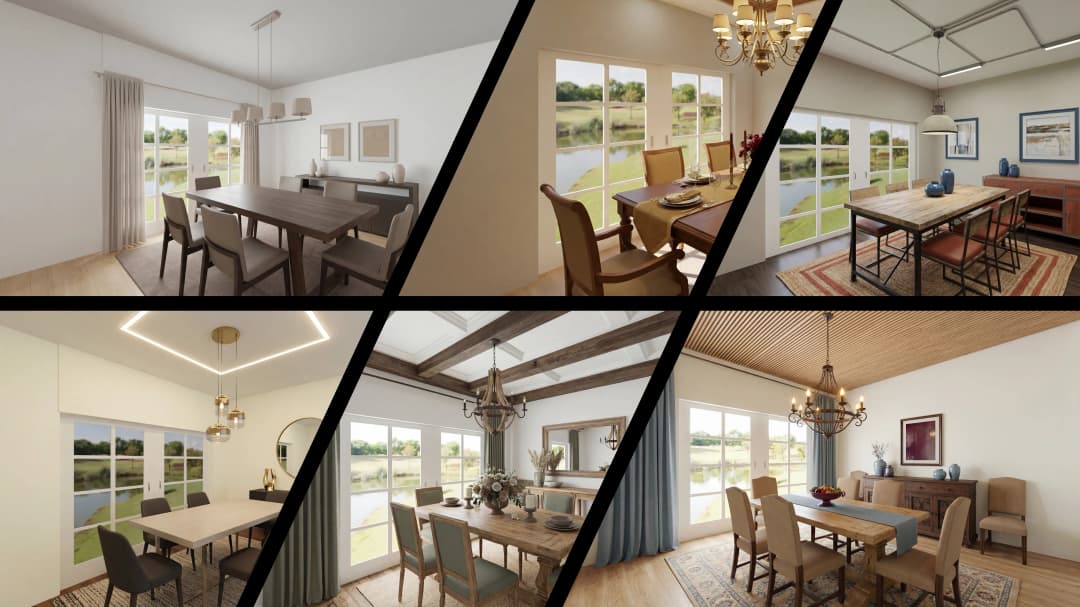
April 06, 2026
Why Real Estate Photography Is No Longer Enough: The Shift to Spatial-First Listings
HHemanth Velury
CEO & Co-Founder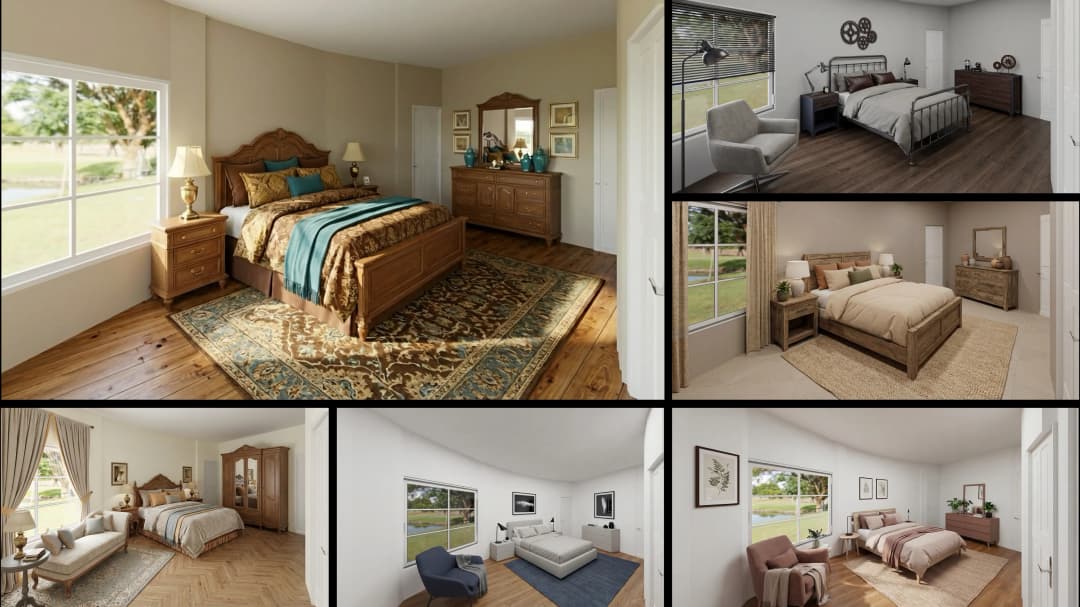
April 03, 2026
Property Management's Hidden Weapon: AI 3D Floor Plans That Cut Vacancy Time and Raise Tenant Quality
HHemanth Velury
CEO & Co-Founder
April 01, 2026
Off-Plan and Oversubscribed: How AI 3D Visualization Is Transforming Real Estate Pre-Sales
HHemanth Velury
CEO & Co-Founder
March 30, 2026
Why Foursite Beats Generic AI Tools for Interior Design 3D Visualization
HHemanth Velury
CEO & Co-Founder
March 27, 2026
7 Tenets of Interior Design: How AI Accelerates Harmony in Residential Spaces
HHemanth Velury
CEO & Co-Founder
March 25, 2026
What Is the 3-5-7 Rule in Interior Design? Foursite's AI Guide for Residential Spaces
HHemanth Velury
CEO & Co-Founder
March 23, 2026
What Is the 70/30 Rule in Interior Design? Foursite's AI Guide for Residential Spaces
HHemanth Velury
CEO & Co-Founder
March 18, 2026
Beyond Marketing: How 3D Floorplans Transform FM, Retrofit Planning & ESG Operations
HHemanth Velury
CEO & Co-Founder
March 16, 2026
Why AI Companies Use Token Payments (And Why VirtualSpaces Is Returning To Fiat)
HHemanth Velury
CEO & Co-Founder
March 13, 2026
Floorplan‑Native Digital Twins: Beyond BIM for Consumer‑Ready Real Estate Experiences
HHemanth Velury
CEO & Co-Founder
March 11, 2026
The Foursite Platform Thesis: Why Floor Plans, Not Photos, Are the Next Property Software Primitive
HHemanth Velury
CEO & Co-Founder
March 09, 2026
Design Systems for Space: Building Reusable 3D Component Libraries on Top of AI Floorplan‑to‑3D Engines
HHemanth Velury
CEO & Co-Founder
March 06, 2026
How to Standardize Design Quality Across Global Projects Using AI Floorplan-to-3D Tools
HHemanth Velury
CEO & Co-Founder
March 04, 2026
From CAD-First to AI-First: Reskilling Your Team for AI-Native Design Workflows
HHemanth Velury
CEO & Co-Founder
March 02, 2026
Algorithmic Ergonomics Meets Photorealistic 3D: Designing Human-Centered Smart Homes with Foursite in 2026
HHemanth Velury
CEO & Co-Founder
February 27, 2026
The Ethics of AI in Interior Design: Ownership, Originality, and Client Transparency
HHemanth Velury
CEO & Co-Founder
February 25, 2026
Designing with Empathy: Using AI 3D Visualization to Improve Client Communication and Emotional Clarity
HHemanth Velury
CEO & Co-Founder
February 23, 2026
From Tool to Infrastructure: AI Floorplan-to-3D and the Next Wave of PropTech
HHemanth Velury
CEO & Co-Founder
February 20, 2026
AI Interior Design for Holiday Homes: Turn Spare Flats into High-Demand Short-Stay Rentals with 3D Visuals
HHemanth Velury
CEO & Co-Founder
February 18, 2026
The Pre‑Purchase Power Play: How Savvy Home Buyers Use 3D Floor Plan Visualization to Negotiate Better Deals
HHemanth Velury
CEO & Co-FounderFebruary 16, 2026
AI Interior Design for Non‑Designers: How Homeowners Can Brief Like Pros
HHemanth Velury
CEO & Co-Founder
February 13, 2026
Scaling a Design Business Without Hiring a 3D Team: An Owner's Guide
HHemanth Velury
CEO & Co-Founder
February 11, 2026
From Bland to Bold: How to Rescue Builder-Grade Interiors on Any Budget
HHemanth Velury
CEO & Co-Founder
February 6, 2026
The Psychology of Space: How Room Dimensions Influence Interior Design Decisions
HHemanth Velury
CEO & Co-Founder
February 4, 2026
The Future of Interior Design Visualization: How AI Technology is Transforming 2D Concepts Into 3D Reality
HHemanth Velury
CEO & Co-Founder
February 2, 2026
AI Interior Décor: How Artificial Intelligence Generates Design Options from Your Floor Plan
HHemanth Velury
CEO & Co-Founder
January 30, 2026
Photoreal vs. Reality: What Clients Actually Expect from Interior Design Visualization
HHemanth Velury
CEO & Co-Founder
January 28, 2026
The Design Approval Conversation That Changes Everything: Communication Strategy When Using Photorealistic Visualization
HHemanth Velury
CEO & Co-Founder
January 25, 2026
Interior Design as Experience Design: How 3D Visualization Changes Your Professional Identity
HHemanth Velury
CEO & Co-Founder
January 23, 2026
The Professional Gap: How 3D Visualization Changes Interior Design Client Perception
HHemanth Velury
CEO & Co-Founder
January 21, 2026
Why Clients Fire Designers (And How 3D Visualization Could Have Saved the Project)
HHemanth Velury
CEO & Co-Founder
January 16, 2026
Blueprint to Vision: Why Seeing Is Believing in Interior Design
HHemanth Velury
CEO & Co-Founder
January 14, 2026
The Speed of Responsiveness: How AI Visualization Tools Make You Look Like You Care More
HHemanth Velury
CEO & Co-Founder
January 12, 2026
Why Interior Designers and Architects Can't Compete Without AI 3D Visualization Tools
HHemanth Velury
CEO & Co-Founder
January 07, 2026
From "Saved" to "Sold": How Homeowners Are Planning Renovations with AI
HHemanth Velury
CEO & Co-Founder
January 05, 2026
The Interior Designer's Secret Weapon: Speed as Premium Positioning
HHemanth Velury
CEO & Co-Founder
December 31, 2025
Gratitude, Growth & Game-Changing Innovation: VirtualSpaces' 2025 Journey & What's Coming in 2026
HHemanth Velury
CEO & Co-Founder
December 29, 2025
Why Interior Designers Are Switching to AI Floor Plan-to-3D Tools in 2026
HHemanth Velury
CEO & Co-Founder
December 26, 2025
AI Virtual Staging for Real Estate Agents: Sell More Homes Faster with Foursite
HHemanth Velury
CEO & Co-Founder
December 24, 2025
Why Architects Are Switching to AI 2D-to-3D: The SketchUp Alternative
HHemanth Velury
CEO & Co-Founder
December 22, 2025
Cut 3 Weeks from Real Estate Sales Cycle: The ROI of AI 2D to 3D Visualization
HHemanth Velury
CEO & Co-Founder
December 19, 2025
2D Floor Plans Are Dying: Why 3D Visualization & AI Virtual Staging Are the Future
HHemanth Velury
CEO & Co-Founder
December 17, 2025
Virtual Staging vs Physical Staging: How AI Saves Money Per Property
HHemanth Velury
CEO & Co-Founder
December 15, 2025
AI Floor Plan to Image: Revolutionizing Real Estate Marketing for Agents
HHemanth Velury
CEO & Co-Founder
December 12, 2025
Color of the Year 2026: Cloud Dancer | VirtualSpaces AI Interior Design Guide
HHemanth Velury
CEO & Co-Founder
December 10, 2025
AI Floor Plan to 3D: The New Standard for Interior Design Workflows
HHemanth Velury
CEO & Co-Founder
December 08, 2025
How Interior Design Studios Can Operationalize AI 2D-to-3D Workflows (Without Breaking Their Process)
HHemanth Velury
CEO & Co-Founder
December 06, 2025
How to Implement AI Interior Design Workflows in Your Studio
HHemanth Velury
CEO & Co-Founder
December 4, 2025
How Homeowners Can Use AI Interior Design Tools to Plan Renovations with Confidence
HHemanth Velury
CEO & Co-Founder
November 28, 2025
Interior Designers in the Age of AI: From Threat Narrative to Superpower
HHemanth Velury
CEO & Co-Founder
November 21, 2025
Foursite Launch: Embracing 'Release Early, Release Often'
HHemanth Velury
CEO & Co-Founder
November 13, 2025
Foursite by VirtSpaces: Empowering Interior Designers, Architects, and Homeowners
HHemanth Velury
CEO & Co-Founder
November 7, 2025
Reimagining Architectural Education: How AI Floorplan-to-3D Technology Can Transform Design Learning
VVirtualSpaces Research Labs
AI Research Initiative
October 27, 2025
Archisculpt AI: Turning Architectural Drawings into Photorealistic 3D Spaces
AAbhijeet Naik
Co-Founder & CTO
October 13, 2025
Home Makeover: From Floor Plan to Dream Space with AI
HHemanth Velury
CEO & Co-Founder
October 6, 2025
Real-Time Rendering & AI: Revolutionizing Interactive Property Walkthroughs with VirtSpaces
HHemanth Velury
CEO & Co-Founder
September 26, 2025
Foursite - A True AI-Native Experience in Design Visualization
AAbhijeet Naik
CTO & Co-Founder
September 18, 2025
Why PropTech Startups Are Betting on AI Interior Design
HHemanth Velury
CEO & Co-Founder
September 11, 2025
How AI Differs from Traditional 3D Rendering Software
HHemanth Velury
CEO & Co-Founder
September 2, 2025
From Client to Investor: How Nila Spaces and VirtSpaces Are Redefining Proptech with AI
HHemanth Velury
CEO & Co-Founder
August 25, 2025
VirtSpaces From Virtual Reality to AI – Transforming Real Estate Visualization.
HHemanth Velury
CEO & Co-Founder


We help teams collaborate seamlessly and reduce costs. Virtual Spaces offers cutting-edge technology with flexible plans designed to fit modern teams.
Copyright © VirtSpaces Pvt. Ltd. 2025 All Rights Reserved.
CIN: U74999KA2016PTC094921