June 12, 2026
- AI Technology
- Interior Design
AI Interior Design: Style Any Room in Seconds with Foursite | VirtualSpaces
Hemanth Velury
CEO & Co-FounderStyle in Seconds: The Foursite Features That Put Design Decisions Back in the Room
There is a specific moment in every interior design project where momentum stalls. The floor plan is approved. The client is engaged. The space exists, at least on paper, and everyone agrees on the basic layout. Then someone asks: what does it look like?
That question used to take days to answer. Now it takes seconds.
The second wave of features coming to Foursite is focused entirely on the look and feel of a space: how it is styled, how finishes are applied, how colors are chosen, and how all of that gets presented to a client in a way that actually moves a project forward. VirtualSpaces built the foundation with ArchiSculpt AI, the engine that converts any 2D floor plan into a navigable 3D model. These features build on top of that foundation. They are about what happens after the space exists: how you give it a look, how you iterate on that look with a client in the room, and how you arrive at a design direction without burning a week and a render budget to get there.
The Redesign Bottleneck That Nobody Talks About
Ask any interior designer where they lose the most time in a project and the answer is rarely the floor plan. Floor planning has tools, established conventions, and workflows designers trust.
The bottleneck is styling. It is the visual layer: materials, colors, finishes, the overall mood of a room. It is the set of decisions a client needs to make before they can say yes, and the set that requires the most back-and-forth to land.
The traditional way to present styling options is to compile references: a mood board of images pulled from shelter magazines and Pinterest, a handful of material swatches, maybe a rough render if time and budget allow. The client looks at the references and tries to imagine them in their actual space. Most cannot. They ask for another round of options. You produce them. They ask again. A project that should have moved into detailed design three weeks ago is still in the visual direction phase.
The problem is not the client's imagination. It is the tool. Mood boards ask clients to make a conceptual leap from curated reference images to their own specific room. That is a leap most people struggle to make, even when they genuinely want to agree. The room in the mood board is someone else's room. The finishes look right in that context. Whether they will look right in a space with different proportions, different light sources, and a different ceiling height is a question that requires spatial reasoning most clients do not have.
The features coming to Foursite remove that leap entirely.
Generative AI Room Redesign: A New Interior Every Time You Ask
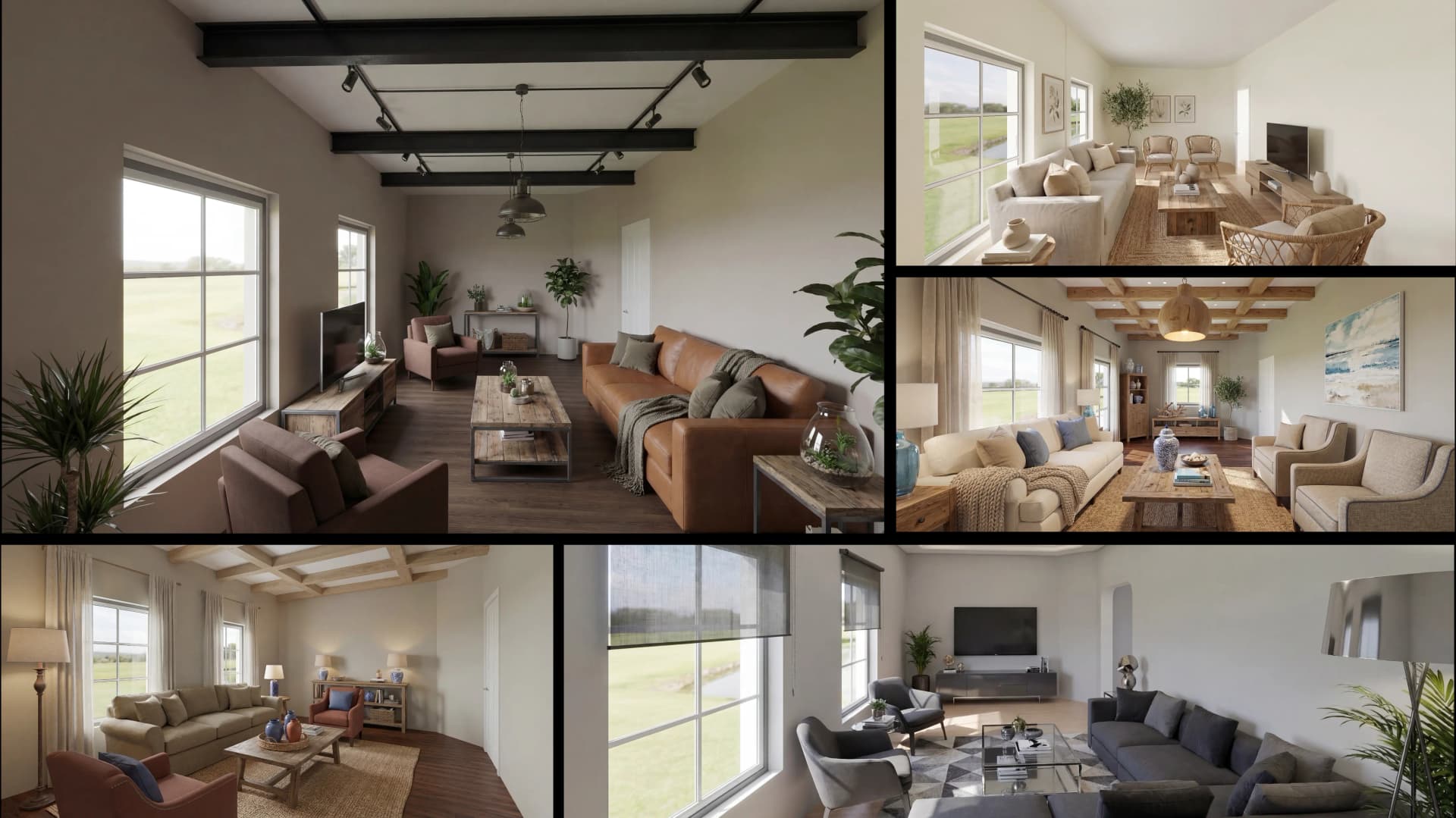
The headline feature in this styling layer is Foursite's generative AI room redesign engine. It works like this: you frame a shot of your 3D model, choose from a set of design parameters, and the AI regenerates the interior as a polished, photorealistic image. A new room, in the style you specified, with the finishes you selected, applied to the actual space from your floor plan.
The controls are specific, not vague. You choose:
-
Interior style: the overall design direction, from a curated style catalogue
-
Color scheme: the mood and palette range for the room
-
Wall paint: a specific paint selection applied to the walls
-
Flooring: the floor material and finish
-
Ceiling: the finish and treatment for the ceiling plane
Those five inputs are enough to transform the character of a room completely. Change the style, swap the color scheme, apply new flooring and a fresh wall treatment, and the AI returns a room that feels entirely different from the previous generation. The result is an interior design photoreal render, ready to share with a client, saved automatically to the project gallery.
Every generation is kept in a history rail so nothing is lost. If a client responded well to a direction you explored in an earlier session, it is still in the rail. If they want to compare two options side by side, both are available. If a direction you ruled out three weeks ago suddenly becomes relevant because a client changed their mind, you can pull it back up without regenerating anything. The generation history is the design conversation made visible: every direction tried, every result produced, in the order you produced them.
The framing tool matters as much as the AI. A draggable crop lets you set the exact composition before generating, so the result you hand to a client is framed as a considered shot, not an arbitrary screenshot. The aspect ratio is yours to set, so the output works for presentations, for printed proposals, for a project portfolio, or for wherever you need the image to land well.
One more thing worth knowing about the generation engine: it is resilient. If something goes wrong during a generation, it does not double-charge or leave you with a failed render and a lost credit. The process recovers without penalizing the designer for a network hiccup, which matters when you are generating multiple options in a live client session and cannot afford to stop and troubleshoot.
For practitioners who spend real time in the styling phase of a project, this changes the rhythm of the work. You are no longer waiting for renders from an outsourced studio. You are generating options in the meeting, refining them in response to what the client says, and arriving at a design direction together rather than presenting a direction to them after the fact. The AI interior design workflow becomes a live conversation instead of an asynchronous approval chain. That shift alone compresses the styling phase significantly. It also changes the emotional dynamic of the meeting: the client feels heard in real time, not processed.
Custom Color Palettes: Staying On Brand Without Compromise
Most design work for residential clients is not generic. A developer with a brand identity needs every unit to reflect it. A homeowner with a strong color preference needs the room to feel consistent with how they live. A designer who has built a signature aesthetic needs the AI to work within it, not around it.
The custom palette feature in Foursite addresses this directly. Rather than selecting only from preset color schemes, you can dial in your own primary, secondary, and accent colors. Those values feed the AI's generation process, so the results come back on-brand from the first attempt.
This is the difference between an AI tool that produces generically attractive results and one that produces results a designer can show to their clients under their own name. The palette is yours. The output reflects it.
For residential developers, this means every floor plan variation across a building can be styled in the same visual language, consistently, without manual override after each generation. For designers working with clients who have strong and specific color preferences, it means no more explaining that the reference image was just a starting point. The starting point becomes the output.
For interior designers building a practice around a recognizable aesthetic, it means the AI becomes an extension of their creative voice rather than a tool they have to correct every time it runs. The AI interior decor layer works within the designer's framework, not against it.
The Material and Paint Library: Applied Finishes, Visible Instantly
The material and paint library in Foursite covers the physical surface layer of a room: what the floors are made of, what finish the walls carry, what texture the surfaces have. Applied to a live 3D model in a single click, visible immediately in the browser.
The library covers:
-
Floor textures: wood species and tones, marble varieties, concrete finishes
-
Wall paints: neutrals across a range of temperatures, warm palettes, cool palettes, and bold accent options
Applied to a live 3D room with SSGI lighting, the difference between a warm oak floor and a cool concrete finish is not subtle. The room changes character entirely. A client who could not decide between two flooring directions when looking at material swatches in a showroom will often make the decision immediately when they see both options applied to their actual room, under the specific lighting conditions that room will actually have.
This is what AI interior décor looks like when it is built for a real client workflow rather than for demo screenshots. The textures are curated, the paints are practical, and the results are visible in context. Not on a sample card. Not in a reference image of someone else's house. In the room you designed, with the light that room gets, against the furniture you placed.
For homeowners who have been through a renovation and know how different a paint looks on a chip versus on a wall, this is a genuinely useful preview. For designers who spend time translating between "warm neutral" and "the actual color that will look warm neutral in this specific room," it removes a category of conversation that should not need to happen.
Door and Window Models: The Details That Read as Real
There is a specific quality that distinguishes a technically photorealistic render from a believable one. Image quality and lighting matter, but what moves a client from "nice render" to "I can see myself living here" is the presence of the right details at the right scale.
Door and window models are one of those details. Foursite is adding the ability to swap in real 3D door and window models per opening, so the rendered scene matches the intended hardware. A casement window reads differently in a room than a sliding window. A paneled door carries different visual weight than a flush door. When the hardware matches the design intent, the render feels like the room, not like a simulation of a room.
For designers working on projects where specification choices matter to the client, this feature makes those choices visible in context. You can show a client the difference between two door styles in the frame of the actual room, not on a manufacturer's product page. That conversation gets faster and cleaner when the decision is visual rather than conceptual.
For residential developers presenting pre-sale units, it means the renders reflect the actual product being sold. The window is the window they will install. The door is the door that will be there. That level of specificity builds trust in a way that generic renders cannot, because the buyer is not being asked to imagine the hardware. They are looking at it. When you combine this detail-level accuracy with the AI interior design visualization running across the full room in Foursite, the pre-sale presentation becomes a different kind of conversation.
What Changes in the Client Presentation
Here is an honest comparison of what the styling phase looks like before and after:
| Styling stage | Old workflow | With Foursite's styling layer |
|---|---|---|
| Initial direction | Mood board of reference images from other spaces | AI render of the actual room in the chosen style |
| Finish selection | Client imagines materials applied to their space | Materials applied to their 3D model, visible immediately |
| Color decisions | Paint chips and reference palettes | Wall paints applied in the live 3D view with real lighting |
| Iteration speed | Days per render cycle, sent by email | Seconds per generation, in the session |
| Version history | Scattered across email threads | Every result saved in the project gallery automatically |
| Hardware details | Generic placeholders in renders | Real 3D door and window models per opening |
| Brand consistency | Manual override of AI outputs | Custom primary/secondary/accent palette feeds the AI |
The consistent shift across all of these is from imagination to evidence. The client is no longer asked to picture the finished room. They are reacting to something they can see.
That is a different conversation. It is faster, it produces clearer decisions, and it reduces the risk of a client reversing direction after approval because they finally understood what they had been agreeing to. The styling phase, which often runs longest because it depends most on client confidence, becomes the part of the project where momentum builds rather than stalls.
For designers, this is the practical value: fewer rounds of revision, shorter approval cycles, and client relationships that move from discussion to decision more predictably. For developers running pre-sales across multiple units with multiple design directions, it is the ability to show every option at real quality without a separate render budget for each one.
What Comes Next
These features cover the styling and finishes layer: the part of the workflow where a designed space gets its look. VirtualSpaces is building a third layer still to come, and it is worth knowing about if your work involves detailed floor plan editing, precision calibration, or managing complex projects with multiple layout versions. The pro floor-plan editor, CAD block catalogue, saved layouts, live 3D picture-in-picture, and unified undo/redo workflow are each tools that deserve their own conversation. That piece is coming.
For now: if the styling phase of your residential projects is where time and client confidence both tend to slip, Foursite is worth watching closely. The tools to close the visual gap between design intent and client understanding are landing. The designers who find them early will have a real advantage.
Recommended for you

August 19, 2026
The End of the Model Home? 3D Changes the Math | VirtualSpaces
HHemanth Velury
CEO & Co-Founder
August 17, 2026
Designing Spaces That Actually Get Built | VirtualSpaces
HHemanth Velury
CEO & Co-Founder
August 12, 2026
Designing Homes for the Stuff People Actually Own | VirtualSpaces
HHemanth Velury
CEO & Co-Founder
August 07, 2026
Floor Plan to Bill of Materials: The 3D Model as Data | VirtualSpaces
HHemanth Velury
CEO & Co-Founder.png&w=1080&q=75)
August 05, 2026
Designing Homes for How People Actually Live | VirtualSpaces
HHemanth Velury
CEO & Co-Founder
August 03, 2026
Honest by Design: Trust in AI Real Estate Imagery | VirtualSpaces
HHemanth Velury
CEO & Co-Founder
July 29, 2026
Kitchen and Bath: The Two Rooms That Decide Resale | VirtualSpaces
HHemanth Velury
CEO & Co-Founder
July 27, 2026
Why Empty Rooms Don't Sell: Virtual Staging | VirtualSpaces
HHemanth Velury
CEO & Co-Founder
July 24, 2026
The Quiet Sustainability Win of Deciding in 3D | VirtualSpaces
HHemanth Velury
CEO & Co-Founder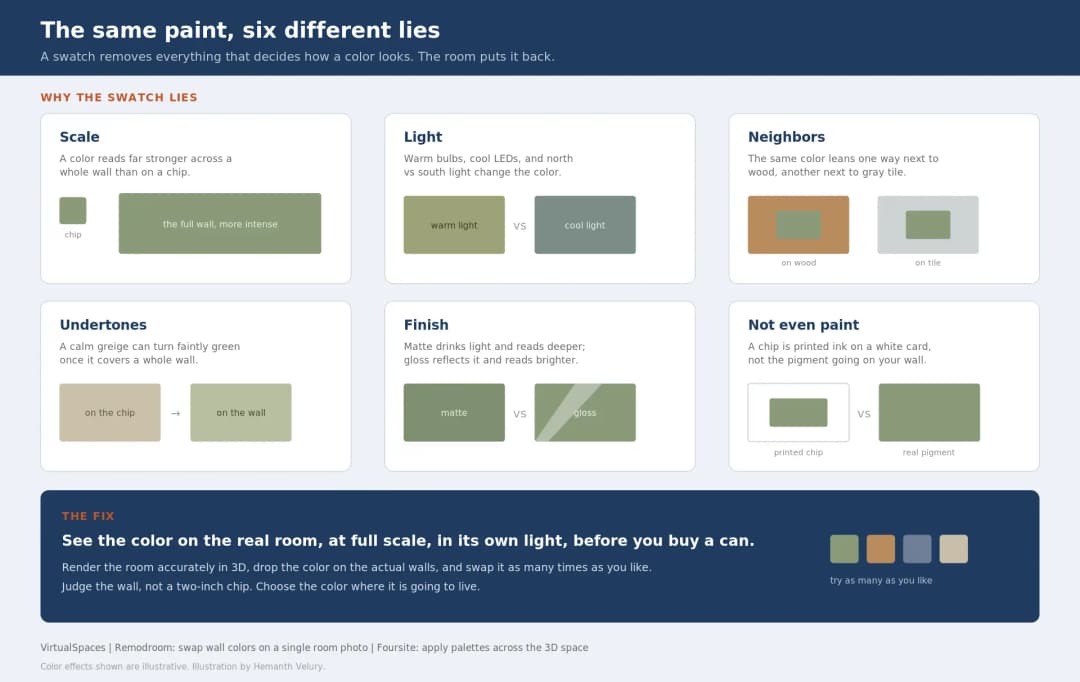
July 22, 2026
Why Paint Swatches Lie: Test Color in 3D First | VirtualSpaces
HHemanth Velury
CEO & Co-Founder
July 20, 2026
Why Every Home Should Be Seen Before It's Built | VirtualSpaces
HHemanth Velury
CEO & Co-Founder
July 17, 2026
Why Big AI Labs Won't Build Floor Plan to 3D | VirtualSpaces
HHemanth Velury
CEO & Co-Founder
July 15, 2026
How We Solve Floor Plan to 3D, Accurately | VirtualSpaces
HHemanth Velury
CEO & Co-Founder
July 13, 2026
Designing Homes That Age With the People in Them | VirtualSpaces
HHemanth Velury
CEO & Co-Founder
July 10, 2026
Designing Spaces for How Light Actually Moves | VirtualSpaces
HHemanth Velury
CEO & Co-Founder
July 08, 2026
Designing Homes for Every Life Stage in 3D | VirtualSpaces
HHemanth Velury
CEO & Co-Founder
July 06, 2026
Build an Interior Design Portfolio Without Clients | VirtualSpaces
HHemanth Velury
CEO & Co-Founder
June 26, 2026
AI Interior Design: Full 3D Workflow in One Platform | VirtualSpaces
HHemanth Velury
CEO & Co-Founder
June 24, 2026
Scope Creep in Interior Design: How AI Visualization Fixes It | VirtualSpaces
HHemanth Velury
CEO & Co-Founder
June 22, 2026
What Buyers See on a Floor Plan: Your Biggest Sales Problem | VirtualSpaces
HHemanth Velury
CEO & Co-Founder
June 19, 2026
Small Design Studios vs Big Firms: The AI Advantage | VirtualSpaces
HHemanth Velury
CEO & Co-Founder
June 17, 2026
After the Mood Board: AI Interior Visualization | VirtualSpaces
HHemanth Velury
CEO & Co-Founder
June 15, 2026
Foursite Pro Editor: Full Floor Plan Control for Designers | VirtualSpaces
HHemanth Velury
CEO & Co-Founder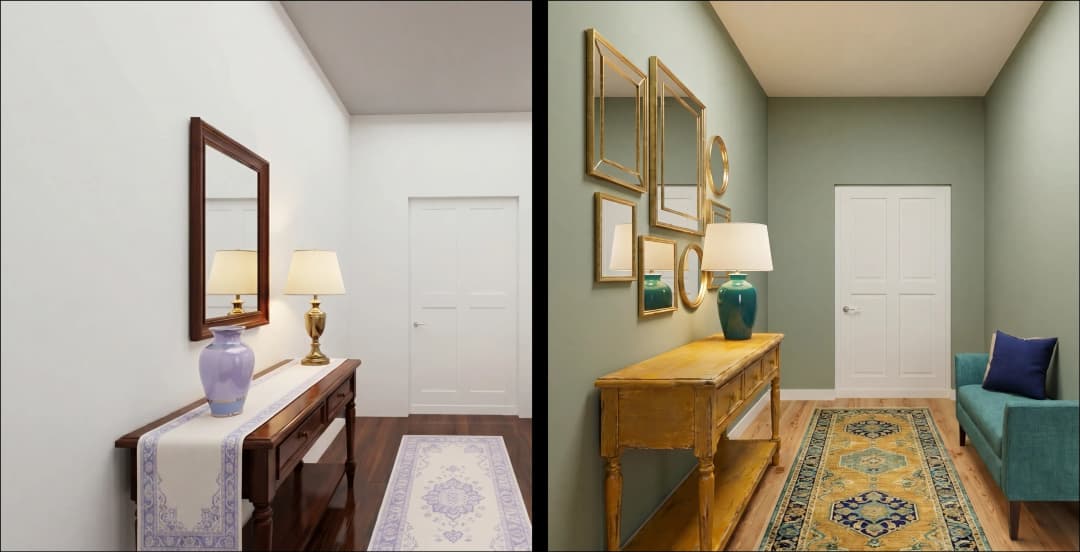
June 10, 2026
Foursite: Floor Plan to 3D Walkthrough in Minutes | VirtualSpaces
HHemanth Velury
CEO & Co-Founder
June 08, 2026
Win More Pitches With AI Renders Before the Meeting | VirtualSpaces
HHemanth Velury
CEO & Co-Founder
June 05, 2026
From Floor Plan to Finished Room: What AI Now Makes Possible | VirtualSpaces
HHemanth Velury
CEO & Co-Founder
June 03, 2026
The Interior Design Brief Is Broken. AI Fixes It | VirtualSpaces
HHemanth Velury
CEO & Co-Founder
June 01, 2026
Pre-Construction Home Sales: AI Interior Visualization Guide | VirtualSpaces
HHemanth Velury
CEO & Co-Founder
May 30, 2026
Interior Design Principles: Applied with AI | VirtualSpaces
HHemanth Velury
CEO & Co-Founder
May 28, 2026
Designing Spaces for People, Not Blueprints | VirtualSpaces
HHemanth Velury
CEO & Co-Founder
May 26, 2026
The Future of Interior Design: Closing the Visualization Gap with Foursite and Remodroom | VirtualSpaces
HHemanth Velury
CEO & Co-Founder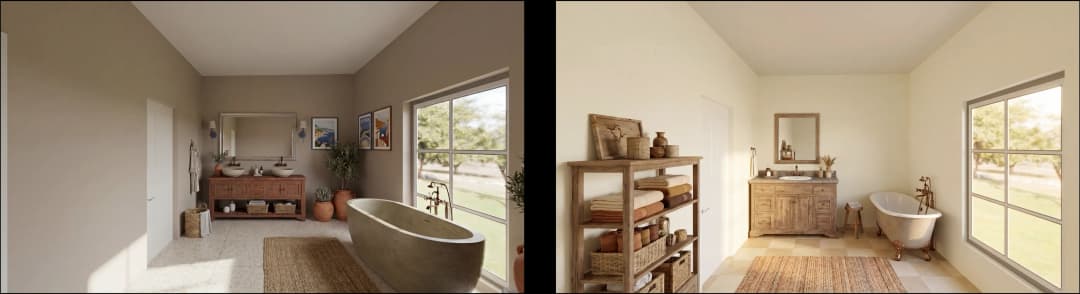
May 18, 2026
How AI Visualization Upgrades Property Data Platforms | VirtualSpaces
HHemanth Velury
CEO & Co-Founder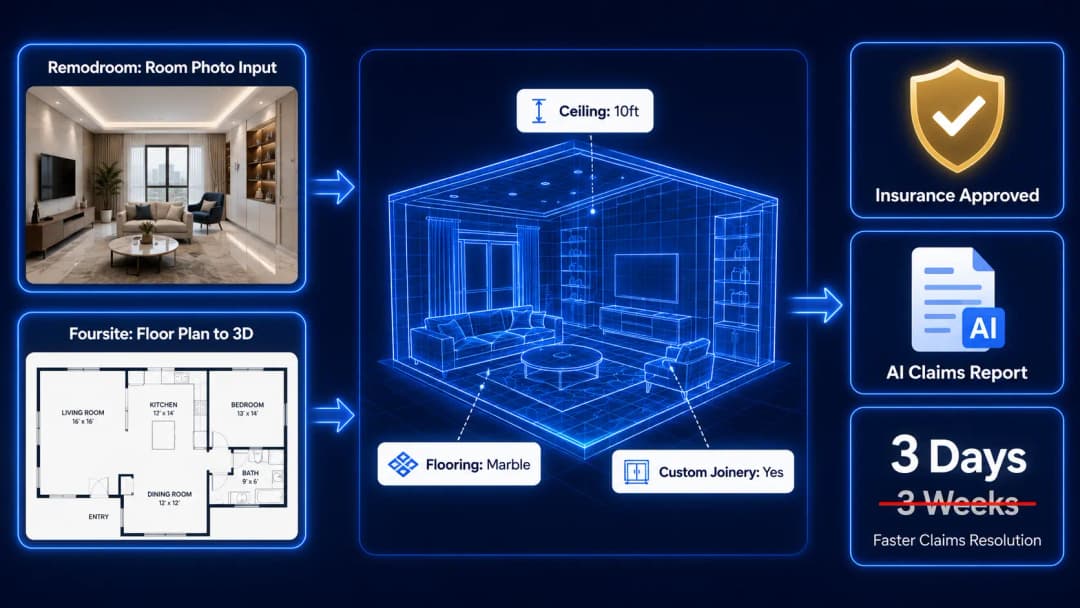
May 14, 2026
How AI-First Insurers Can Use 3D Property Data to Transform Home Claims | VirtualSpaces
HHemanth Velury
CEO & Co-FounderMay 12, 2026
Why Photoreal 3D Renders Are Replacing Mood Boards | Interior Design Client Presentations | VirtualSpaces
HHemanth Velury
CEO & Co-Founder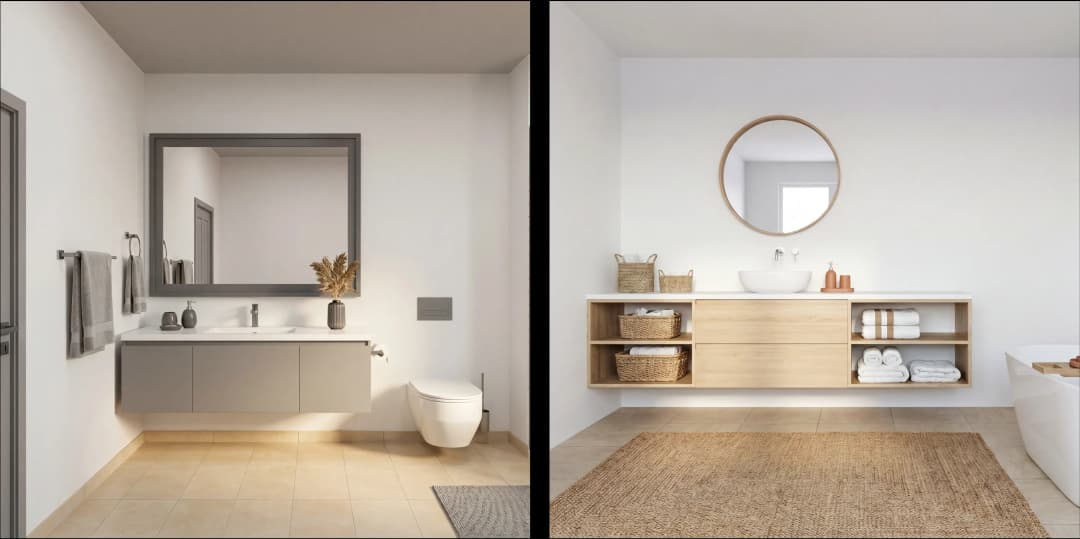
May 08, 2026
From 2D Floor Plans To Living Worlds: The Spec‑Accurate 3D Engine | VirtualSpaces
HHemanth Velury
CEO & Co-Founder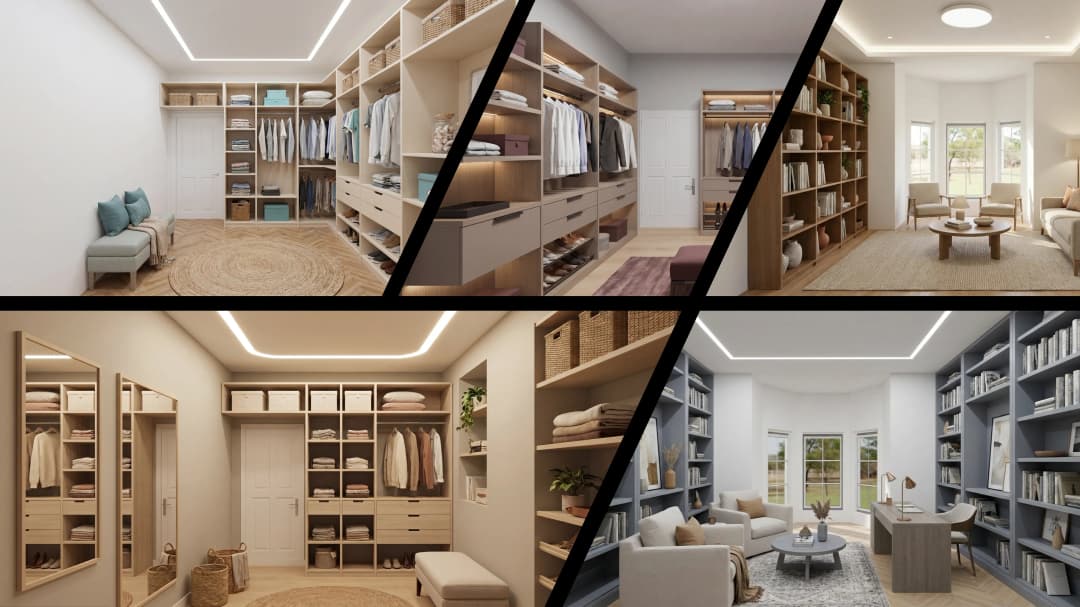
May 06, 2026
Why Furniture Brands Need AI 3D Visualization Now | VirtualSpaces
HHemanth Velury
CEO & Co-Founder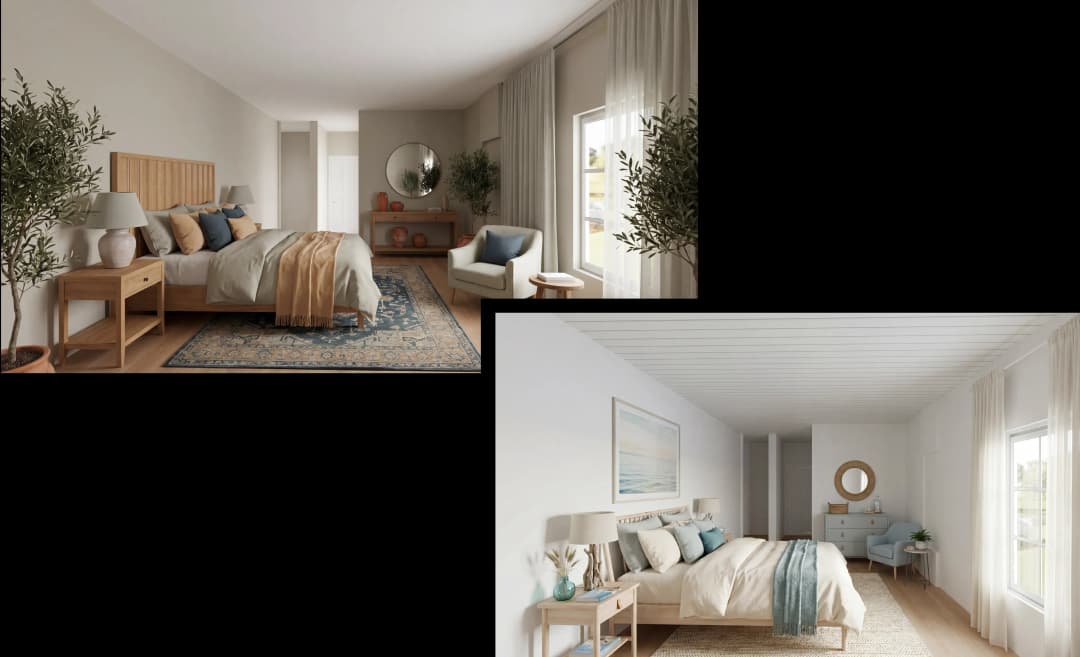
May 4, 2026
How Property Portals Can Turn 2D Floor Plans into 3D Design Decisions | VirtualSpaces
HHemanth Velury
CEO & Co-Founder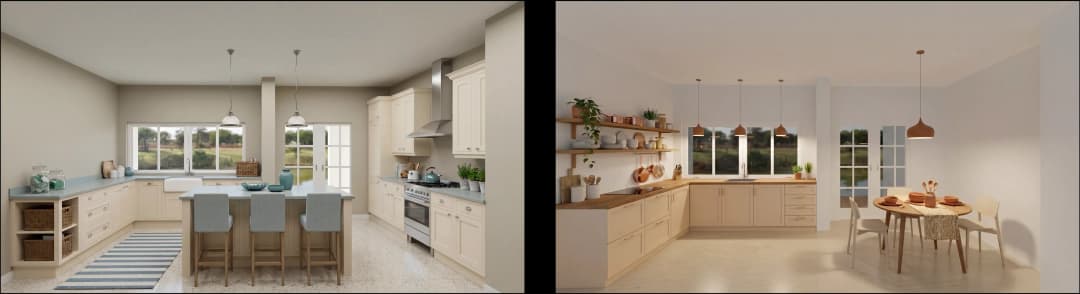
April 29, 2026
The Home-Fit Test: Why Square Footage Misleads | VirtualSpaces
HHemanth Velury
CEO & Co-Founder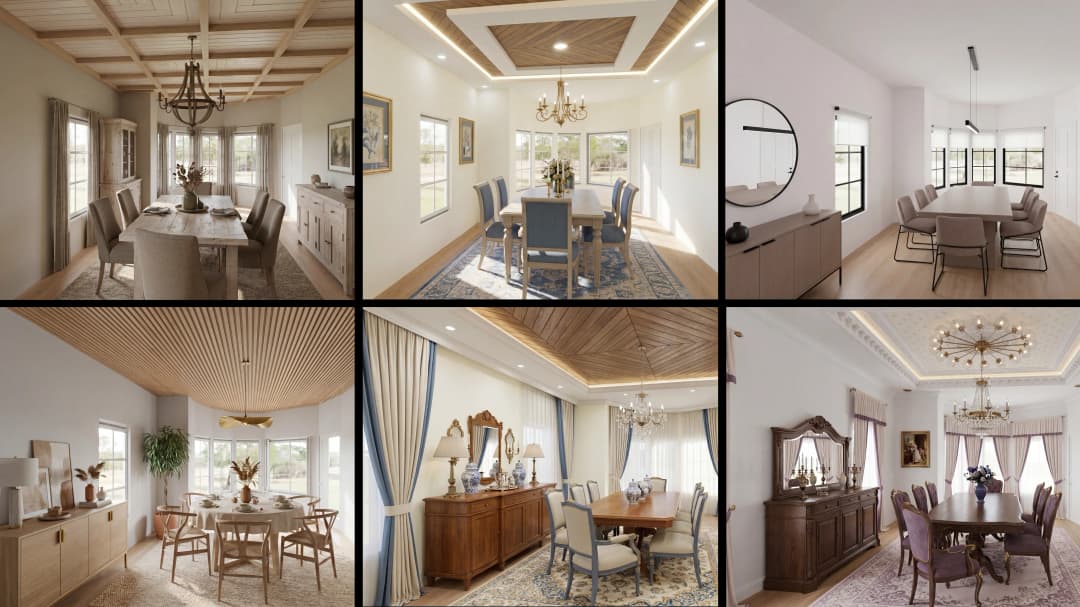
April 27, 2026
Designing Homes That Sell: 3D Visualization ROI Data | VirtualSpaces
HHemanth Velury
CEO & Co-FounderApril 24, 2026
What's Next: Foursite & Remodroom's New AI Features | VirtualSpaces
HHemanth Velury
CEO & Co-Founder
April 22, 2026
AI in Architecture: Closing the 85% Exposure Gap | VirtualSpaces
HHemanth Velury
CEO & Co-Founder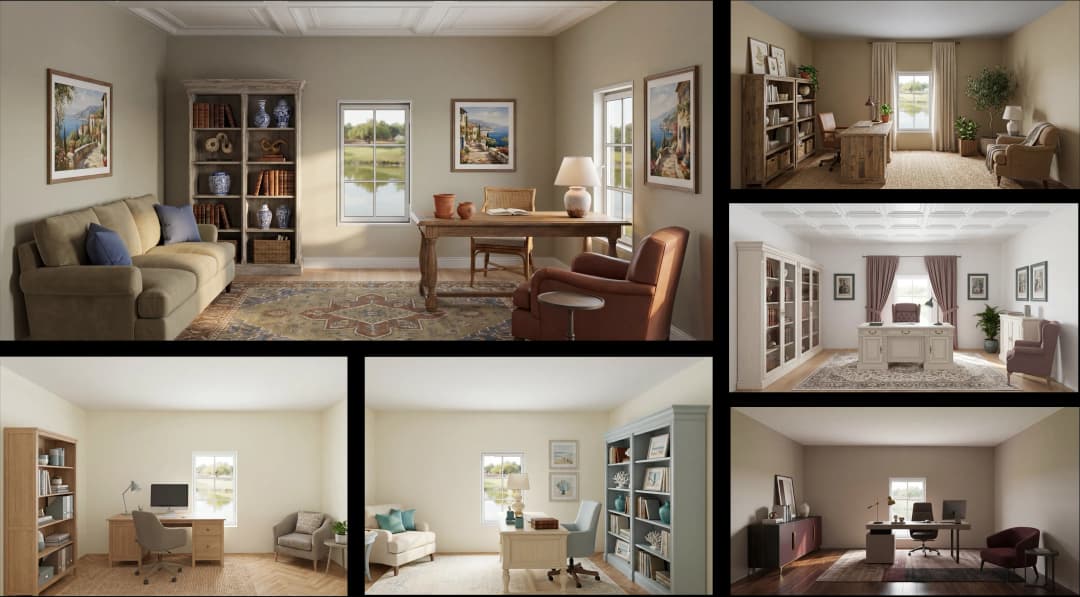
April 20, 2026
Interior Design Pricing in 2026: From Hourly to Value-Based Fees | VirtualSpaces
HHemanth Velury
CEO & Co-FounderApril 17, 2026
How Foursite and Remodroom Help Designers Win Clients | VirtualSpaces
HHemanth Velury
CEO & Co-Founder
April 15, 2026
Designing Spaces for People: Remodroom + Foursite AI Guide | VirtualSpaces
HHemanth Velury
CEO & Co-Founder
April 13, 2026
Designing for the Way People Actually Live: How AI 3D Is Finally Closing the Gap Between Floor Plan and Reality
HHemanth Velury
CEO & Co-Founder
April 11, 2026
Design in Real Time: AI Renders in Your First Client Meeting
HHemanth Velury
CEO & Co-Founder
April 06, 2026
Why Real Estate Photography Is No Longer Enough: The Shift to Spatial-First Listings
HHemanth Velury
CEO & Co-Founder
April 03, 2026
Property Management's Hidden Weapon: AI 3D Floor Plans That Cut Vacancy Time and Raise Tenant Quality
HHemanth Velury
CEO & Co-Founder
April 01, 2026
Off-Plan and Oversubscribed: How AI 3D Visualization Is Transforming Real Estate Pre-Sales
HHemanth Velury
CEO & Co-Founder
March 30, 2026
Why Foursite Beats Generic AI Tools for Interior Design 3D Visualization
HHemanth Velury
CEO & Co-Founder
March 27, 2026
7 Tenets of Interior Design: How AI Accelerates Harmony in Residential Spaces
HHemanth Velury
CEO & Co-Founder
March 25, 2026
What Is the 3-5-7 Rule in Interior Design? Foursite's AI Guide for Residential Spaces
HHemanth Velury
CEO & Co-Founder
March 23, 2026
What Is the 70/30 Rule in Interior Design? Foursite's AI Guide for Residential Spaces
HHemanth Velury
CEO & Co-Founder
March 20, 2026
How AI 3D Visualization Is Rewriting Residential Interior Design Workflows
HHemanth Velury
CEO & Co-Founder
March 18, 2026
Beyond Marketing: How 3D Floorplans Transform FM, Retrofit Planning & ESG Operations
HHemanth Velury
CEO & Co-Founder
March 16, 2026
Why AI Companies Use Token Payments (And Why VirtualSpaces Is Returning To Fiat)
HHemanth Velury
CEO & Co-Founder
March 13, 2026
Floorplan‑Native Digital Twins: Beyond BIM for Consumer‑Ready Real Estate Experiences
HHemanth Velury
CEO & Co-Founder
March 11, 2026
The Foursite Platform Thesis: Why Floor Plans, Not Photos, Are the Next Property Software Primitive
HHemanth Velury
CEO & Co-Founder
March 09, 2026
Design Systems for Space: Building Reusable 3D Component Libraries on Top of AI Floorplan‑to‑3D Engines
HHemanth Velury
CEO & Co-Founder
March 06, 2026
How to Standardize Design Quality Across Global Projects Using AI Floorplan-to-3D Tools
HHemanth Velury
CEO & Co-Founder
March 04, 2026
From CAD-First to AI-First: Reskilling Your Team for AI-Native Design Workflows
HHemanth Velury
CEO & Co-Founder
March 02, 2026
Algorithmic Ergonomics Meets Photorealistic 3D: Designing Human-Centered Smart Homes with Foursite in 2026
HHemanth Velury
CEO & Co-Founder
February 27, 2026
The Ethics of AI in Interior Design: Ownership, Originality, and Client Transparency
HHemanth Velury
CEO & Co-Founder
February 25, 2026
Designing with Empathy: Using AI 3D Visualization to Improve Client Communication and Emotional Clarity
HHemanth Velury
CEO & Co-Founder
February 23, 2026
From Tool to Infrastructure: AI Floorplan-to-3D and the Next Wave of PropTech
HHemanth Velury
CEO & Co-Founder
February 20, 2026
AI Interior Design for Holiday Homes: Turn Spare Flats into High-Demand Short-Stay Rentals with 3D Visuals
HHemanth Velury
CEO & Co-Founder
February 18, 2026
The Pre‑Purchase Power Play: How Savvy Home Buyers Use 3D Floor Plan Visualization to Negotiate Better Deals
HHemanth Velury
CEO & Co-FounderFebruary 16, 2026
AI Interior Design for Non‑Designers: How Homeowners Can Brief Like Pros
HHemanth Velury
CEO & Co-Founder
February 13, 2026
Scaling a Design Business Without Hiring a 3D Team: An Owner's Guide
HHemanth Velury
CEO & Co-Founder
February 11, 2026
From Bland to Bold: How to Rescue Builder-Grade Interiors on Any Budget
HHemanth Velury
CEO & Co-Founder
February 6, 2026
The Psychology of Space: How Room Dimensions Influence Interior Design Decisions
HHemanth Velury
CEO & Co-Founder
February 4, 2026
The Future of Interior Design Visualization: How AI Technology is Transforming 2D Concepts Into 3D Reality
HHemanth Velury
CEO & Co-Founder
February 2, 2026
AI Interior Décor: How Artificial Intelligence Generates Design Options from Your Floor Plan
HHemanth Velury
CEO & Co-Founder
January 30, 2026
Photoreal vs. Reality: What Clients Actually Expect from Interior Design Visualization
HHemanth Velury
CEO & Co-Founder
January 28, 2026
The Design Approval Conversation That Changes Everything: Communication Strategy When Using Photorealistic Visualization
HHemanth Velury
CEO & Co-Founder
January 25, 2026
Interior Design as Experience Design: How 3D Visualization Changes Your Professional Identity
HHemanth Velury
CEO & Co-Founder
January 23, 2026
The Professional Gap: How 3D Visualization Changes Interior Design Client Perception
HHemanth Velury
CEO & Co-Founder
January 21, 2026
Why Clients Fire Designers (And How 3D Visualization Could Have Saved the Project)
HHemanth Velury
CEO & Co-Founder
January 16, 2026
Blueprint to Vision: Why Seeing Is Believing in Interior Design
HHemanth Velury
CEO & Co-Founder
January 14, 2026
The Speed of Responsiveness: How AI Visualization Tools Make You Look Like You Care More
HHemanth Velury
CEO & Co-Founder
January 12, 2026
Why Interior Designers and Architects Can't Compete Without AI 3D Visualization Tools
HHemanth Velury
CEO & Co-Founder
January 07, 2026
From "Saved" to "Sold": How Homeowners Are Planning Renovations with AI
HHemanth Velury
CEO & Co-Founder
January 05, 2026
The Interior Designer's Secret Weapon: Speed as Premium Positioning
HHemanth Velury
CEO & Co-Founder
December 31, 2025
Gratitude, Growth & Game-Changing Innovation: VirtualSpaces' 2025 Journey & What's Coming in 2026
HHemanth Velury
CEO & Co-Founder
December 29, 2025
Why Interior Designers Are Switching to AI Floor Plan-to-3D Tools in 2026
HHemanth Velury
CEO & Co-Founder
December 26, 2025
AI Virtual Staging for Real Estate Agents: Sell More Homes Faster with Foursite
HHemanth Velury
CEO & Co-Founder
December 24, 2025
Why Architects Are Switching to AI 2D-to-3D: The SketchUp Alternative
HHemanth Velury
CEO & Co-Founder
December 22, 2025
Cut 3 Weeks from Real Estate Sales Cycle: The ROI of AI 2D to 3D Visualization
HHemanth Velury
CEO & Co-Founder
December 19, 2025
2D Floor Plans Are Dying: Why 3D Visualization & AI Virtual Staging Are the Future
HHemanth Velury
CEO & Co-Founder
December 17, 2025
Virtual Staging vs Physical Staging: How AI Saves Money Per Property
HHemanth Velury
CEO & Co-Founder
December 15, 2025
AI Floor Plan to Image: Revolutionizing Real Estate Marketing for Agents
HHemanth Velury
CEO & Co-Founder
December 12, 2025
Color of the Year 2026: Cloud Dancer | VirtualSpaces AI Interior Design Guide
HHemanth Velury
CEO & Co-Founder
December 10, 2025
AI Floor Plan to 3D: The New Standard for Interior Design Workflows
HHemanth Velury
CEO & Co-Founder
December 08, 2025
How Interior Design Studios Can Operationalize AI 2D-to-3D Workflows (Without Breaking Their Process)
HHemanth Velury
CEO & Co-Founder
December 06, 2025
How to Implement AI Interior Design Workflows in Your Studio
HHemanth Velury
CEO & Co-Founder
December 4, 2025
How Homeowners Can Use AI Interior Design Tools to Plan Renovations with Confidence
HHemanth Velury
CEO & Co-Founder
November 28, 2025
Interior Designers in the Age of AI: From Threat Narrative to Superpower
HHemanth Velury
CEO & Co-Founder
November 21, 2025
Foursite Launch: Embracing 'Release Early, Release Often'
HHemanth Velury
CEO & Co-Founder
November 13, 2025
Foursite by VirtSpaces: Empowering Interior Designers, Architects, and Homeowners
HHemanth Velury
CEO & Co-Founder
November 7, 2025
Reimagining Architectural Education: How AI Floorplan-to-3D Technology Can Transform Design Learning
VVirtualSpaces Research Labs
AI Research Initiative
October 27, 2025
Archisculpt AI: Turning Architectural Drawings into Photorealistic 3D Spaces
AAbhijeet Naik
Co-Founder & CTO
October 13, 2025
Home Makeover: From Floor Plan to Dream Space with AI
HHemanth Velury
CEO & Co-Founder
October 6, 2025
Real-Time Rendering & AI: Revolutionizing Interactive Property Walkthroughs with VirtSpaces
HHemanth Velury
CEO & Co-Founder
September 26, 2025
Foursite - A True AI-Native Experience in Design Visualization
AAbhijeet Naik
CTO & Co-Founder
September 18, 2025
Why PropTech Startups Are Betting on AI Interior Design
HHemanth Velury
CEO & Co-Founder
September 11, 2025
How AI Differs from Traditional 3D Rendering Software
HHemanth Velury
CEO & Co-Founder
September 2, 2025
From Client to Investor: How Nila Spaces and VirtSpaces Are Redefining Proptech with AI
HHemanth Velury
CEO & Co-Founder
August 25, 2025
VirtSpaces From Virtual Reality to AI – Transforming Real Estate Visualization.
HHemanth Velury
CEO & Co-Founder


We help teams collaborate seamlessly and reduce costs. Virtual Spaces offers cutting-edge technology with flexible plans designed to fit modern teams.
Copyright © VirtSpaces Pvt. Ltd. 2025 All Rights Reserved.
CIN: U74999KA2016PTC094921