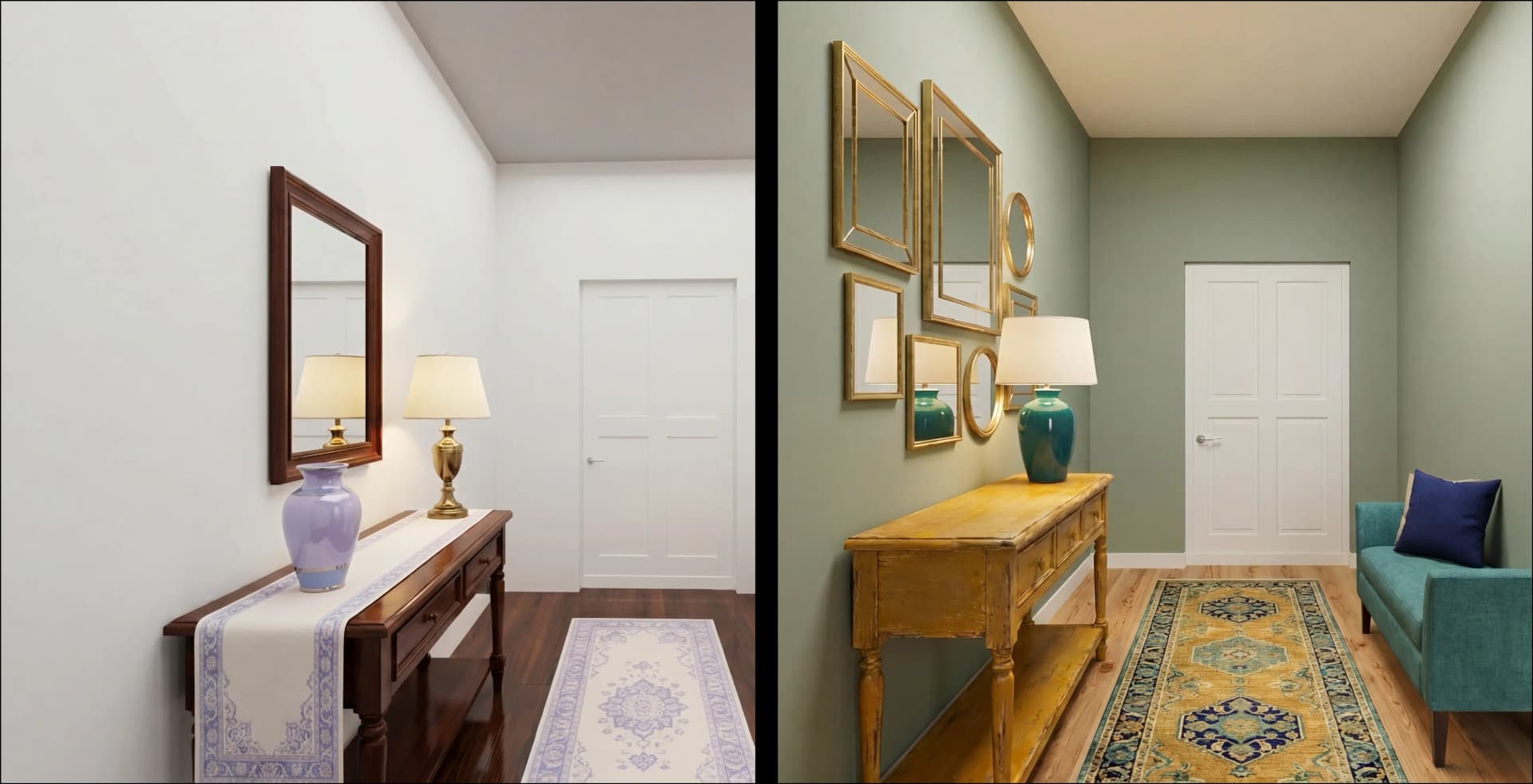
June 10, 2026
- AI Technology
- Interior Design
Foursite: Floor Plan to 3D Walkthrough in Minutes | VirtualSpaces
Hemanth Velury
CEO & Co-FounderFrom Blueprint to Walkthrough: The Foursite Features Interior Designers Have Been Waiting For
Something important is about to change in how interior designers present spaces to clients. Not the "AI is going to revolutionize everything" kind of change that sounds promising and delivers a slightly smarter search tool. A real, practical shift in how a floor plan moves from paper to presentation.
VirtualSpaces has been building toward this. Foursite, the platform that converts 2D floor plans into photorealistic AI interior design renders, is about to get significantly more powerful. Three features are landing soon that will change the shape of the client conversation, compress the timeline between design and approval, and bring the visualization work that designers currently outsource directly into their own hands.
Here is what is coming, and why it matters to practitioners who spend real time translating blueprints into something a client can actually feel.
The Problem Worth Naming
Interior designers and architects carry something in their minds that clients cannot see.
A floor plan arrives. A 2D drawing with walls, room labels, dimensions. The designer looks at it and sees a finished space: how light falls through the eastern window in the morning, where the focal point of the living room will land, why the flow between kitchen and dining works. Years of spatial training make the flat drawing dimensional.
The client sees a flat drawing.
Bridging that gap has been the work of mood boards, reference images, 3D renders, and virtual staging. It works, but it is slow. Software handoffs, render studios, days of waiting for images that are close but not quite right. Then a round of revisions by email. Then another. The client still signs off on something they cannot fully picture, and the designer carries the risk of that gap.
The tools exist to close this gap. They have just been too expensive, too fragmented, and too slow for day-to-day practice. That is what is changing.
ArchiSculpt AI: Your Floor Plan Becomes a Living Space
The headline feature coming to Foursite is ArchiSculpt AI, the core engine that converts a 2D floor plan into a fully navigable 3D model, automatically.
Not a rendered image. Not a static snapshot. A model you walk through.
Drop in a 2D floor plan or an architectural blueprint, and ArchiSculpt reads it: walls, doors, windows, rooms, floors. It builds the geometry, reconstructs the space, and within minutes you have a 3D model you can orbit from above or walk through in first person. Every wall stays editable. Every door placement is adjustable. Every change flows immediately into the 3D view.
For interior designers, this changes the starting point of every client project. Instead of beginning with flat drawings and guiding clients through what a space might feel like, you begin with a space they can experience. The conversation shifts from "trust me, it will look good" to "walk through it and tell me what you think." For architects working on residential projects, a client reviewing a 2D floor plan is working from imagination. A client walking through a 3D model is working from experience. That difference is the difference between slow approvals and confident ones.
Pre-sales timelines for residential developers depend on buyers connecting emotionally with a space before it is built. A navigable 3D model does that work better than any static render, because the buyer is inside the space rather than looking at a picture of it. The floor plan to 3D conversion that ArchiSculpt handles automatically used to require either CAD expertise or an outsourced studio. Neither was fast. Neither was in-house. Neither allowed for on-the-spot changes in a client meeting.
Here is what ArchiSculpt AI handles automatically from any floor plan or blueprint:
-
Reads walls, doors, windows, rooms, and floors from a 2D plan
-
Reconstructs full 3D geometry with no manual tracing or modeling
-
Delivers a navigable model immediately in the browser: orbit view and first-person walkthrough
-
Keeps every element editable, so changes to the plan flow straight into the 3D model
-
Acts as the foundation for furnishing, restyling, and rendering, all in the same session
Foursite was already converting blueprints to renders. ArchiSculpt takes that one step further: from static image to navigable space, from render to walkthrough. It is the convert-floor-plan-to-3D capability that makes everything else in the platform possible.
AI Auto-Furnish: A Furnished Room in One Click
The second feature addresses one of the most time-consuming parts of any client presentation: furniture placement.
Anyone who has spent time in a floor plan editor knows the process. You drag in a sofa, find it is too large for the wall clearance, resize it, rotate it, add a coffee table, realize it blocks the window, then repeat that sequence for every room in the plan. It is meticulous, necessary, and slow. For multi-unit residential developments presenting multiple floor plan configurations, the time multiplies fast.
AI Auto-Furnish reduces that to a single click.
Select a room. Click once. Foursite lays out a realistic, correctly-scaled furniture arrangement as clean CAD blocks, positioned the way a designer would position them. Not a generic scatter of shapes. A considered layout: clearance-aware, oriented toward the focal point, with seating-versus-table conflicts resolved, and nothing blocking the door swing.
The AI handles room-type logic separately. A living room layout follows different spatial rules than a bedroom. A home office gets arranged differently from a kitchen. Each room type gets its own design playbook, and the AI applies it in a single step. The result is furniture that belongs in that room, not furniture that was placed algorithmically and then left for a designer to clean up.
What AI Auto-Furnish delivers:
-
Room-type-specific layouts: living rooms, bedrooms, dining, kitchen, home office, bath
-
Clearance-aware placement, nothing blocking doors or windows
-
True-to-scale CAD blocks, correctly oriented and sized to the space
-
Seating-versus-table conflicts resolved automatically
-
Fast mode generates a complete layout in a single step for rapid iteration
-
Multiple saved layouts per room so you can present design options to a client
For interior designers, this compresses the staging phase from hours to minutes. For residential developers presenting pre-sales across multiple units, it means a complete furnished floor plan is ready before the first site visit. The AI interior decor and staging workflow that traditionally required a separate step, often outsourced, now lives inside the same browser tab where everything else runs. No handoff, no wait, no additional cost per room.
Real-Time 3D Visualization: Photoreal in the Meeting
The third feature is where the client meeting changes most noticeably.
Once ArchiSculpt builds the model and furniture is placed, the space renders in real time with film-grade lighting. Global illumination (SSGI), reflections, bloom, ambient occlusion, soft shadows. Daylight that pours through windows automatically based on their placement in the floor plan. Ceiling spotlights that generate themselves. It runs in the browser. No render farm, no overnight queue, no emailing files back and forth.
Two navigation modes give clients different ways to experience the space. Orbit mode lets you pull back and frame the room like a photograph, useful for capturing a hero shot for marketing materials or a project portfolio. First-person mode puts you inside the space, at eye level, with the ceiling height correct and the furniture scaled as it would actually appear. A synced minimap tracks position as you move through the model, and one-click teleport moves you between rooms without navigating blind.
Materials and finishes are part of the same live session. Wood, marble, concrete, curated paint palettes: applied with a single click, visible immediately in the 3D view. A client who cannot visualize what warm oak flooring looks like in their specific room can see it, in that room, within seconds. This is what AI interior design visualization looks like when it is actually built for the client meeting rather than the studio.
The shift this creates in the presentation dynamic is significant:
-
Interior design photoreal renders are live, not queued for delivery in 48 hours
-
Material and finish choices are visible instantly, in context, in the actual room
-
Clients experience the space in first person, not through a flat image
-
Design decisions happen in the meeting rather than over email after it
-
The visualization is adjustable on demand, not locked in until the next render cycle
This is the part of the workflow that previously required either an outsourced render studio or substantial client trust. Interior design 3D visualization and photoreal renders meant sending specs to an external team, waiting days, receiving images that were close but not exactly right, and revising by email. The feedback loop was slow because the visualization was expensive to produce. With the real-time AI 3D visualization inside VirtualSpaces, the visualization is live. A client in the meeting asks what the floors would look like lighter: you change them and they see it immediately. That session becomes the decision point instead of a preview that generates more questions.
What Changes in Practice
Here is an honest comparison of how the workflow looks before and after these features land:
| Stage | Before | With Foursite |
|---|---|---|
| 2D to 3D conversion | Outsourced studio or CAD rebuild | Automatic from any floor plan or blueprint |
| Room staging | Hours of manual furniture placement | One click per room, clearance-aware |
| Client review renders | Days of wait, email revision cycles | Live, in-meeting, in the browser |
| Design iteration | New render per change | Real-time material and finish swaps |
| Pre-sales visualization | Static images or no renders available | Navigable 3D walkthrough from day one |
The consistent direction across all three features is the same: close the gap between what you see and what your client understands.
ArchiSculpt AI removes the rebuild step. You work from the blueprints and 2D floor plans you already have, and the 3D space appears from them.
AI Auto-Furnish removes the staging step. A furnished, to-scale room layout is ready in one click, with spatial logic built in.
Real-time 3D visualization removes the waiting step. The interior design render is live, adjustable, and viewable in the browser, in the meeting, with the client present.
None of these require new software, new hardware, or new expertise. VirtualSpaces built Foursite to run entirely in the browser. The pipeline from 2D floor plan to navigable, furnished, photorealistic 3D space runs in one tab.
There is more coming beyond these three features. A generative AI room redesign engine that restyles, recolors, and re-furnishes any room from a single prompt. A pro floor-plan editor with curved walls, CAD-catalogue drag-and-drop, and true-to-scale dimension calibration. A material and paint library that applies finishes with a click. Those deserve their own conversation, and they are coming.
The designers who will benefit most from what is landing now are the ones already frustrated by how long the visualization gap takes to close: the mood board stage, the render farm delay, the client who asks in week three what they asked in week one because the view still was not clear enough.
These features are coming soon. If your practice depends on moving from plan to presentation faster, and on clients who say yes instead of asking to see it again, Foursite is worth a close look.
Recommended for you

August 19, 2026
The End of the Model Home? 3D Changes the Math | VirtualSpaces
HHemanth Velury
CEO & Co-Founder
August 17, 2026
Designing Spaces That Actually Get Built | VirtualSpaces
HHemanth Velury
CEO & Co-Founder
August 12, 2026
Designing Homes for the Stuff People Actually Own | VirtualSpaces
HHemanth Velury
CEO & Co-Founder
August 07, 2026
Floor Plan to Bill of Materials: The 3D Model as Data | VirtualSpaces
HHemanth Velury
CEO & Co-Founder.png&w=1080&q=75)
August 05, 2026
Designing Homes for How People Actually Live | VirtualSpaces
HHemanth Velury
CEO & Co-Founder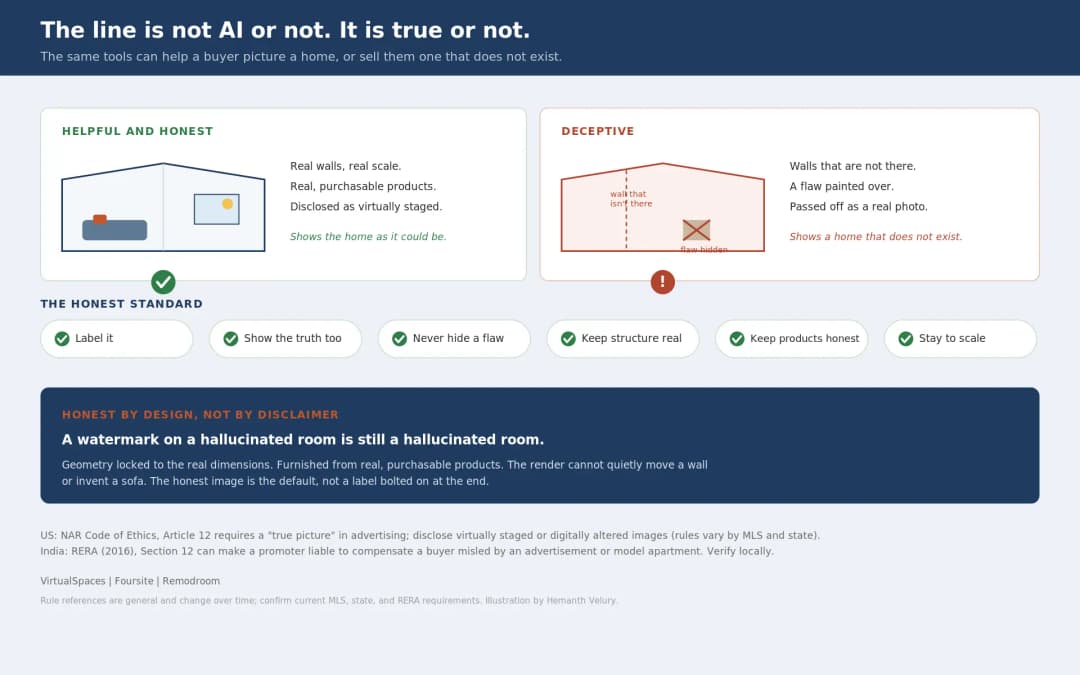
August 03, 2026
Honest by Design: Trust in AI Real Estate Imagery | VirtualSpaces
HHemanth Velury
CEO & Co-Founder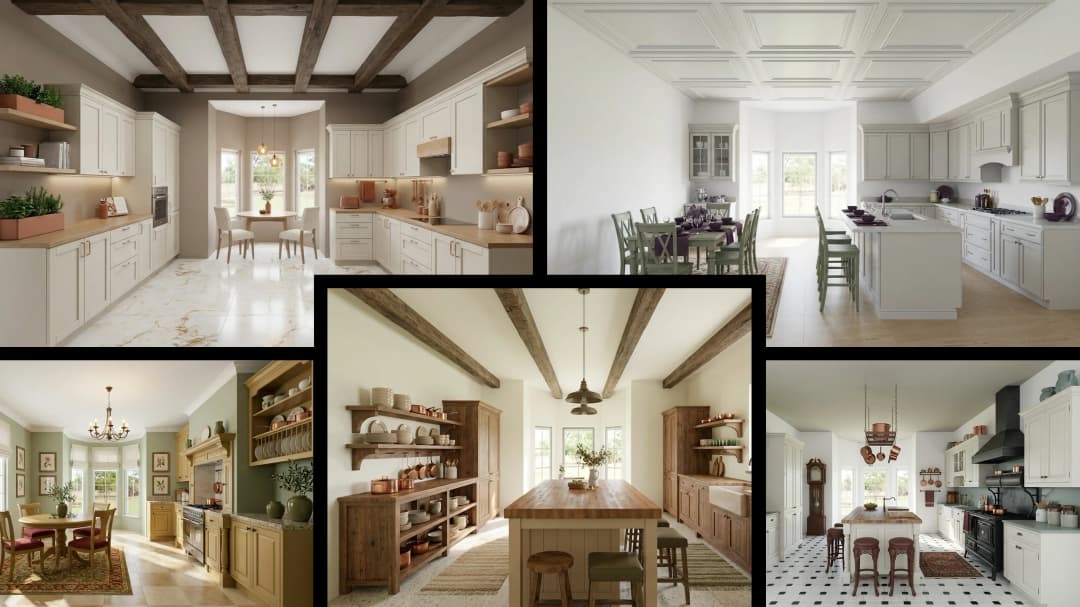
July 29, 2026
Kitchen and Bath: The Two Rooms That Decide Resale | VirtualSpaces
HHemanth Velury
CEO & Co-Founder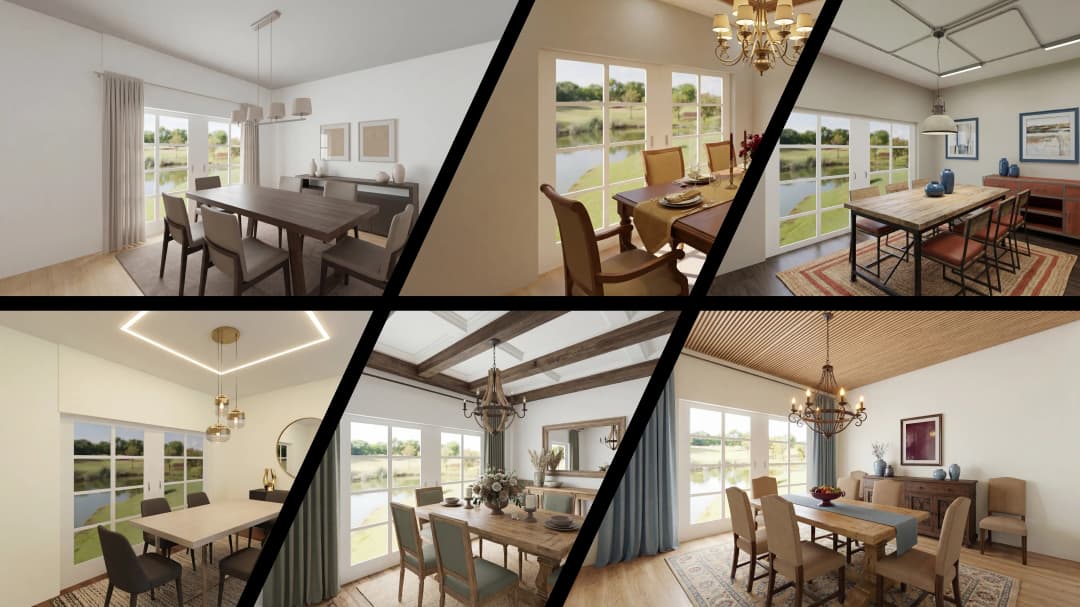
July 27, 2026
Why Empty Rooms Don't Sell: Virtual Staging | VirtualSpaces
HHemanth Velury
CEO & Co-Founder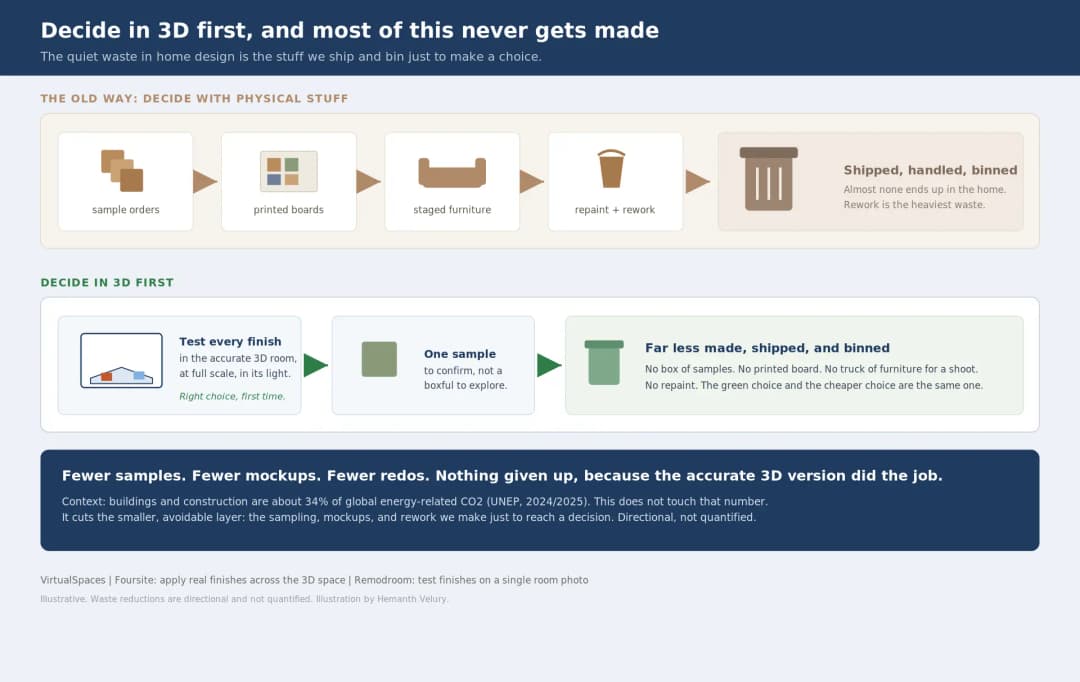
July 24, 2026
The Quiet Sustainability Win of Deciding in 3D | VirtualSpaces
HHemanth Velury
CEO & Co-Founder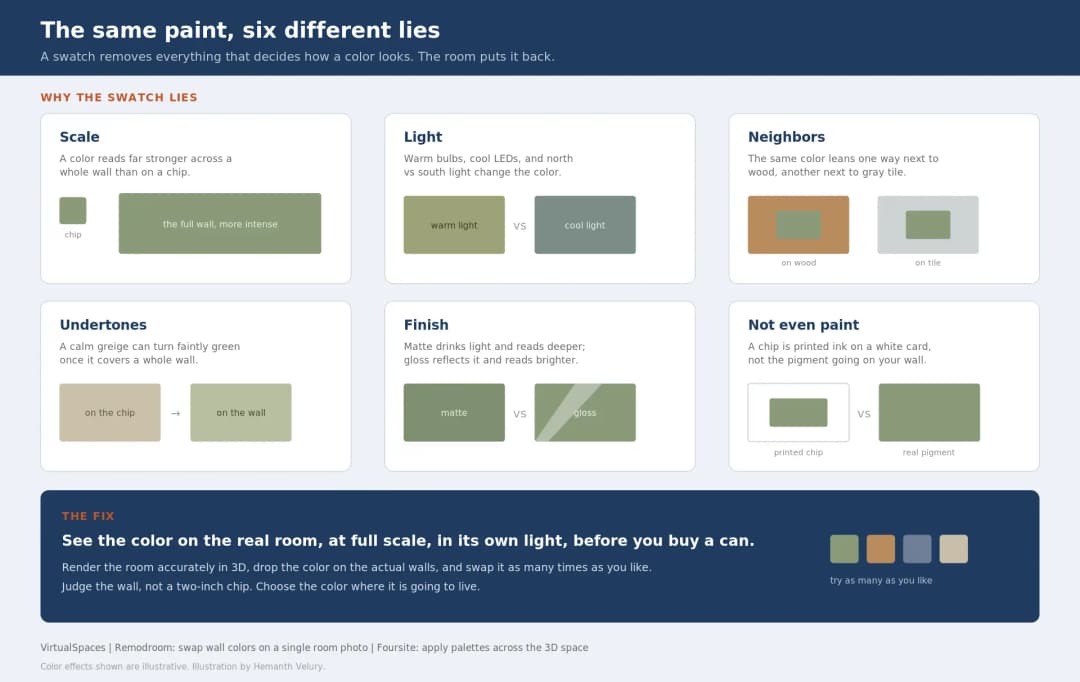
July 22, 2026
Why Paint Swatches Lie: Test Color in 3D First | VirtualSpaces
HHemanth Velury
CEO & Co-Founder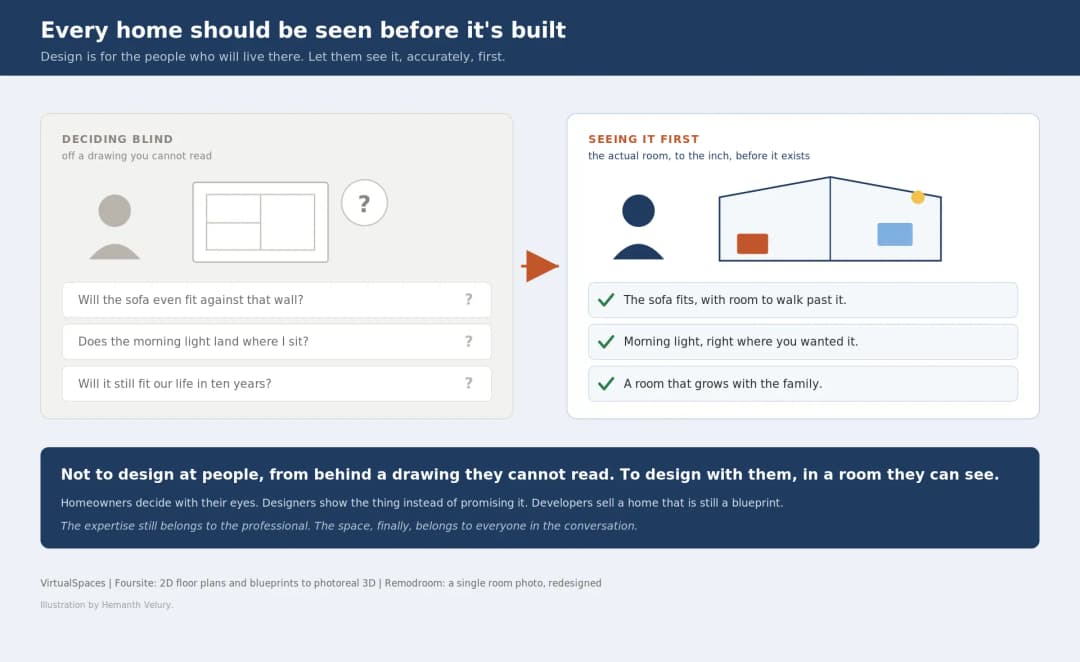
July 20, 2026
Why Every Home Should Be Seen Before It's Built | VirtualSpaces
HHemanth Velury
CEO & Co-Founder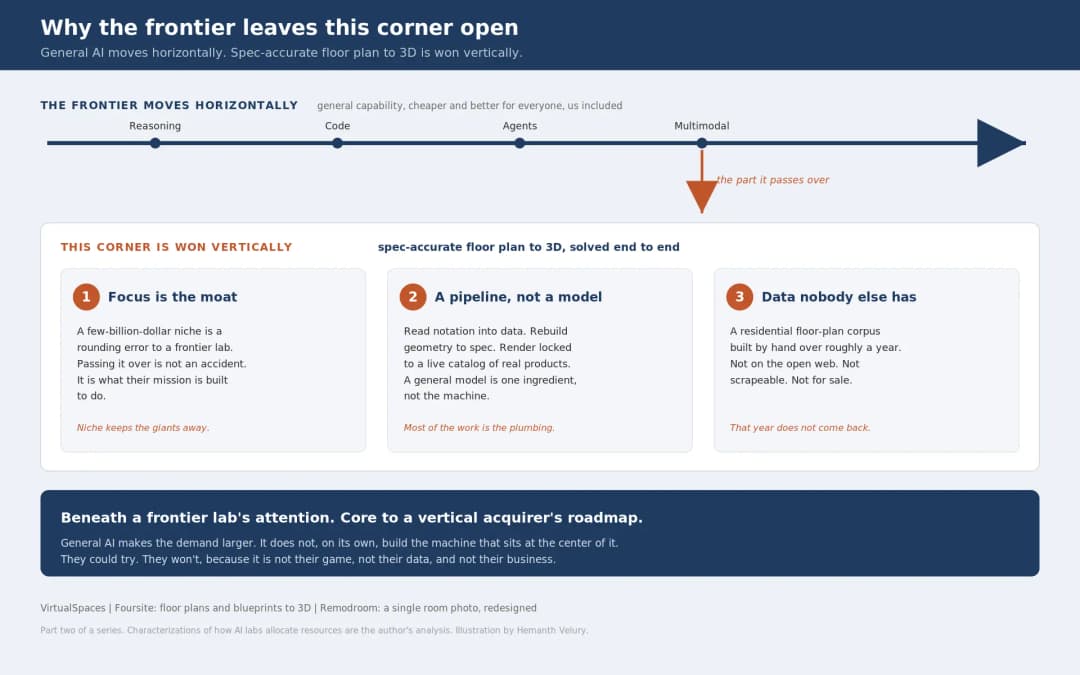
July 17, 2026
Why Big AI Labs Won't Build Floor Plan to 3D | VirtualSpaces
HHemanth Velury
CEO & Co-Founder
July 15, 2026
How We Solve Floor Plan to 3D, Accurately | VirtualSpaces
HHemanth Velury
CEO & Co-Founder
July 13, 2026
Designing Homes That Age With the People in Them | VirtualSpaces
HHemanth Velury
CEO & Co-Founder
July 10, 2026
Designing Spaces for How Light Actually Moves | VirtualSpaces
HHemanth Velury
CEO & Co-Founder
July 08, 2026
Designing Homes for Every Life Stage in 3D | VirtualSpaces
HHemanth Velury
CEO & Co-Founder
July 06, 2026
Build an Interior Design Portfolio Without Clients | VirtualSpaces
HHemanth Velury
CEO & Co-Founder
June 26, 2026
AI Interior Design: Full 3D Workflow in One Platform | VirtualSpaces
HHemanth Velury
CEO & Co-Founder
June 24, 2026
Scope Creep in Interior Design: How AI Visualization Fixes It | VirtualSpaces
HHemanth Velury
CEO & Co-Founder
June 22, 2026
What Buyers See on a Floor Plan: Your Biggest Sales Problem | VirtualSpaces
HHemanth Velury
CEO & Co-Founder
June 19, 2026
Small Design Studios vs Big Firms: The AI Advantage | VirtualSpaces
HHemanth Velury
CEO & Co-Founder
June 17, 2026
After the Mood Board: AI Interior Visualization | VirtualSpaces
HHemanth Velury
CEO & Co-Founder
June 15, 2026
Foursite Pro Editor: Full Floor Plan Control for Designers | VirtualSpaces
HHemanth Velury
CEO & Co-Founder
June 12, 2026
AI Interior Design: Style Any Room in Seconds with Foursite | VirtualSpaces
HHemanth Velury
CEO & Co-Founder
June 08, 2026
Win More Pitches With AI Renders Before the Meeting | VirtualSpaces
HHemanth Velury
CEO & Co-Founder
June 05, 2026
From Floor Plan to Finished Room: What AI Now Makes Possible | VirtualSpaces
HHemanth Velury
CEO & Co-Founder
June 03, 2026
The Interior Design Brief Is Broken. AI Fixes It | VirtualSpaces
HHemanth Velury
CEO & Co-Founder
June 01, 2026
Pre-Construction Home Sales: AI Interior Visualization Guide | VirtualSpaces
HHemanth Velury
CEO & Co-Founder
May 30, 2026
Interior Design Principles: Applied with AI | VirtualSpaces
HHemanth Velury
CEO & Co-Founder
May 28, 2026
Designing Spaces for People, Not Blueprints | VirtualSpaces
HHemanth Velury
CEO & Co-Founder
May 26, 2026
The Future of Interior Design: Closing the Visualization Gap with Foursite and Remodroom | VirtualSpaces
HHemanth Velury
CEO & Co-Founder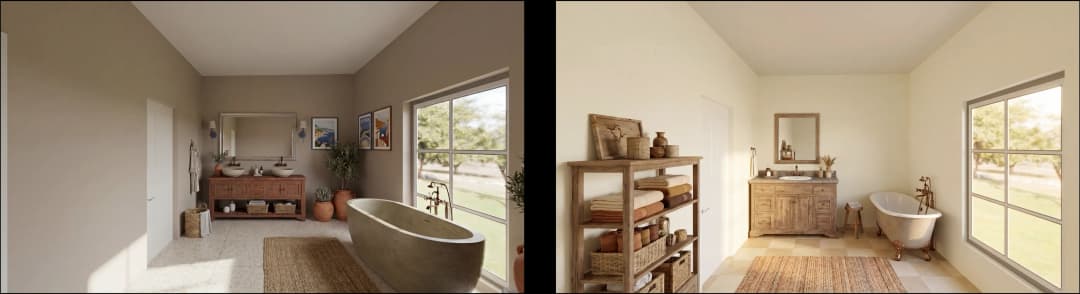
May 18, 2026
How AI Visualization Upgrades Property Data Platforms | VirtualSpaces
HHemanth Velury
CEO & Co-Founder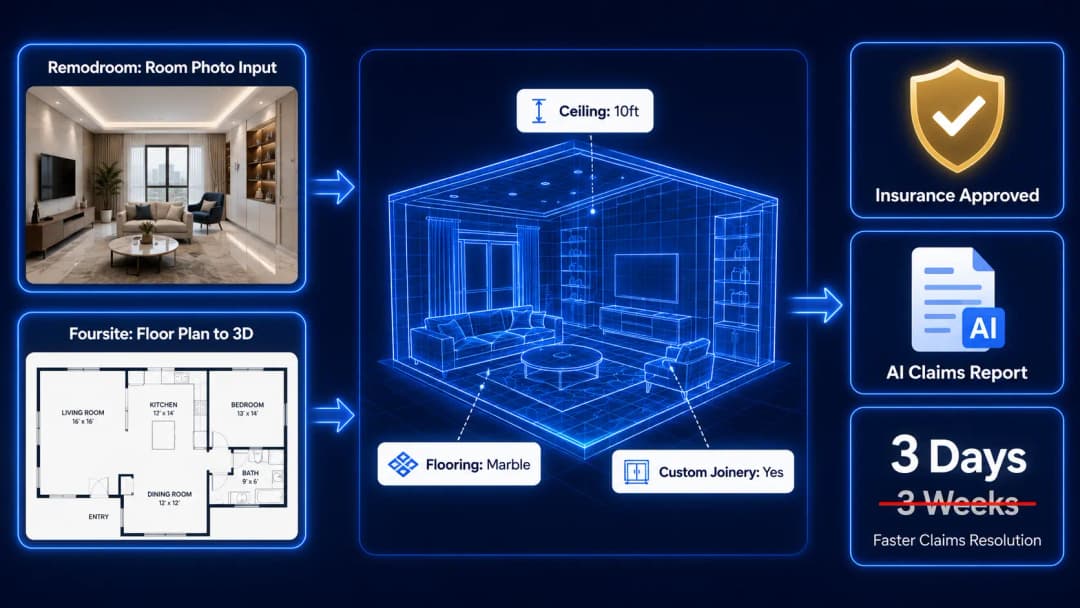
May 14, 2026
How AI-First Insurers Can Use 3D Property Data to Transform Home Claims | VirtualSpaces
HHemanth Velury
CEO & Co-Founder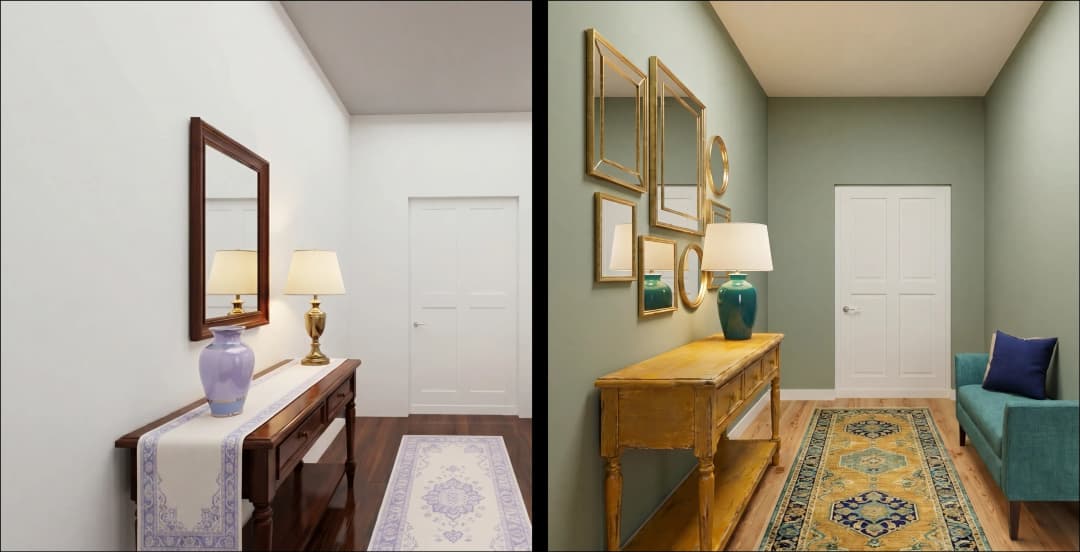
May 12, 2026
Why Photoreal 3D Renders Are Replacing Mood Boards | Interior Design Client Presentations | VirtualSpaces
HHemanth Velury
CEO & Co-Founder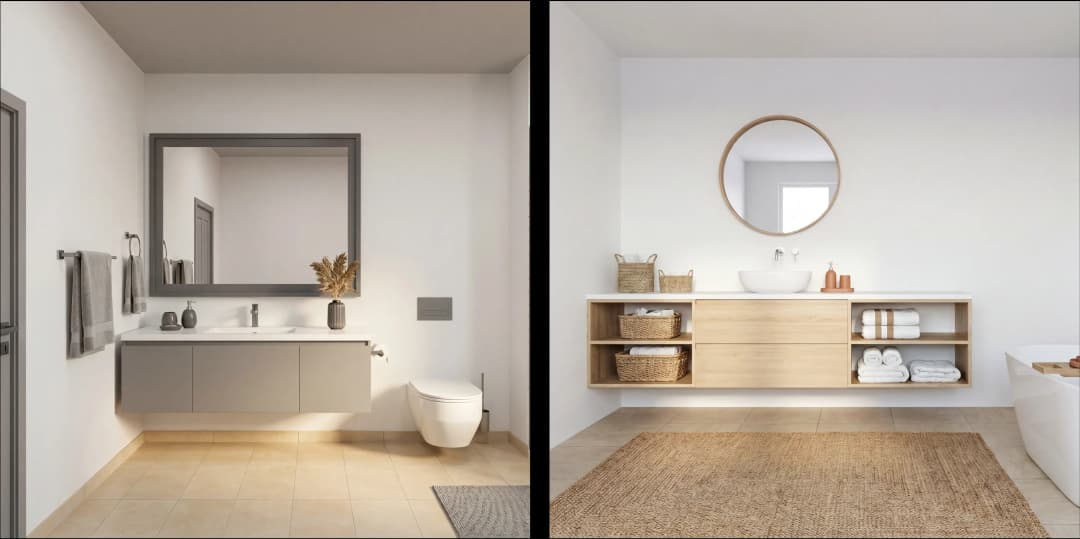
May 08, 2026
From 2D Floor Plans To Living Worlds: The Spec‑Accurate 3D Engine | VirtualSpaces
HHemanth Velury
CEO & Co-Founder
May 06, 2026
Why Furniture Brands Need AI 3D Visualization Now | VirtualSpaces
HHemanth Velury
CEO & Co-Founder
May 4, 2026
How Property Portals Can Turn 2D Floor Plans into 3D Design Decisions | VirtualSpaces
HHemanth Velury
CEO & Co-Founder
April 29, 2026
The Home-Fit Test: Why Square Footage Misleads | VirtualSpaces
HHemanth Velury
CEO & Co-Founder
April 27, 2026
Designing Homes That Sell: 3D Visualization ROI Data | VirtualSpaces
HHemanth Velury
CEO & Co-FounderApril 24, 2026
What's Next: Foursite & Remodroom's New AI Features | VirtualSpaces
HHemanth Velury
CEO & Co-Founder
April 22, 2026
AI in Architecture: Closing the 85% Exposure Gap | VirtualSpaces
HHemanth Velury
CEO & Co-Founder
April 20, 2026
Interior Design Pricing in 2026: From Hourly to Value-Based Fees | VirtualSpaces
HHemanth Velury
CEO & Co-FounderApril 17, 2026
How Foursite and Remodroom Help Designers Win Clients | VirtualSpaces
HHemanth Velury
CEO & Co-Founder
April 15, 2026
Designing Spaces for People: Remodroom + Foursite AI Guide | VirtualSpaces
HHemanth Velury
CEO & Co-Founder
April 13, 2026
Designing for the Way People Actually Live: How AI 3D Is Finally Closing the Gap Between Floor Plan and Reality
HHemanth Velury
CEO & Co-Founder
April 11, 2026
Design in Real Time: AI Renders in Your First Client Meeting
HHemanth Velury
CEO & Co-Founder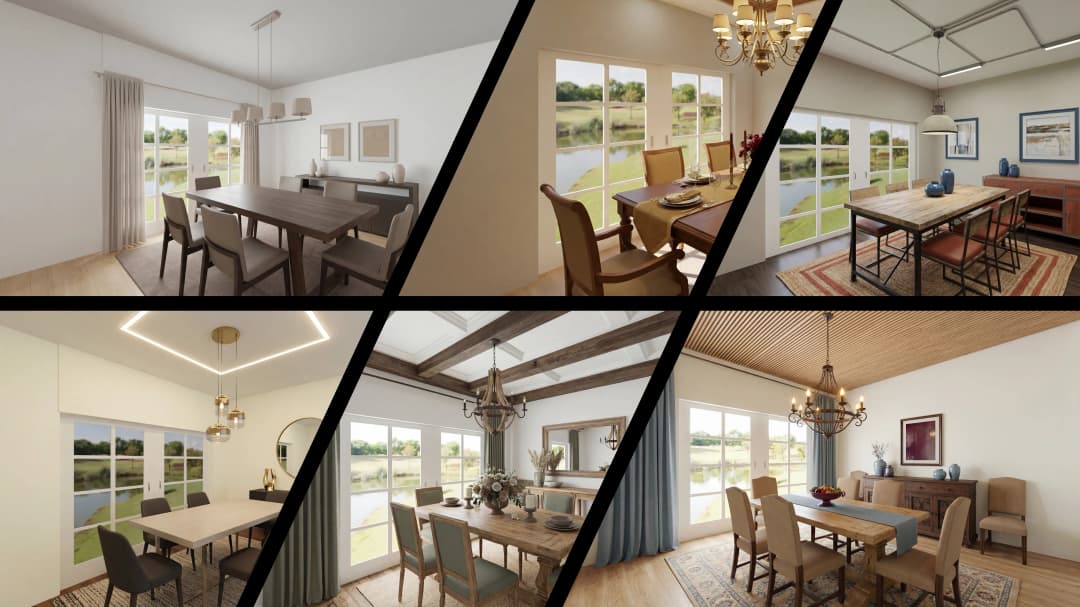
April 06, 2026
Why Real Estate Photography Is No Longer Enough: The Shift to Spatial-First Listings
HHemanth Velury
CEO & Co-Founder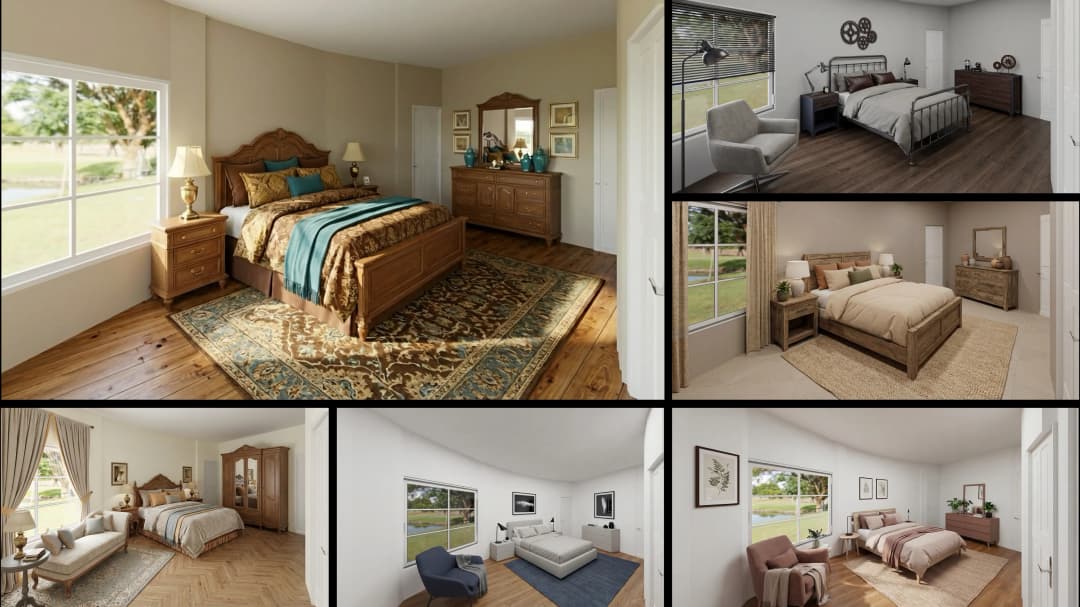
April 03, 2026
Property Management's Hidden Weapon: AI 3D Floor Plans That Cut Vacancy Time and Raise Tenant Quality
HHemanth Velury
CEO & Co-Founder
April 01, 2026
Off-Plan and Oversubscribed: How AI 3D Visualization Is Transforming Real Estate Pre-Sales
HHemanth Velury
CEO & Co-Founder
March 30, 2026
Why Foursite Beats Generic AI Tools for Interior Design 3D Visualization
HHemanth Velury
CEO & Co-Founder
March 27, 2026
7 Tenets of Interior Design: How AI Accelerates Harmony in Residential Spaces
HHemanth Velury
CEO & Co-Founder
March 25, 2026
What Is the 3-5-7 Rule in Interior Design? Foursite's AI Guide for Residential Spaces
HHemanth Velury
CEO & Co-Founder
March 23, 2026
What Is the 70/30 Rule in Interior Design? Foursite's AI Guide for Residential Spaces
HHemanth Velury
CEO & Co-Founder
March 20, 2026
How AI 3D Visualization Is Rewriting Residential Interior Design Workflows
HHemanth Velury
CEO & Co-Founder
March 18, 2026
Beyond Marketing: How 3D Floorplans Transform FM, Retrofit Planning & ESG Operations
HHemanth Velury
CEO & Co-Founder
March 16, 2026
Why AI Companies Use Token Payments (And Why VirtualSpaces Is Returning To Fiat)
HHemanth Velury
CEO & Co-Founder
March 13, 2026
Floorplan‑Native Digital Twins: Beyond BIM for Consumer‑Ready Real Estate Experiences
HHemanth Velury
CEO & Co-Founder
March 11, 2026
The Foursite Platform Thesis: Why Floor Plans, Not Photos, Are the Next Property Software Primitive
HHemanth Velury
CEO & Co-Founder
March 09, 2026
Design Systems for Space: Building Reusable 3D Component Libraries on Top of AI Floorplan‑to‑3D Engines
HHemanth Velury
CEO & Co-Founder
March 06, 2026
How to Standardize Design Quality Across Global Projects Using AI Floorplan-to-3D Tools
HHemanth Velury
CEO & Co-Founder
March 04, 2026
From CAD-First to AI-First: Reskilling Your Team for AI-Native Design Workflows
HHemanth Velury
CEO & Co-Founder
March 02, 2026
Algorithmic Ergonomics Meets Photorealistic 3D: Designing Human-Centered Smart Homes with Foursite in 2026
HHemanth Velury
CEO & Co-Founder
February 27, 2026
The Ethics of AI in Interior Design: Ownership, Originality, and Client Transparency
HHemanth Velury
CEO & Co-Founder
February 25, 2026
Designing with Empathy: Using AI 3D Visualization to Improve Client Communication and Emotional Clarity
HHemanth Velury
CEO & Co-Founder
February 23, 2026
From Tool to Infrastructure: AI Floorplan-to-3D and the Next Wave of PropTech
HHemanth Velury
CEO & Co-Founder
February 20, 2026
AI Interior Design for Holiday Homes: Turn Spare Flats into High-Demand Short-Stay Rentals with 3D Visuals
HHemanth Velury
CEO & Co-Founder
February 18, 2026
The Pre‑Purchase Power Play: How Savvy Home Buyers Use 3D Floor Plan Visualization to Negotiate Better Deals
HHemanth Velury
CEO & Co-FounderFebruary 16, 2026
AI Interior Design for Non‑Designers: How Homeowners Can Brief Like Pros
HHemanth Velury
CEO & Co-Founder
February 13, 2026
Scaling a Design Business Without Hiring a 3D Team: An Owner's Guide
HHemanth Velury
CEO & Co-Founder
February 11, 2026
From Bland to Bold: How to Rescue Builder-Grade Interiors on Any Budget
HHemanth Velury
CEO & Co-Founder
February 6, 2026
The Psychology of Space: How Room Dimensions Influence Interior Design Decisions
HHemanth Velury
CEO & Co-Founder
February 4, 2026
The Future of Interior Design Visualization: How AI Technology is Transforming 2D Concepts Into 3D Reality
HHemanth Velury
CEO & Co-Founder
February 2, 2026
AI Interior Décor: How Artificial Intelligence Generates Design Options from Your Floor Plan
HHemanth Velury
CEO & Co-Founder
January 30, 2026
Photoreal vs. Reality: What Clients Actually Expect from Interior Design Visualization
HHemanth Velury
CEO & Co-Founder
January 28, 2026
The Design Approval Conversation That Changes Everything: Communication Strategy When Using Photorealistic Visualization
HHemanth Velury
CEO & Co-Founder
January 25, 2026
Interior Design as Experience Design: How 3D Visualization Changes Your Professional Identity
HHemanth Velury
CEO & Co-Founder
January 23, 2026
The Professional Gap: How 3D Visualization Changes Interior Design Client Perception
HHemanth Velury
CEO & Co-Founder
January 21, 2026
Why Clients Fire Designers (And How 3D Visualization Could Have Saved the Project)
HHemanth Velury
CEO & Co-Founder
January 16, 2026
Blueprint to Vision: Why Seeing Is Believing in Interior Design
HHemanth Velury
CEO & Co-Founder
January 14, 2026
The Speed of Responsiveness: How AI Visualization Tools Make You Look Like You Care More
HHemanth Velury
CEO & Co-Founder
January 12, 2026
Why Interior Designers and Architects Can't Compete Without AI 3D Visualization Tools
HHemanth Velury
CEO & Co-Founder
January 07, 2026
From "Saved" to "Sold": How Homeowners Are Planning Renovations with AI
HHemanth Velury
CEO & Co-Founder
January 05, 2026
The Interior Designer's Secret Weapon: Speed as Premium Positioning
HHemanth Velury
CEO & Co-Founder
December 31, 2025
Gratitude, Growth & Game-Changing Innovation: VirtualSpaces' 2025 Journey & What's Coming in 2026
HHemanth Velury
CEO & Co-Founder
December 29, 2025
Why Interior Designers Are Switching to AI Floor Plan-to-3D Tools in 2026
HHemanth Velury
CEO & Co-Founder
December 26, 2025
AI Virtual Staging for Real Estate Agents: Sell More Homes Faster with Foursite
HHemanth Velury
CEO & Co-Founder
December 24, 2025
Why Architects Are Switching to AI 2D-to-3D: The SketchUp Alternative
HHemanth Velury
CEO & Co-Founder
December 22, 2025
Cut 3 Weeks from Real Estate Sales Cycle: The ROI of AI 2D to 3D Visualization
HHemanth Velury
CEO & Co-Founder
December 19, 2025
2D Floor Plans Are Dying: Why 3D Visualization & AI Virtual Staging Are the Future
HHemanth Velury
CEO & Co-Founder
December 17, 2025
Virtual Staging vs Physical Staging: How AI Saves Money Per Property
HHemanth Velury
CEO & Co-Founder
December 15, 2025
AI Floor Plan to Image: Revolutionizing Real Estate Marketing for Agents
HHemanth Velury
CEO & Co-Founder
December 12, 2025
Color of the Year 2026: Cloud Dancer | VirtualSpaces AI Interior Design Guide
HHemanth Velury
CEO & Co-Founder
December 10, 2025
AI Floor Plan to 3D: The New Standard for Interior Design Workflows
HHemanth Velury
CEO & Co-Founder
December 08, 2025
How Interior Design Studios Can Operationalize AI 2D-to-3D Workflows (Without Breaking Their Process)
HHemanth Velury
CEO & Co-Founder
December 06, 2025
How to Implement AI Interior Design Workflows in Your Studio
HHemanth Velury
CEO & Co-Founder
December 4, 2025
How Homeowners Can Use AI Interior Design Tools to Plan Renovations with Confidence
HHemanth Velury
CEO & Co-Founder
November 28, 2025
Interior Designers in the Age of AI: From Threat Narrative to Superpower
HHemanth Velury
CEO & Co-Founder
November 21, 2025
Foursite Launch: Embracing 'Release Early, Release Often'
HHemanth Velury
CEO & Co-Founder
November 13, 2025
Foursite by VirtSpaces: Empowering Interior Designers, Architects, and Homeowners
HHemanth Velury
CEO & Co-Founder
November 7, 2025
Reimagining Architectural Education: How AI Floorplan-to-3D Technology Can Transform Design Learning
VVirtualSpaces Research Labs
AI Research Initiative
October 27, 2025
Archisculpt AI: Turning Architectural Drawings into Photorealistic 3D Spaces
AAbhijeet Naik
Co-Founder & CTO
October 13, 2025
Home Makeover: From Floor Plan to Dream Space with AI
HHemanth Velury
CEO & Co-Founder
October 6, 2025
Real-Time Rendering & AI: Revolutionizing Interactive Property Walkthroughs with VirtSpaces
HHemanth Velury
CEO & Co-Founder
September 26, 2025
Foursite - A True AI-Native Experience in Design Visualization
AAbhijeet Naik
CTO & Co-Founder
September 18, 2025
Why PropTech Startups Are Betting on AI Interior Design
HHemanth Velury
CEO & Co-Founder
September 11, 2025
How AI Differs from Traditional 3D Rendering Software
HHemanth Velury
CEO & Co-Founder
September 2, 2025
From Client to Investor: How Nila Spaces and VirtSpaces Are Redefining Proptech with AI
HHemanth Velury
CEO & Co-Founder
August 25, 2025
VirtSpaces From Virtual Reality to AI – Transforming Real Estate Visualization.
HHemanth Velury
CEO & Co-Founder


We help teams collaborate seamlessly and reduce costs. Virtual Spaces offers cutting-edge technology with flexible plans designed to fit modern teams.
Copyright © VirtSpaces Pvt. Ltd. 2025 All Rights Reserved.
CIN: U74999KA2016PTC094921